View an employee's observations
The observations you have recorded for a colleague live on that person’s profile — and only you can see your own observations.
Open the observations
- Open the profile of the colleague.
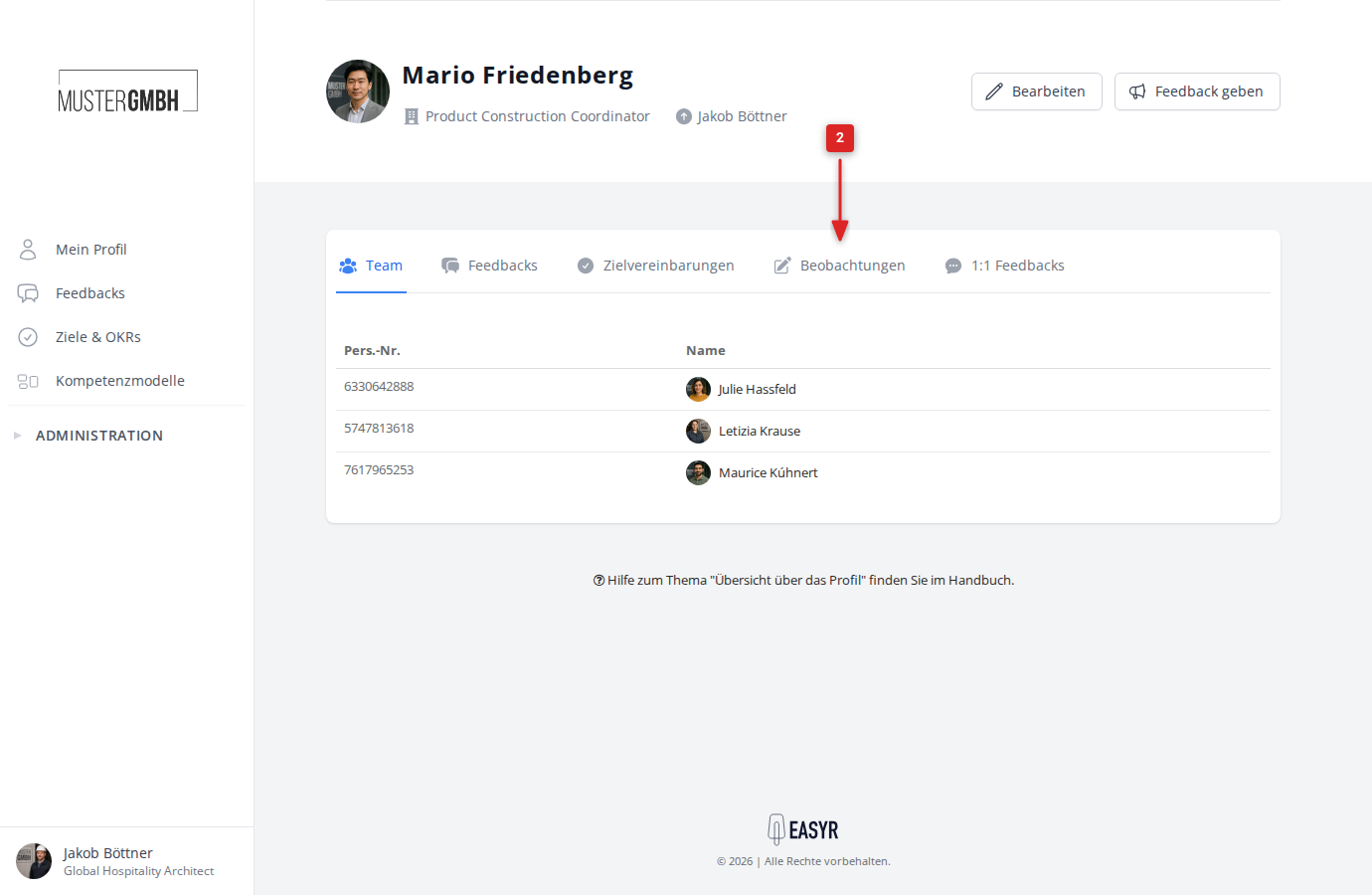
- Switch to the Notes tab.
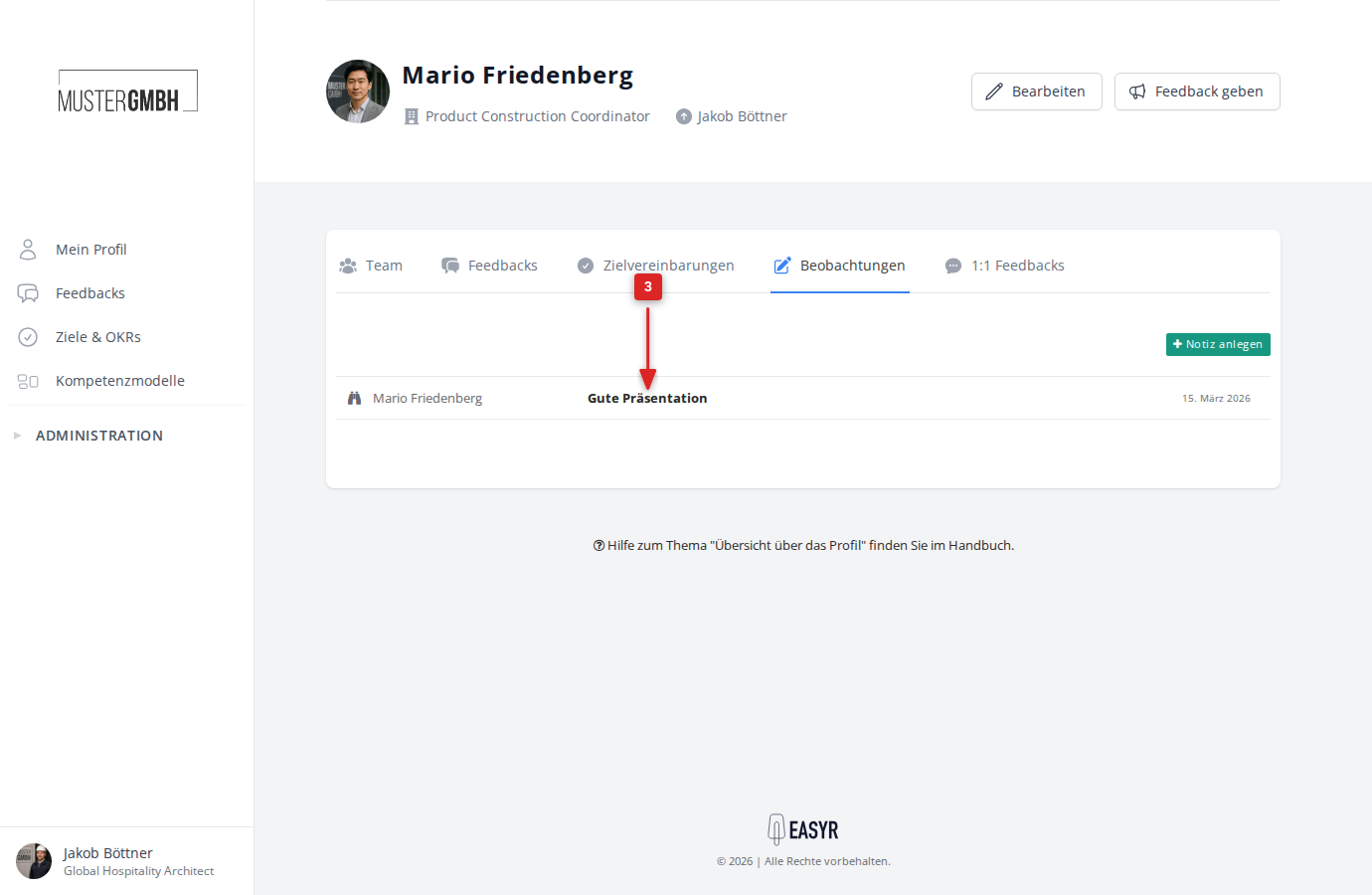
- You now see a list of your observations about this employee. Click an observation’s title to open it.
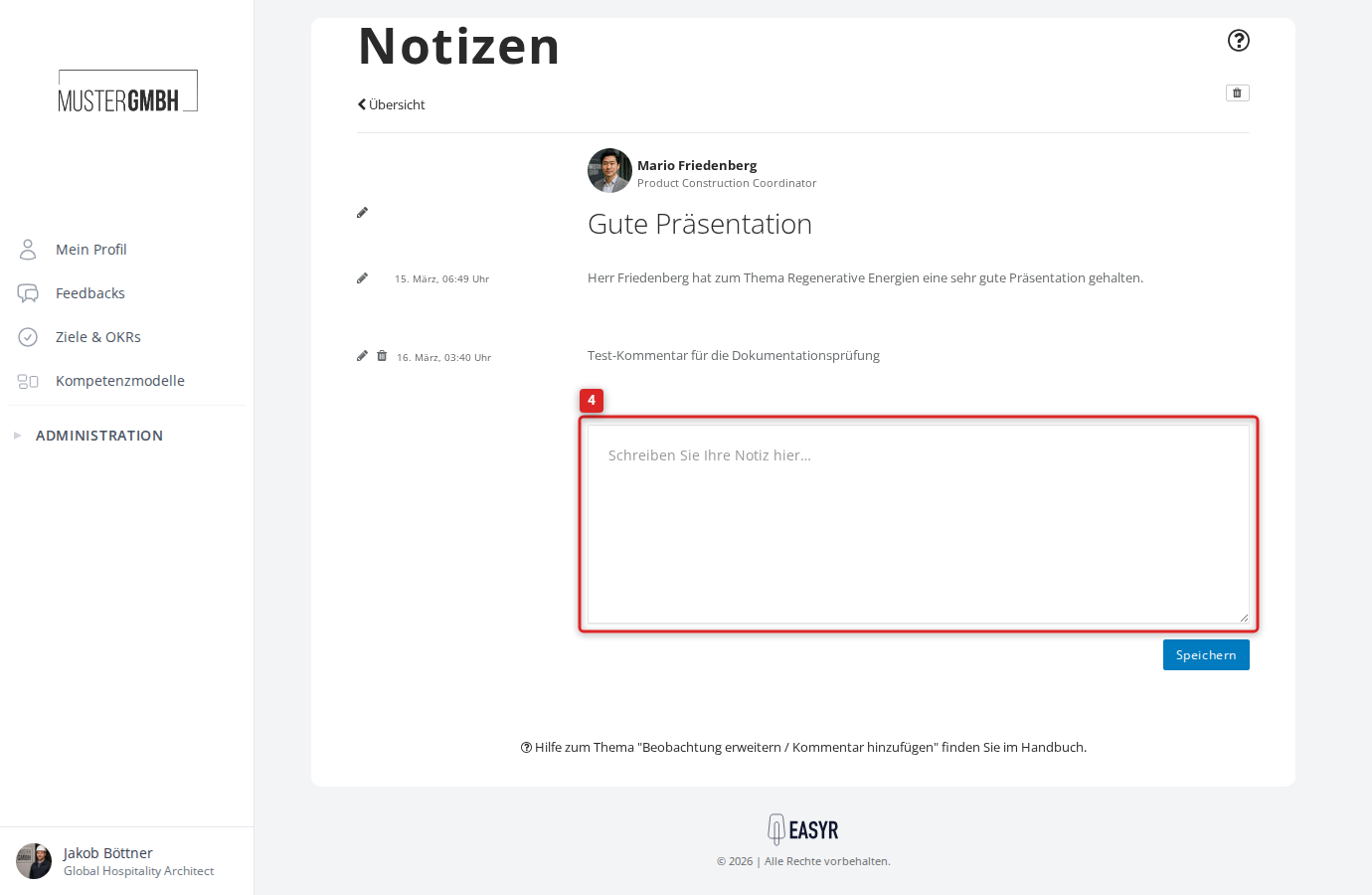
- The observation opens with its title, date and content. Use the text field at the bottom of the page to add a further comment.