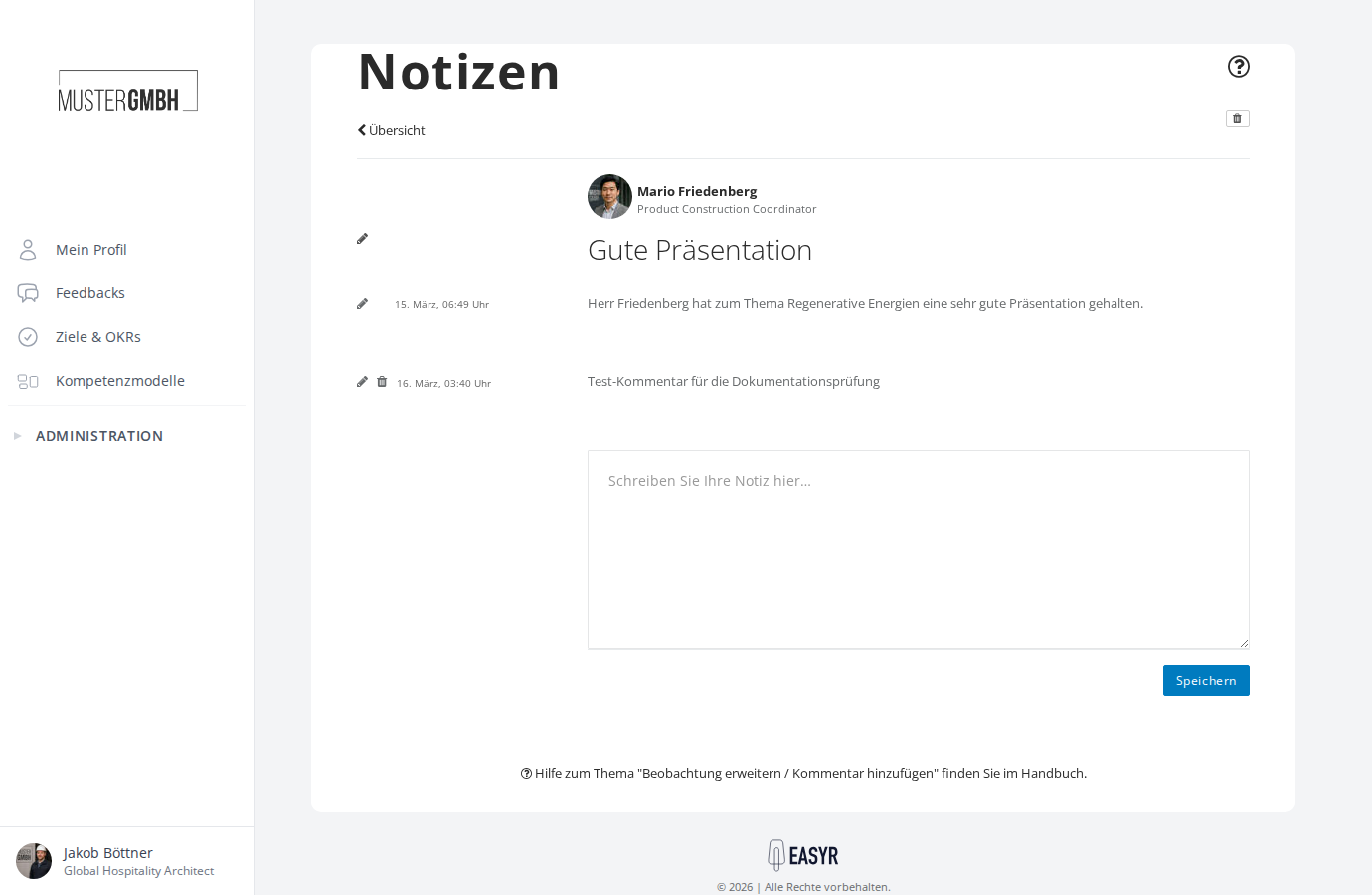
View an observation
You’ll find all your observations on the Notes & comments overview page, or straight from a colleague’s profile. The sections below show both routes.
From an employee profile
- Open the profile of the colleague you’re interested in (for example from the employee list).
- Click the Notes tab.
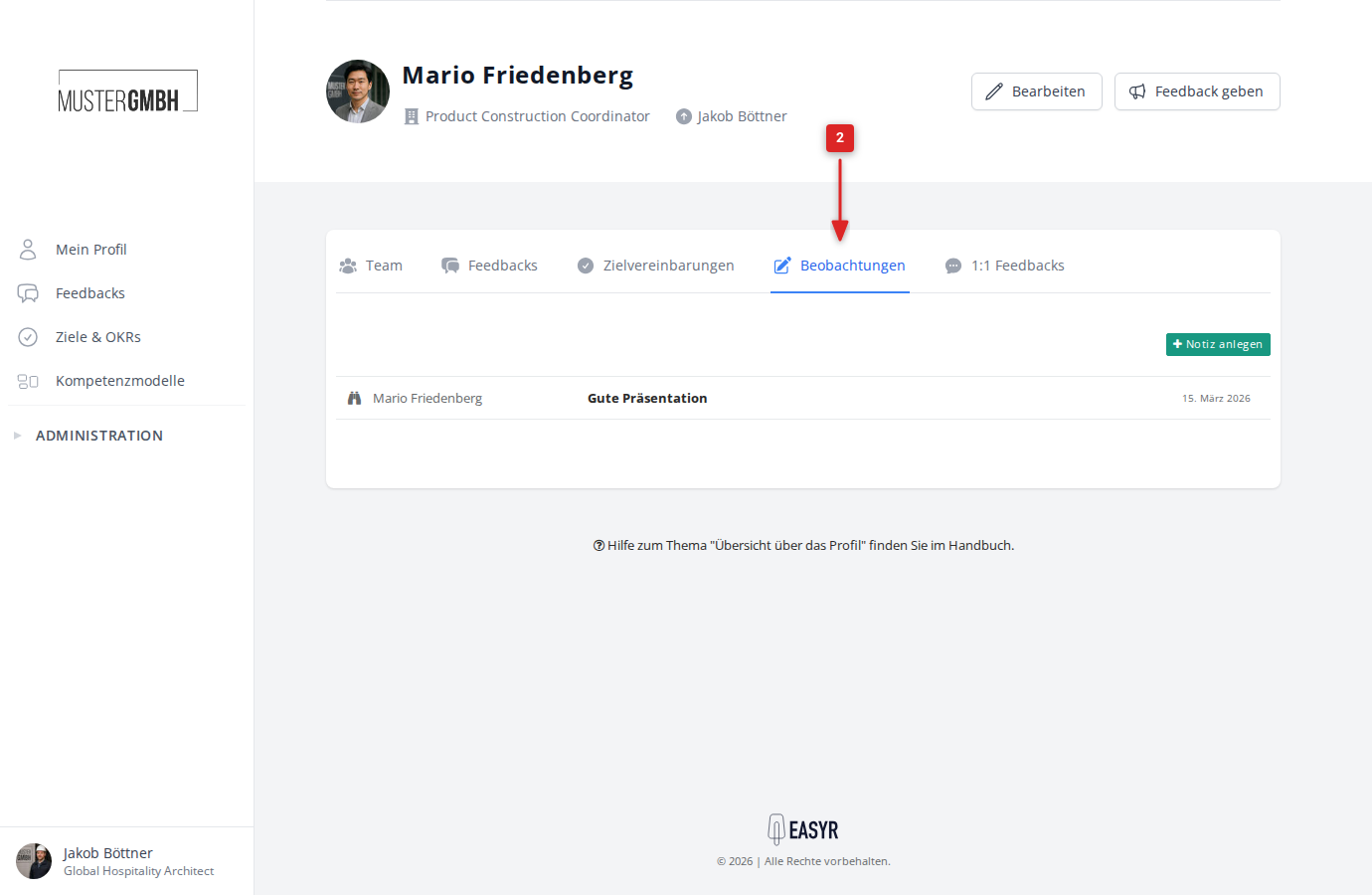
You now see all the observations you’ve written about this colleague. Click an observation’s title to open it.
From the observations overview
The Notes & comments page shows all your observations for every colleague in one place. You reach it via the Notes tab in any employee profile, then via the Overview link in the detail view of a note.
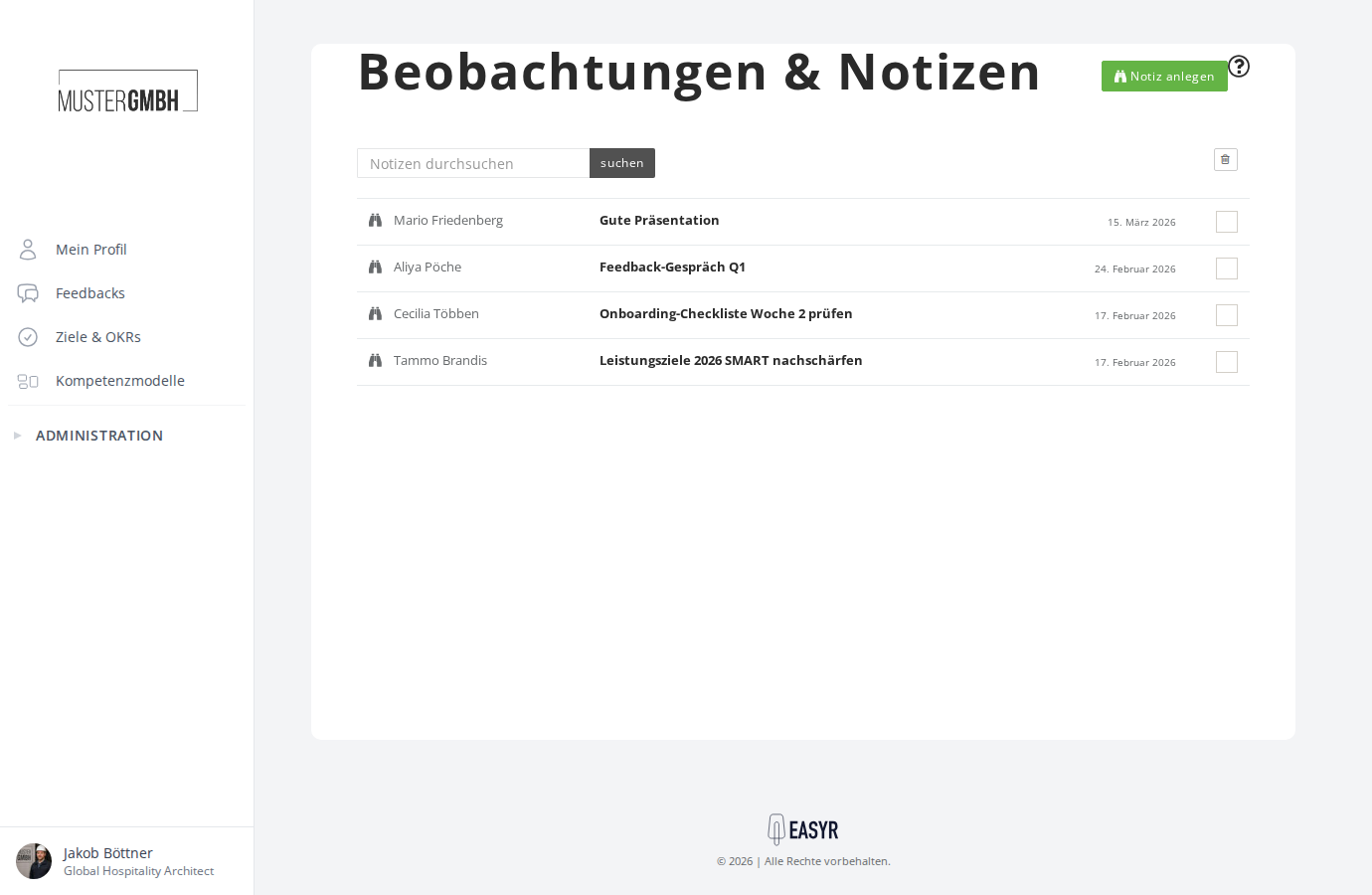
Each row shows the colleague’s name, the observation’s title, and the creation date. Click the title to open the observation.
The detail view of an observation
After you click a title, the detail view opens. There you see:
- The colleague with profile picture and job title (linked to the profile)
- The observation’s title
- The creation date
- The note text
- All comments so far (sub-notes)
- A text field to add another comment