First sign-in and setting your password
Setting a personal password
To sign in to your easyreview account for the first time:
-
Open your company’s address (for example
your-company.easy-review.de) in your browser and sign in with your one-time password (see Sign in). -
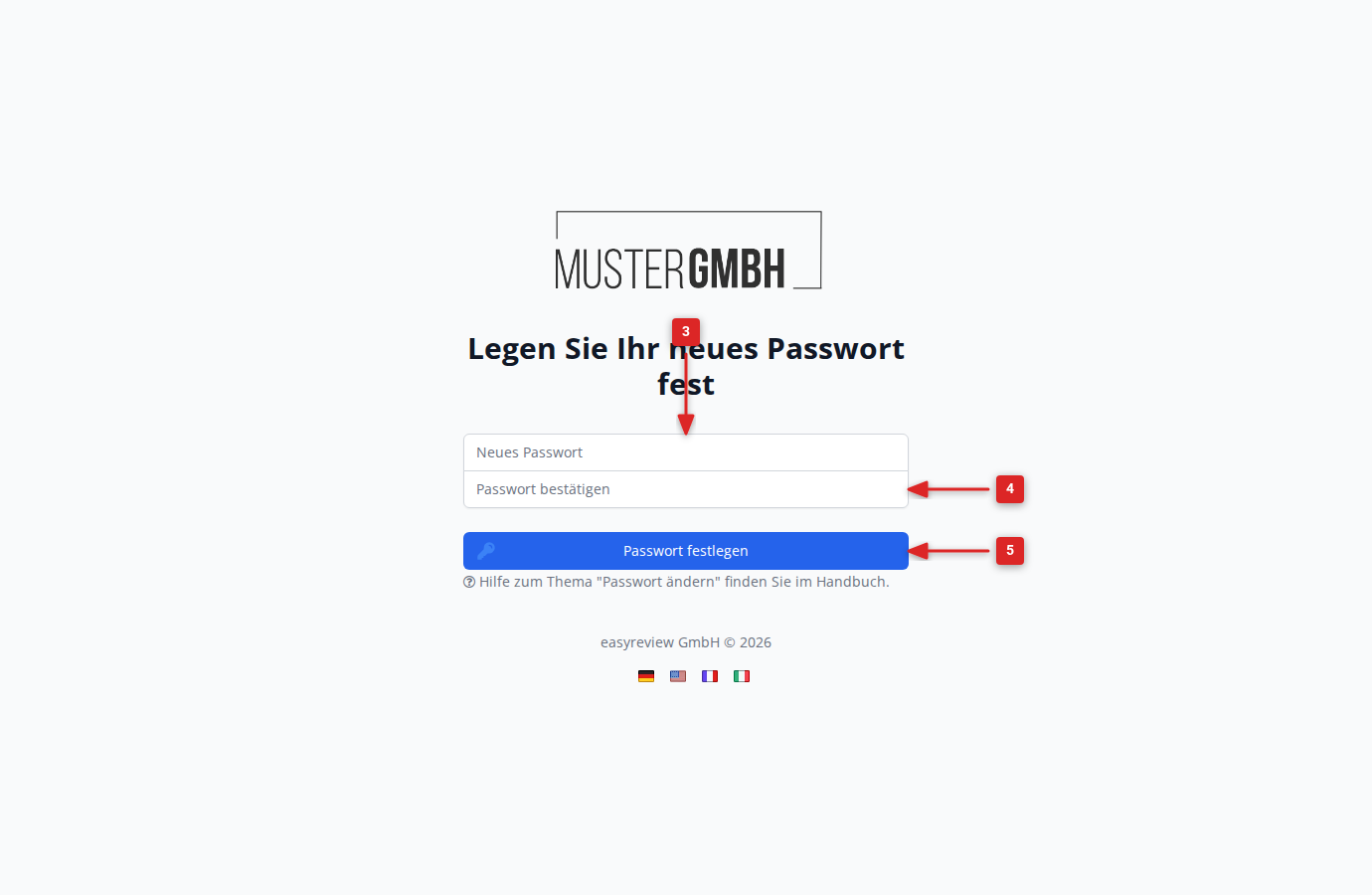
After signing in with the one-time password, you are taken automatically to the Set your new password page.
-
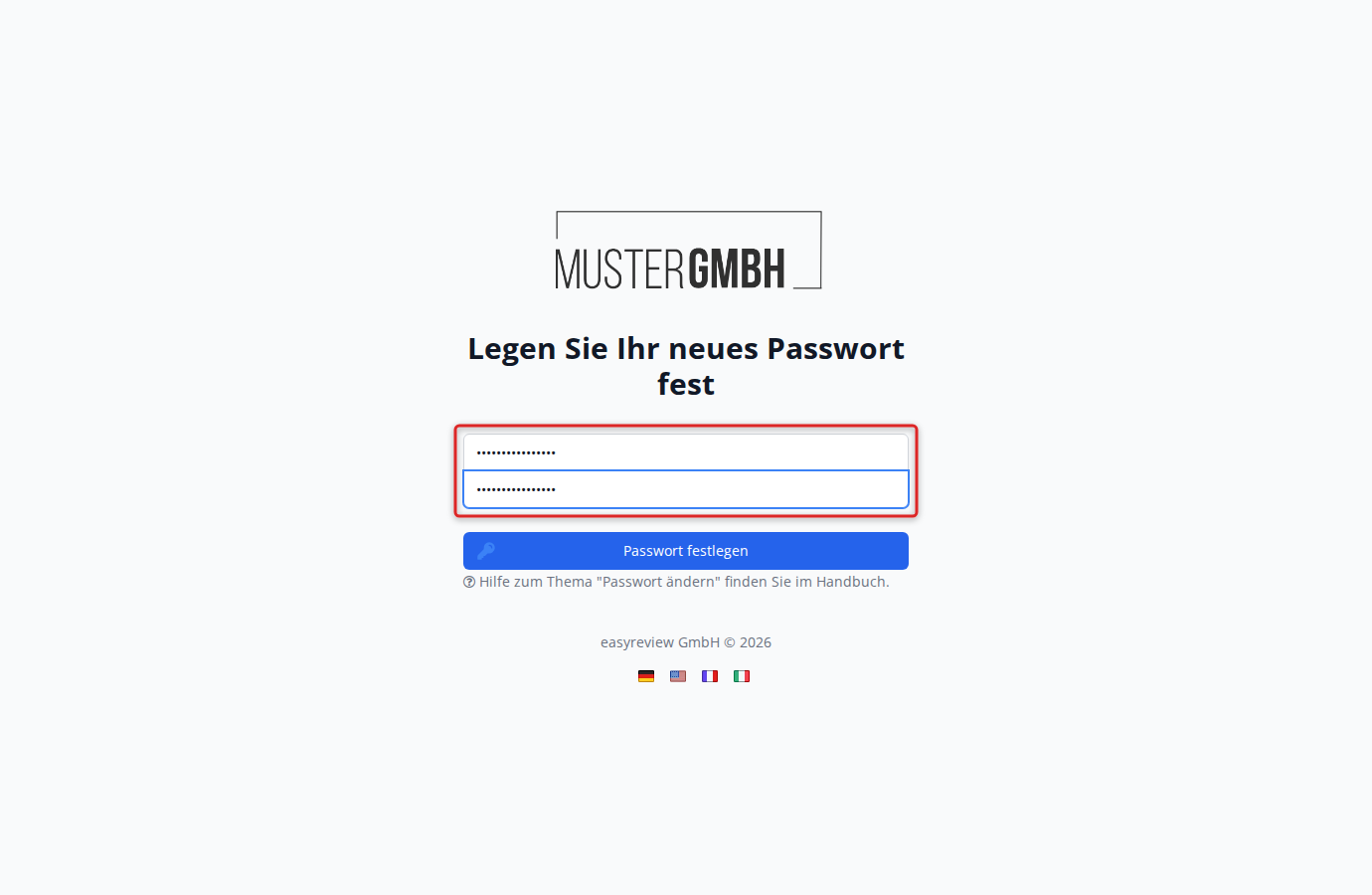
Enter the password you want in the New password field.
-
Confirm it by typing it again in the Confirm password field.
-
Click Set password.
-
The system confirms that the password was set with the message Password updated.
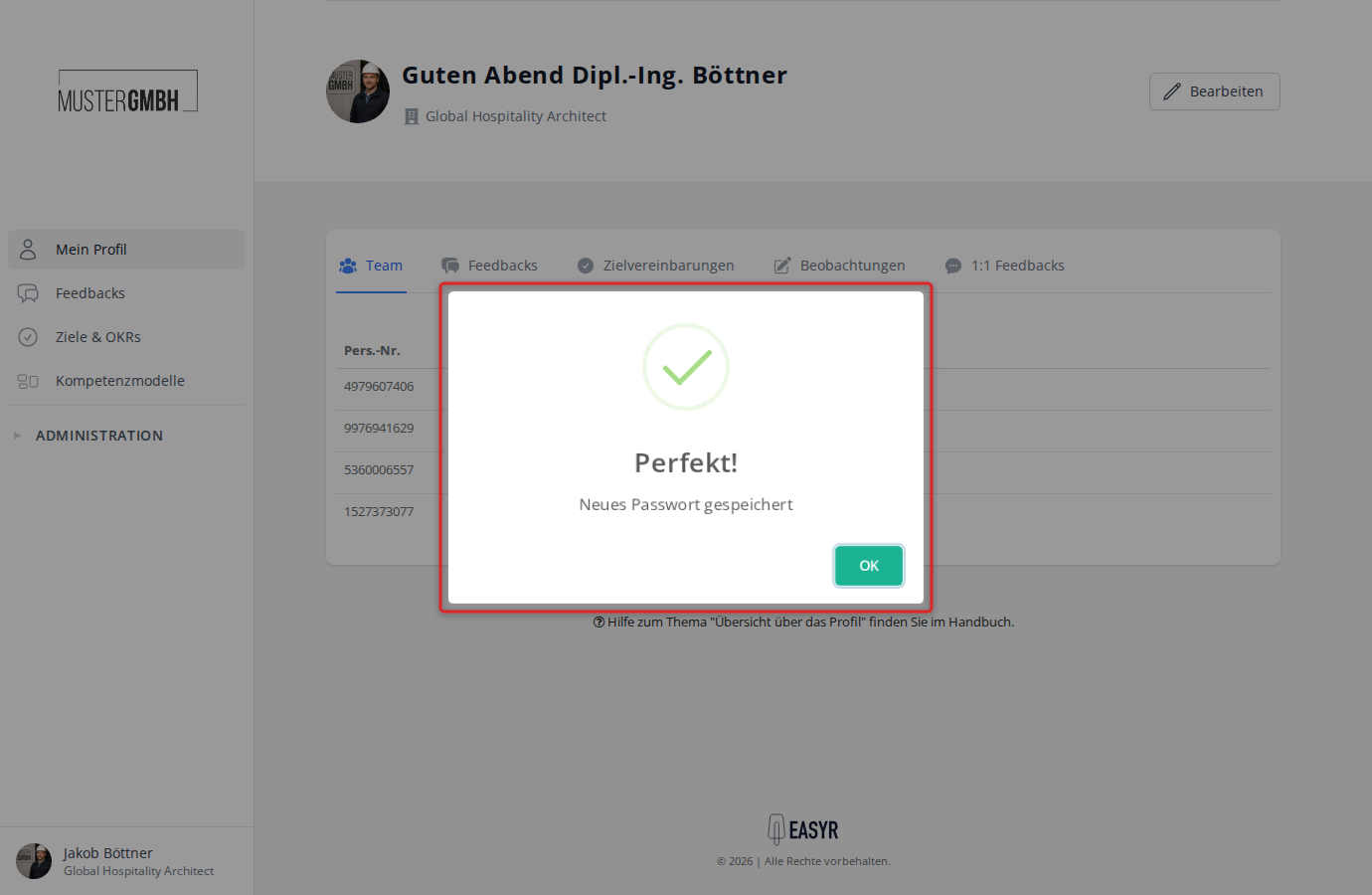
Your personal password is now active, and from now on you sign in to easyreview only with it.
The one-time password is no longer valid.
If you want to change your password later, see Change password.