Notifications for user invitations
When you add new employees to easyreview, they have to activate their account before they can sign in. To make that happen, easyreview sends an account invitation by email when you trigger it: it contains an activation link the person uses to set their password (see First sign-in and setting your password). The activation link is valid for 14 days.
When does the account invitation go out?
The account invitation is sent as soon as you trigger it:
- For everyone at once: from the actions menu of the employee list, using Send invitation (all employees) or Send invitation (uninvited employees).
- For individual users: from the actions on that person’s row in the employee list (“Sign in data, account confirmation send”).
Users without an email address and users who have already set their password are skipped automatically. There is no risk of writing to active users again.
When the activation link has expired
If someone misses the 14 days, just send the account invitation again using the same actions. The new email contains a fresh activation link, valid for another 14 days.
Editing the account invitation text
You edit the subject and content of the email in the company-wide Notification Center — for example to use your own tone of voice or to add first-sign-in tips:
- In the sidebar, open Administration > Employees.
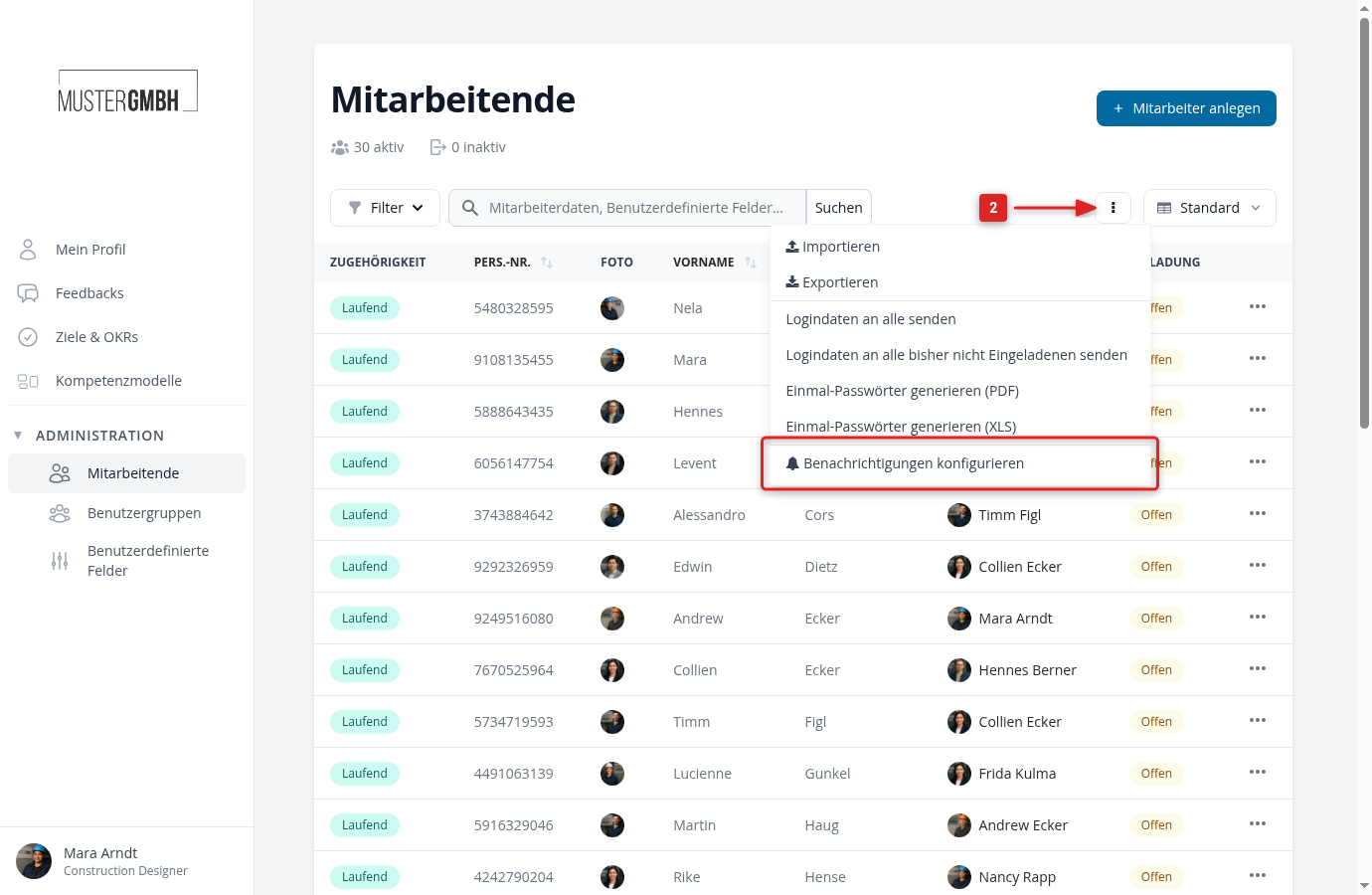
- Click the three-dot actions button next to the search field and choose Configure notifications.
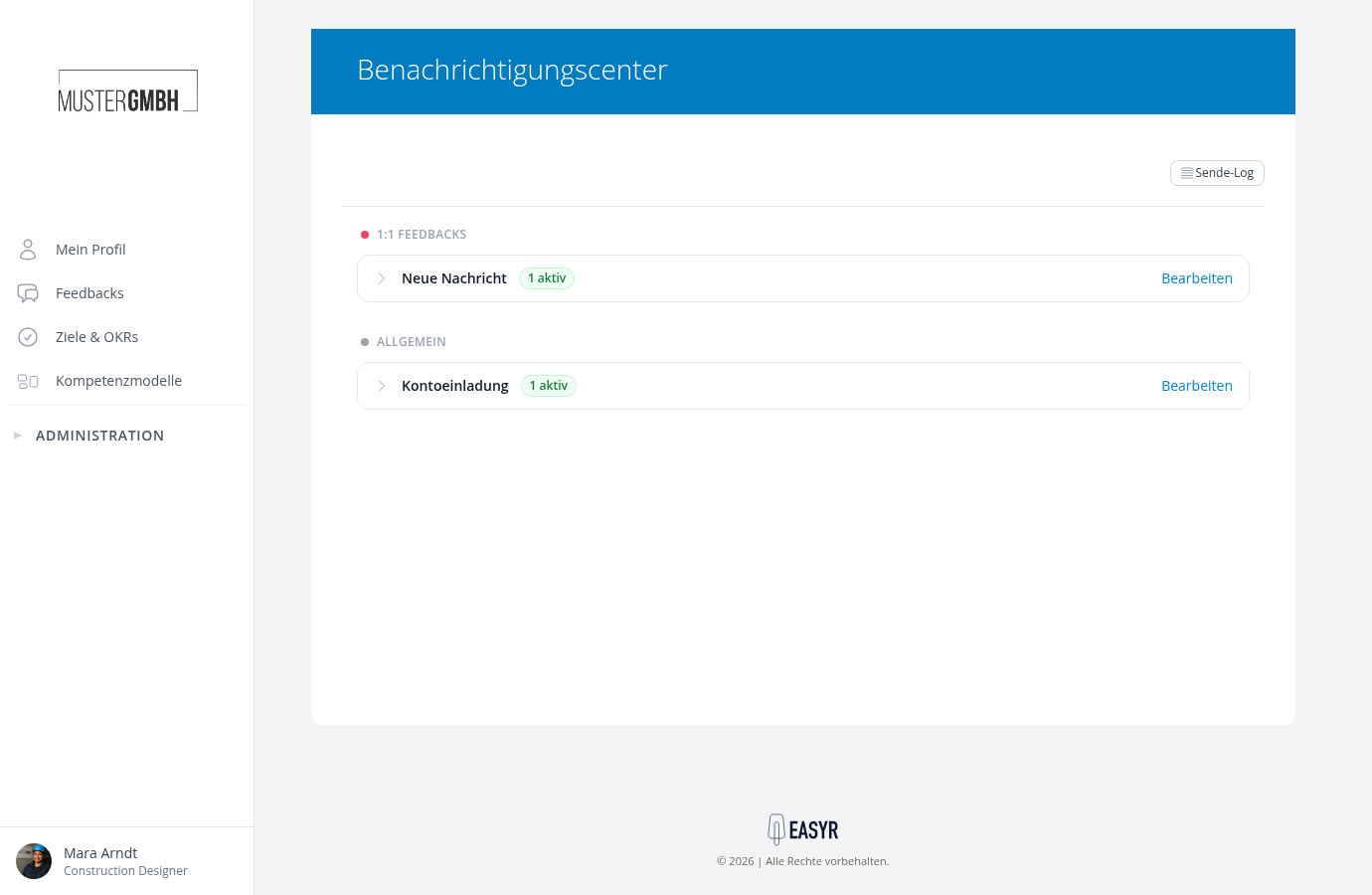
- In the General area, expand the Account Invitation type and click Edit on the rule.
In the rule editor you adjust the text (the Activation Link building block inserts the activation button) and check the result with the preview. For instructions, see: