Sign in with staff number
Signing in
To sign in with your staff number:
- Open your company’s easyreview address in your browser.
- Enter your staff number in the Email address or staff no field.
- Enter your password in the Password field.
- Click Submit!
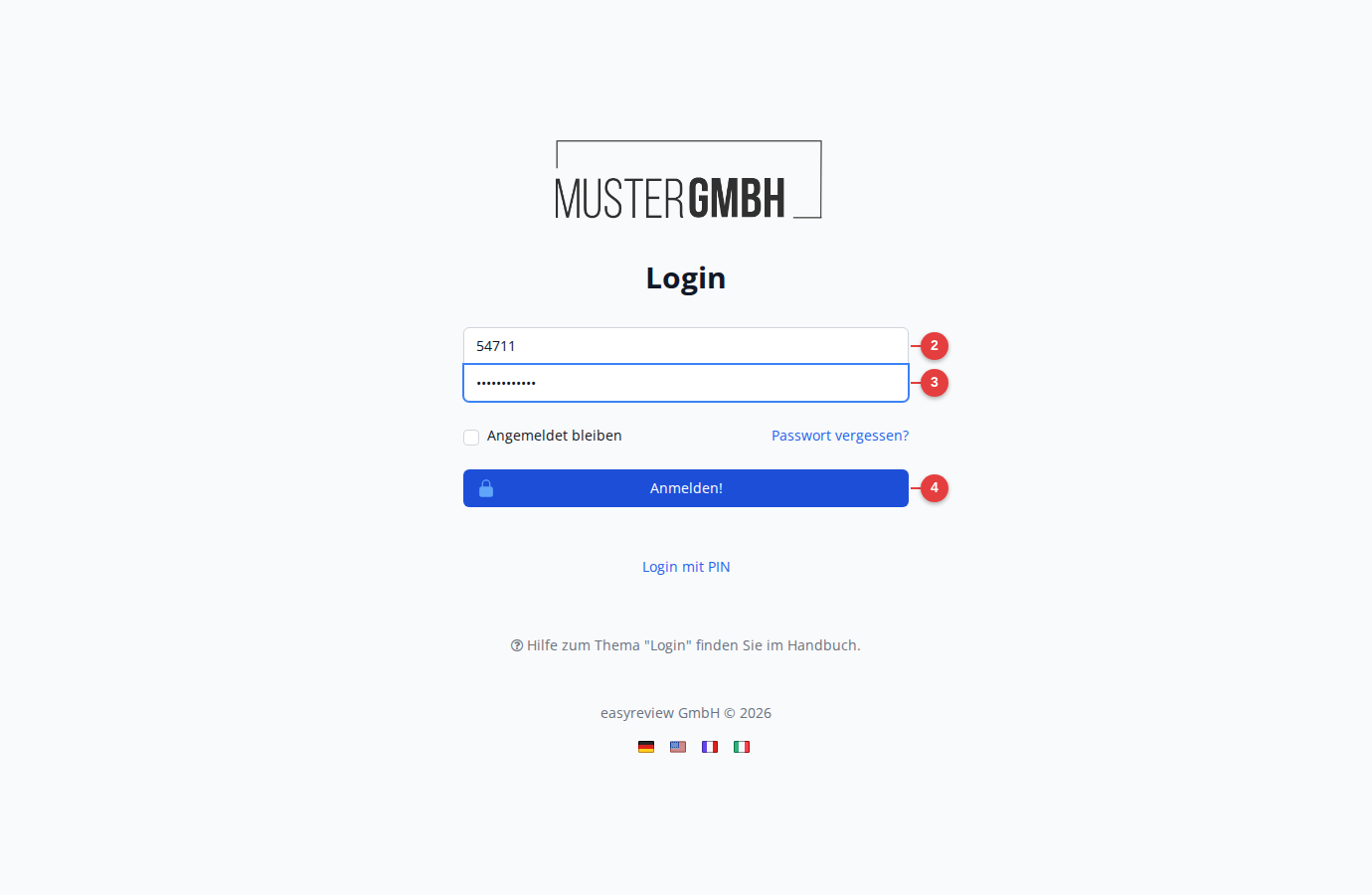
After signing in, you are taken straight to your profile.
Your first password
For your first sign-in, you receive your password from HR. This one-time password must be replaced with a password of your own right after you first sign in.
You usually find your staff number on your pay slip or employee ID card. If you do not know your staff number, ask your HR department.
Forgot your password?
If you have forgotten your password, click Forgot password? below the form. For more, see Forgot password.