Edit your employee profile
You can edit your own profile in easyreview to keep personal details such as your name, email address, profile picture or password up to date. Which fields you see depends on your role and on your company’s settings.
Open your profile
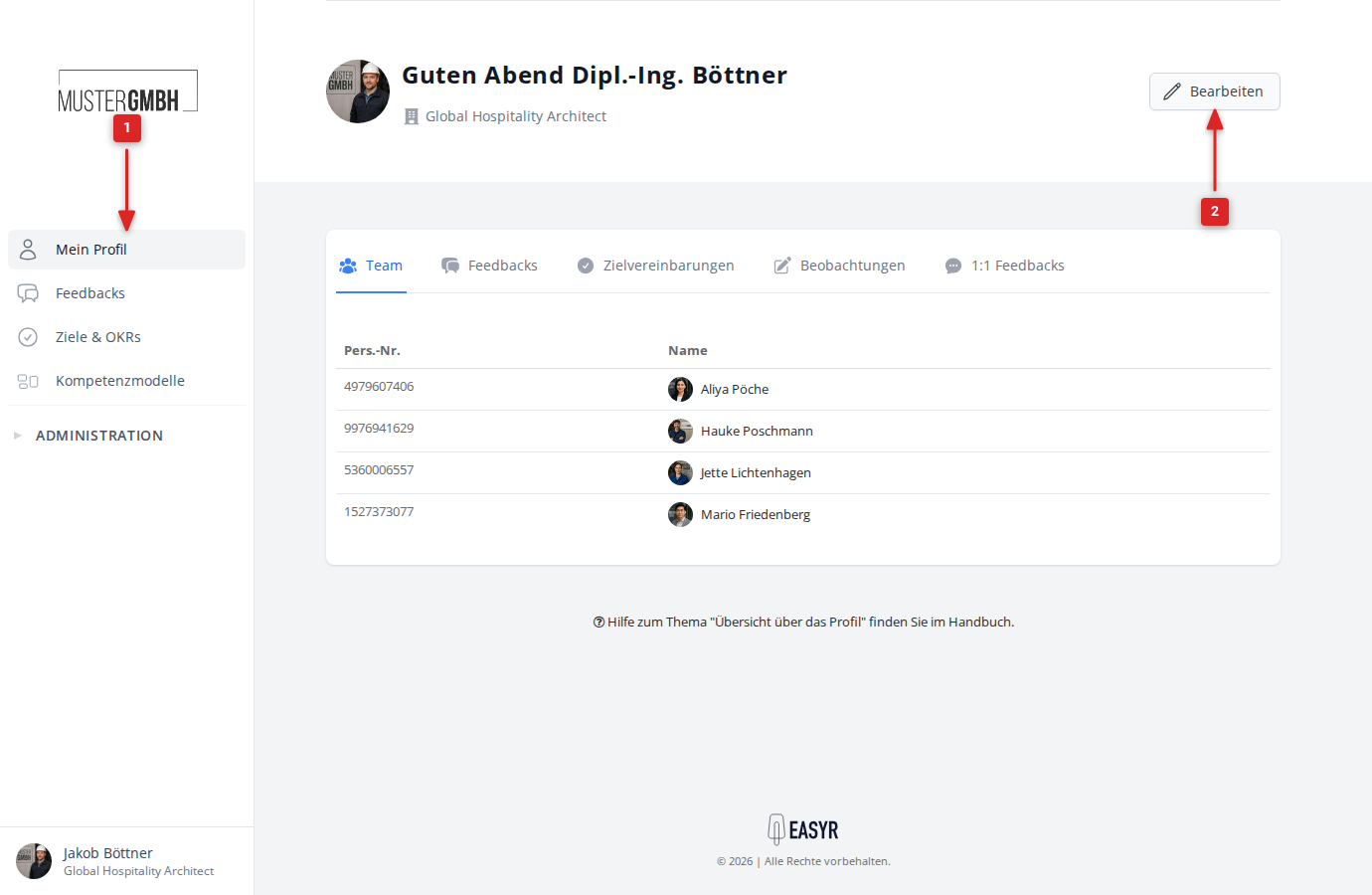
- Click Profile in the sidebar.
- Click Edit in the top right.
Change your profile details
The edit form shows every field you are allowed to change on your own profile. Which fields are visible depends on your role.
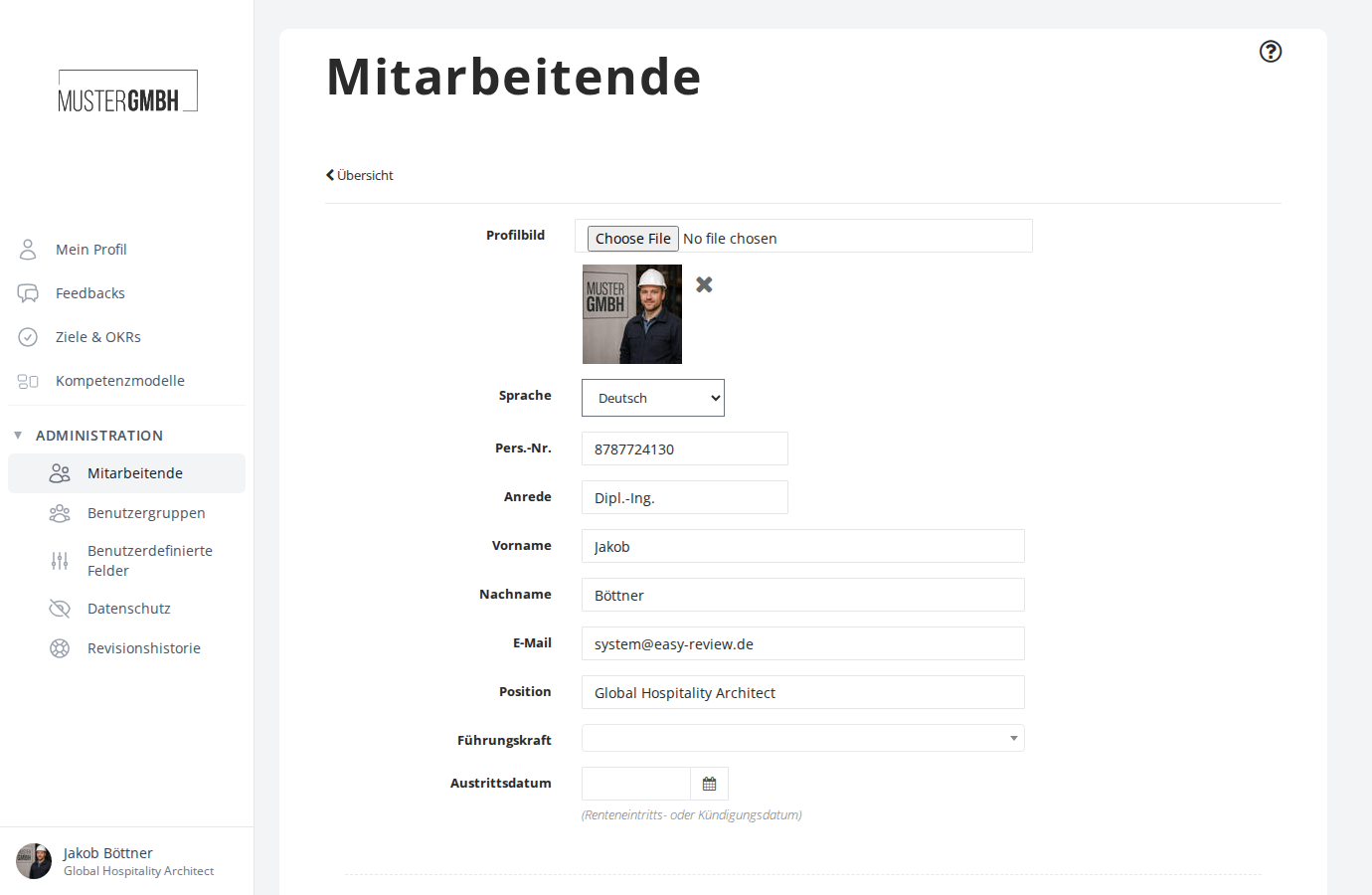
As a regular user, you can edit the following fields:
- Profile picture: Upload a new image, or remove the current one using the X icon next to the preview. All common image formats are allowed (for example JPG, PNG).
- First name and Last name
Change your password
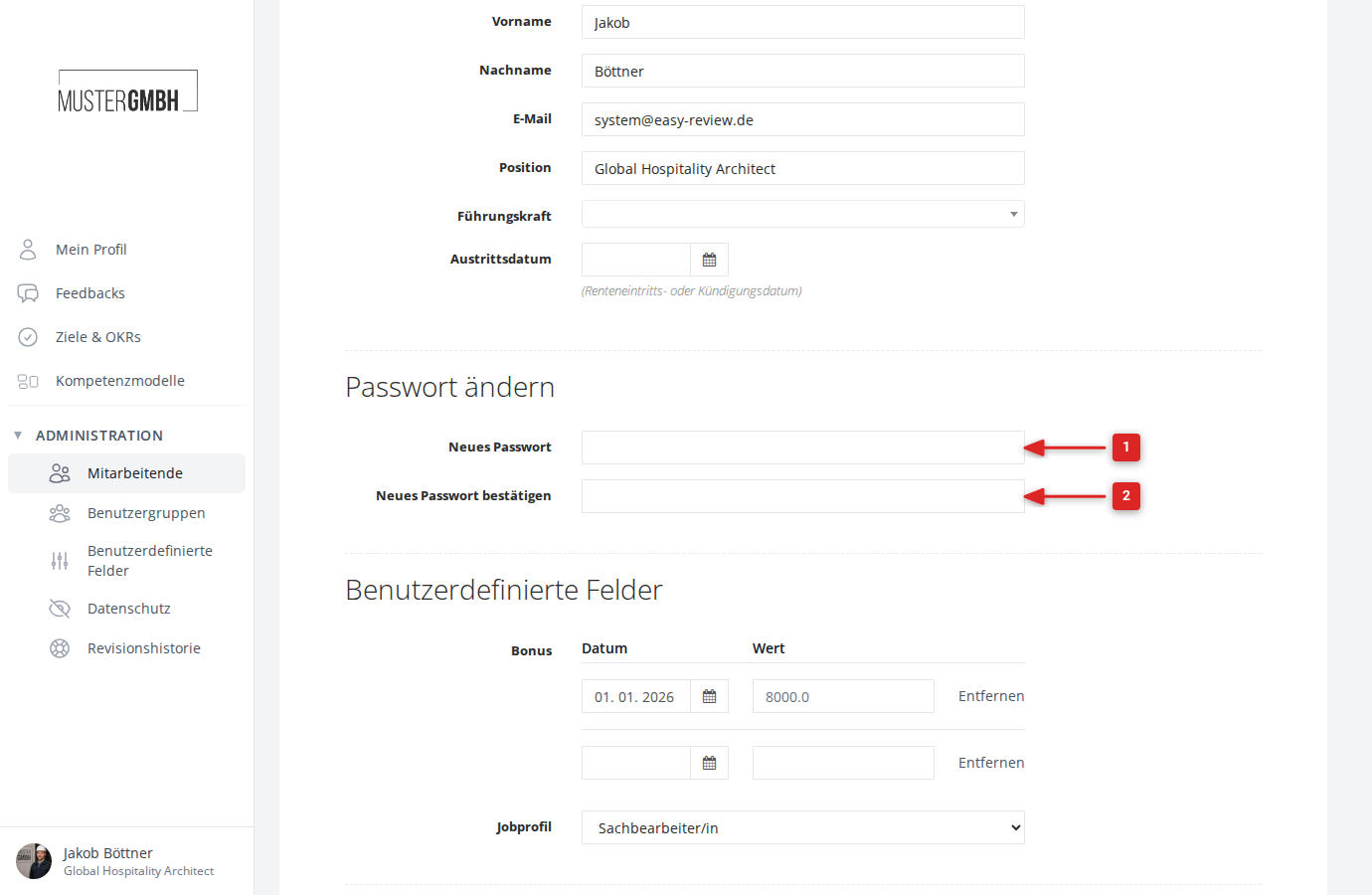
In the Change password section you can set a new password:
- Enter your new password in the Password field.
- Repeat it in the Confirm password field.
Save your changes
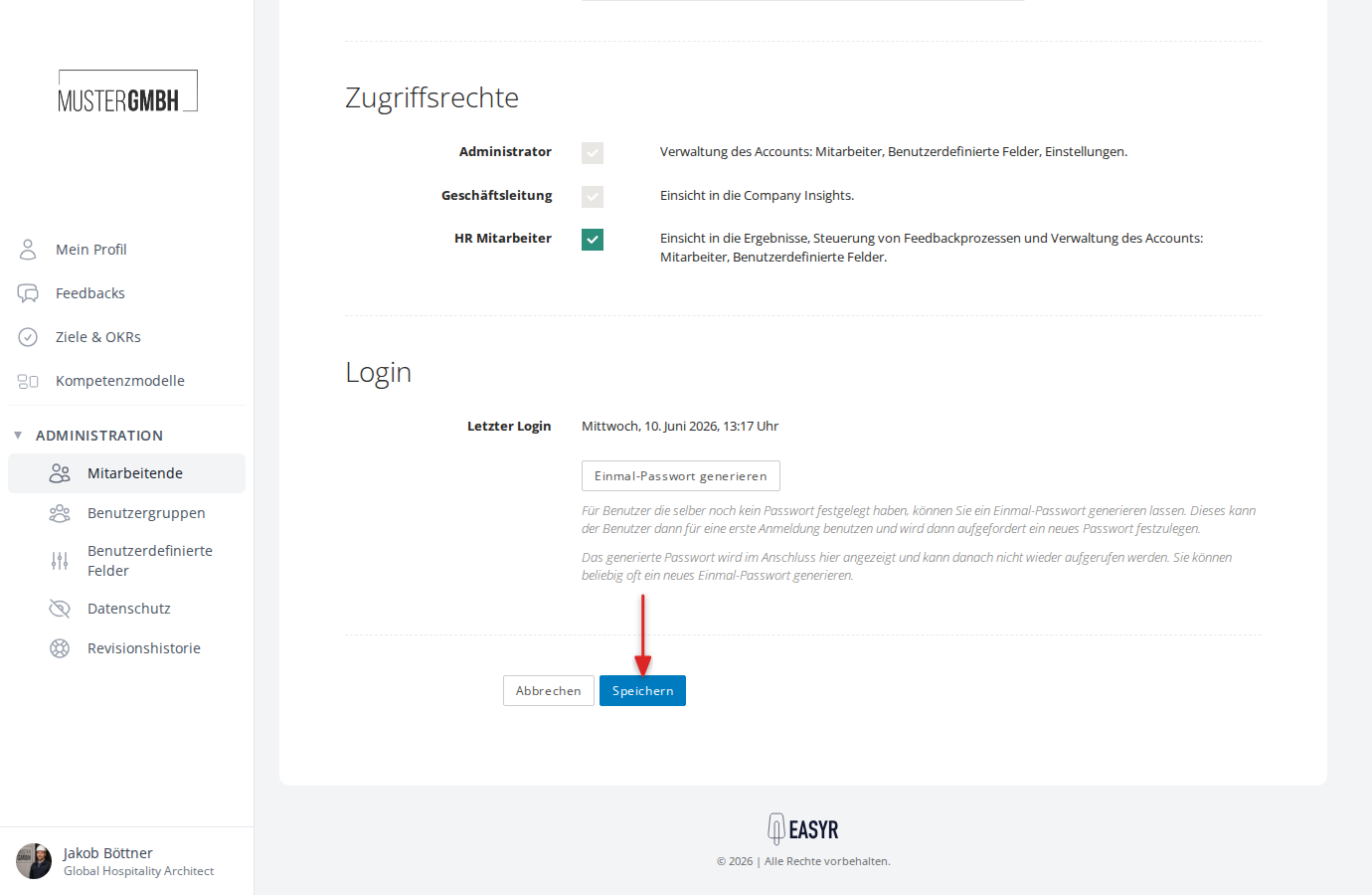
Click Save at the bottom of the form to apply your changes. You are taken back to your profile page and a confirmation is shown.
Click Cancel to discard your changes.