Change the language
easyreview is available in four languages out of the box: German, English, French and Italian. Depending on your company’s configuration, additional languages may be enabled.
How you switch the language depends on whether you are signed in or not.
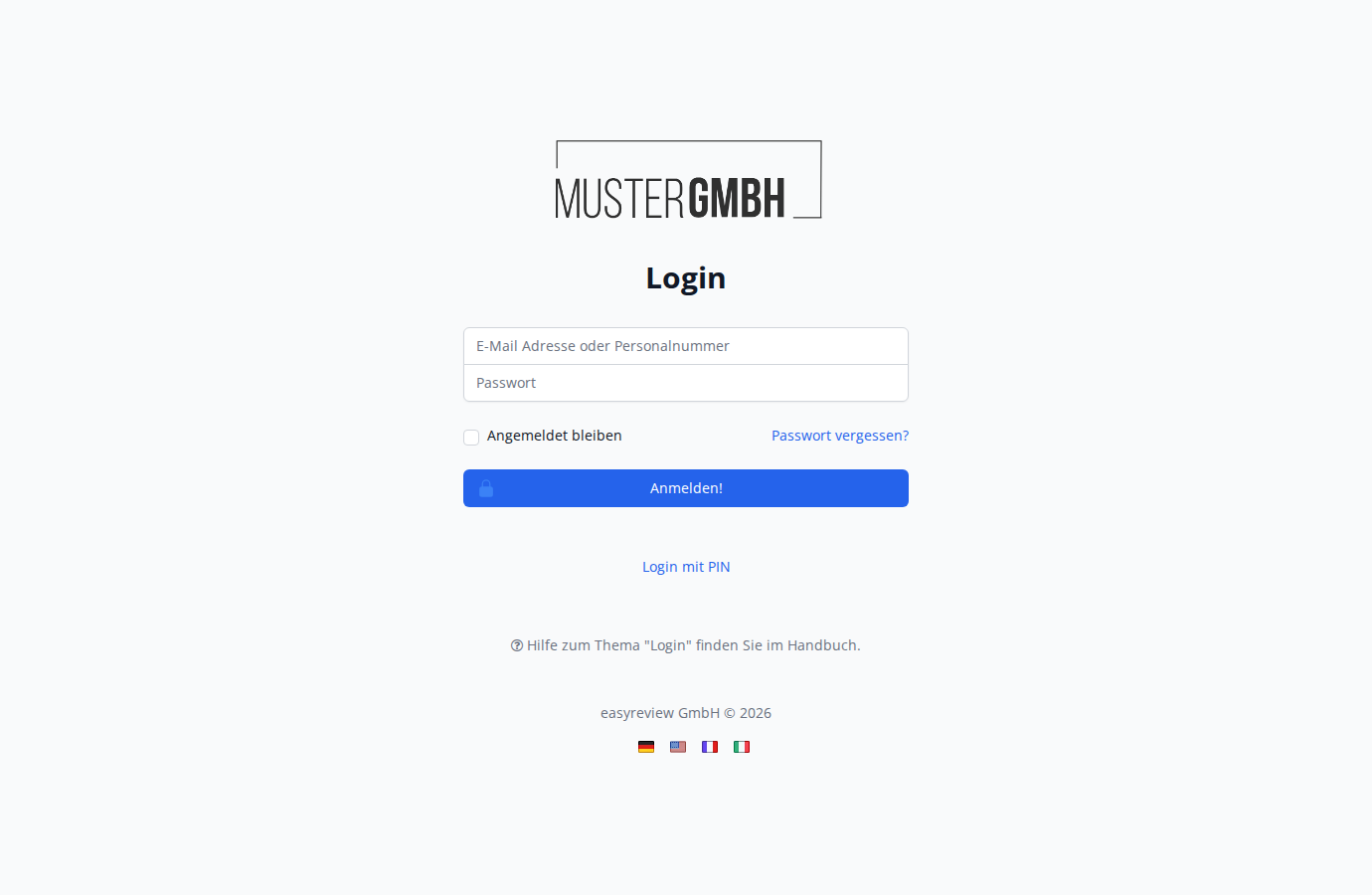
On the sign-in page
Below the sign-in form you’ll find flag icons for the available languages.
- Click the flag of the language you want.
The sign-in page immediately switches to the language you selected.
After signing in
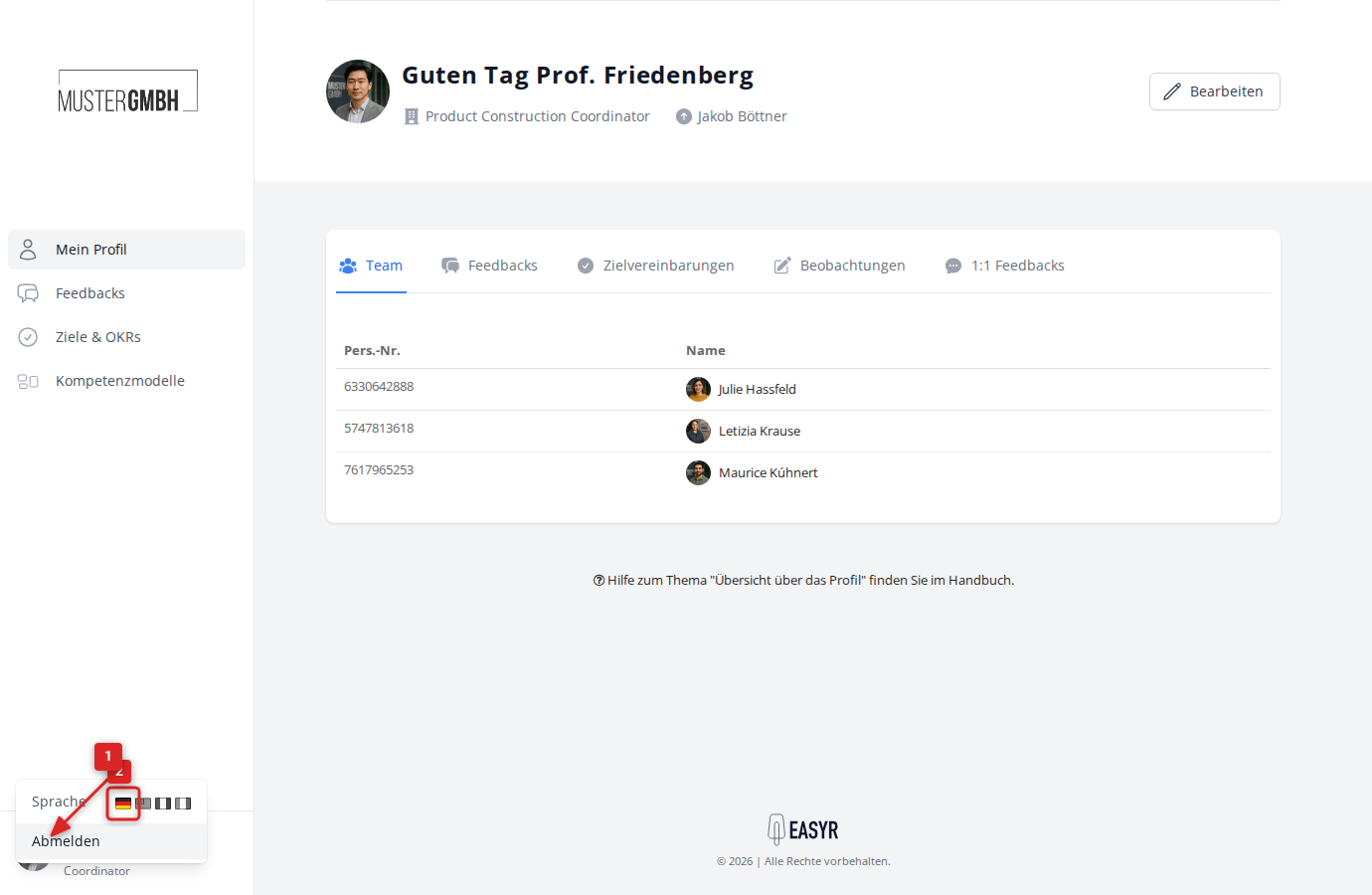
Once you’re signed in, the language selector sits at the bottom left of the sidebar.
- Click your profile picture at the bottom left of the sidebar.
- In the menu, next to the word Language, you’ll see the available flag icons.
- Click the flag of the language you want.
Note: The language you choose is saved automatically to your user account. The next time you sign in, easyreview opens directly in that language.
You can tell which language is active because its flag is shown in color. Inactive languages appear greyed out.