Confirm feedback
You can rate any 1:1 feedback you receive as helpful or not helpful. This tells the sender whether their feedback was useful to you.
Confirm feedback as helpful
- Open the feedback you want.
- Click the thumbs-up icon at the bottom right, under the feedback text.
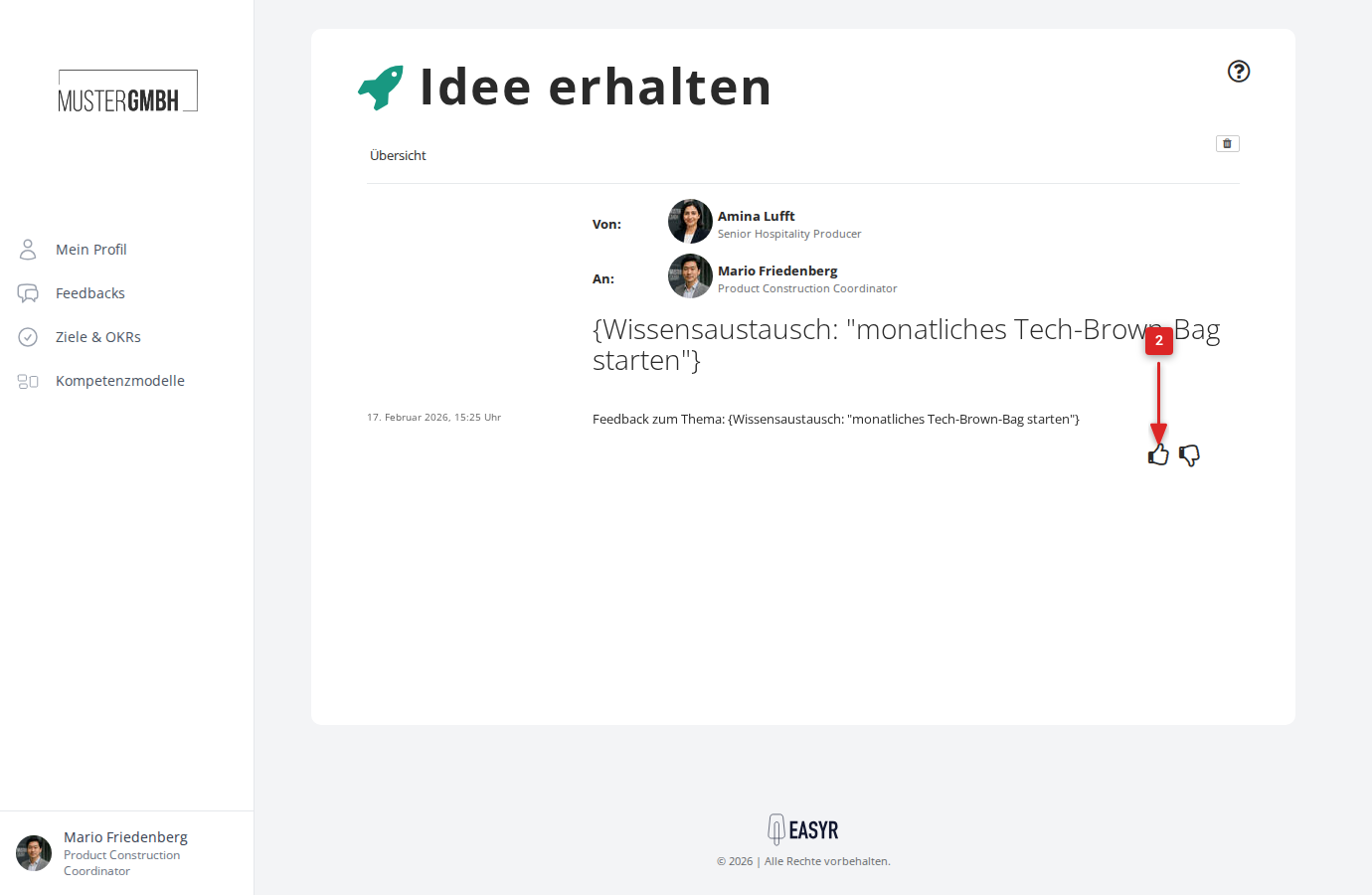
The feedback is now marked as helpful, and the thumbs-up icon appears filled in.
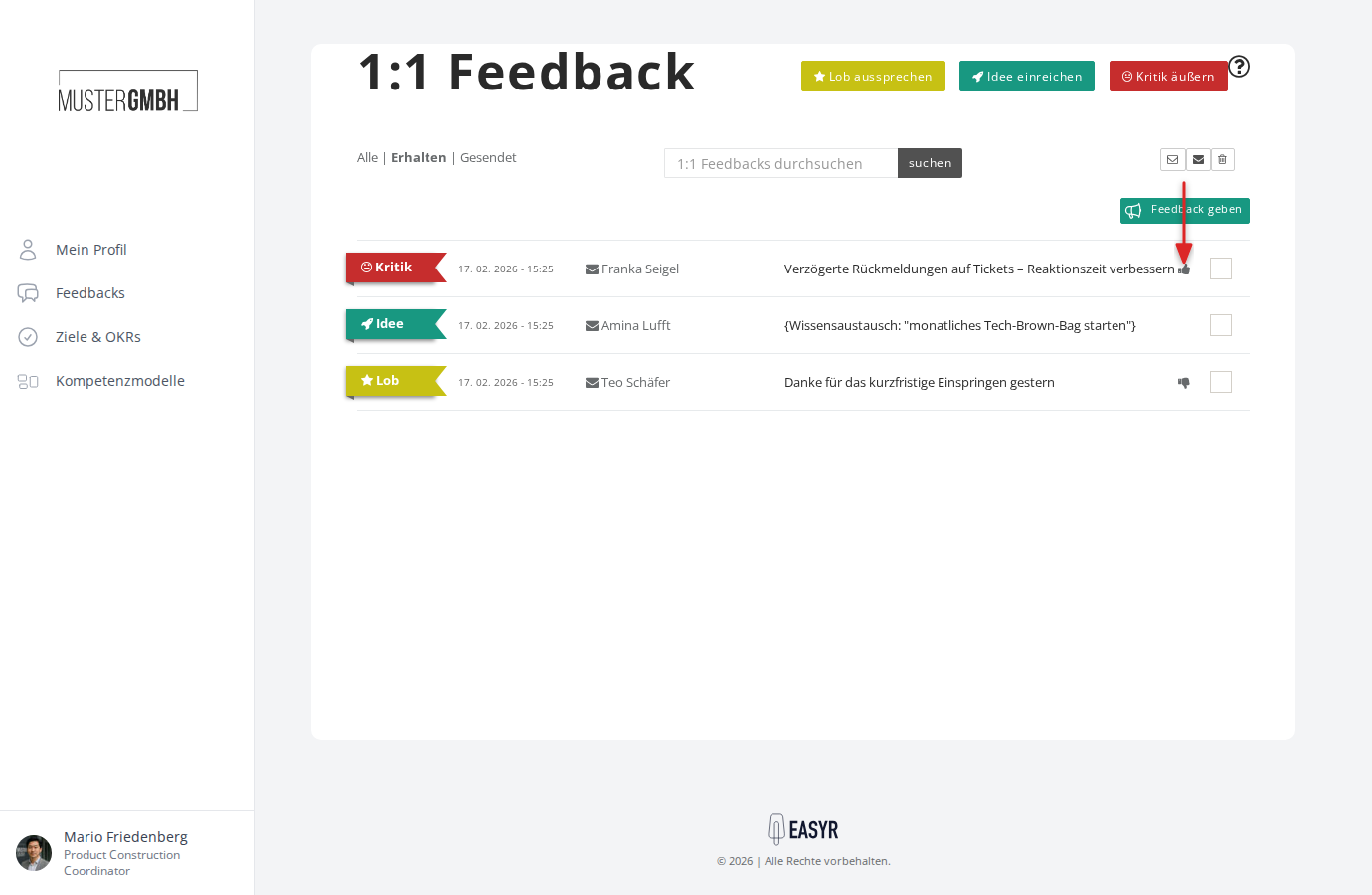
A thumbs-up icon also appears next to the matching entry in the feedback overview.
Mark feedback as not helpful
- Open the feedback you want.
- Click the thumbs-down icon at the bottom right, under the feedback text.
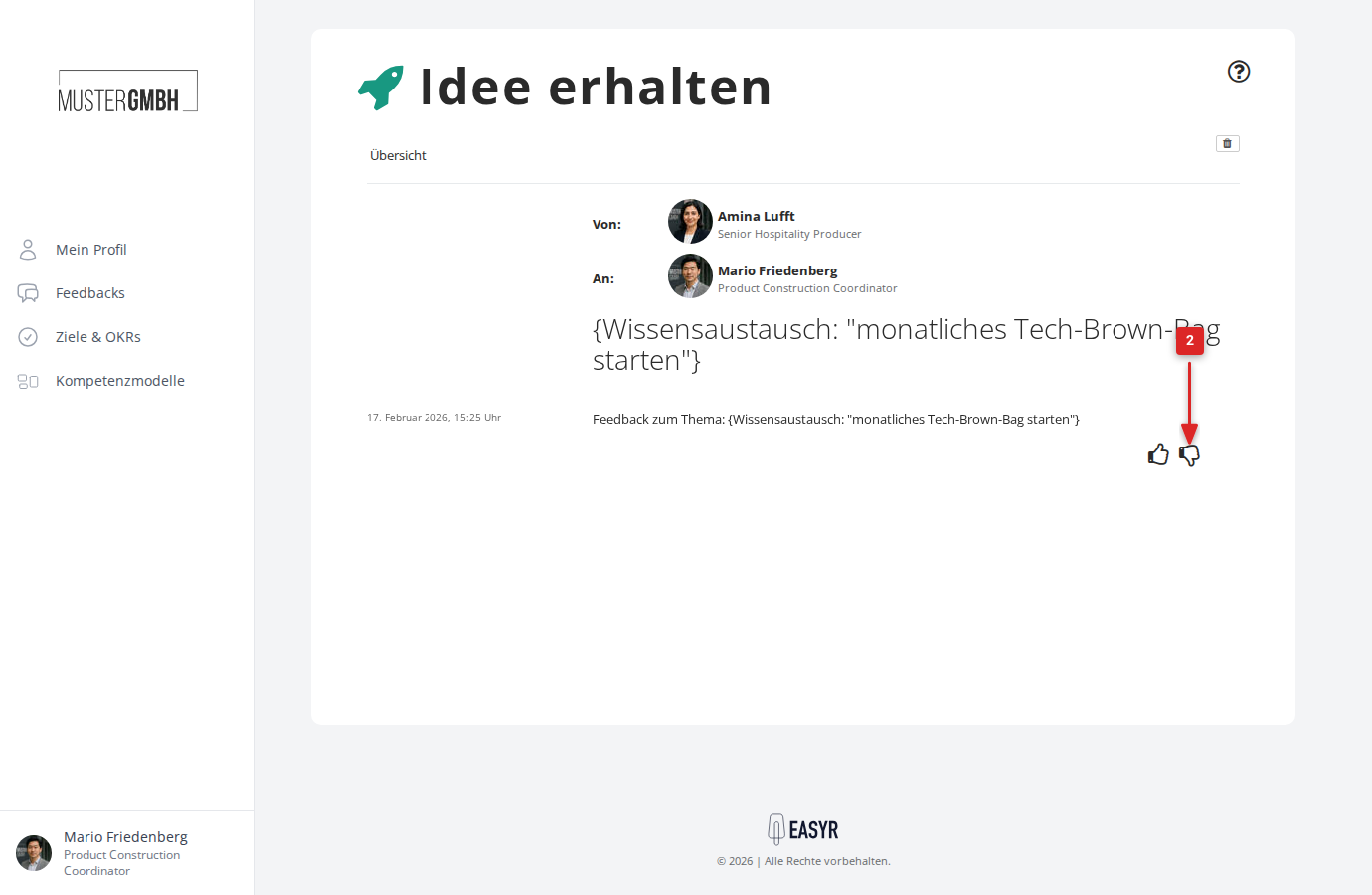
The feedback is now marked as not helpful, and the thumbs-down icon appears filled in.
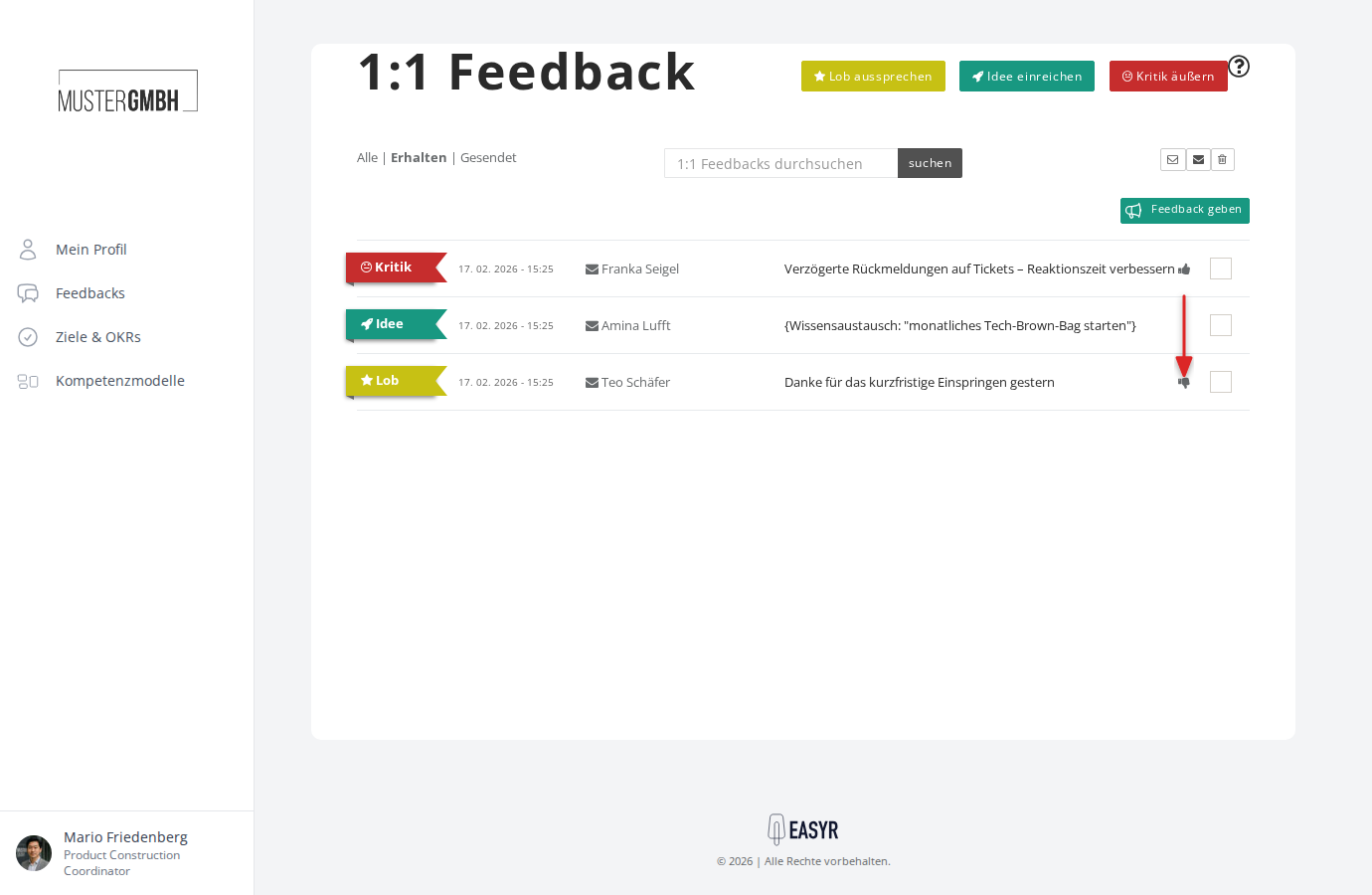
A thumbs-down icon also appears next to the matching entry in the feedback overview.
Change your rating
You can change your rating at any time. Just click the other thumb icon, and the previous rating is replaced automatically.