Search feedback
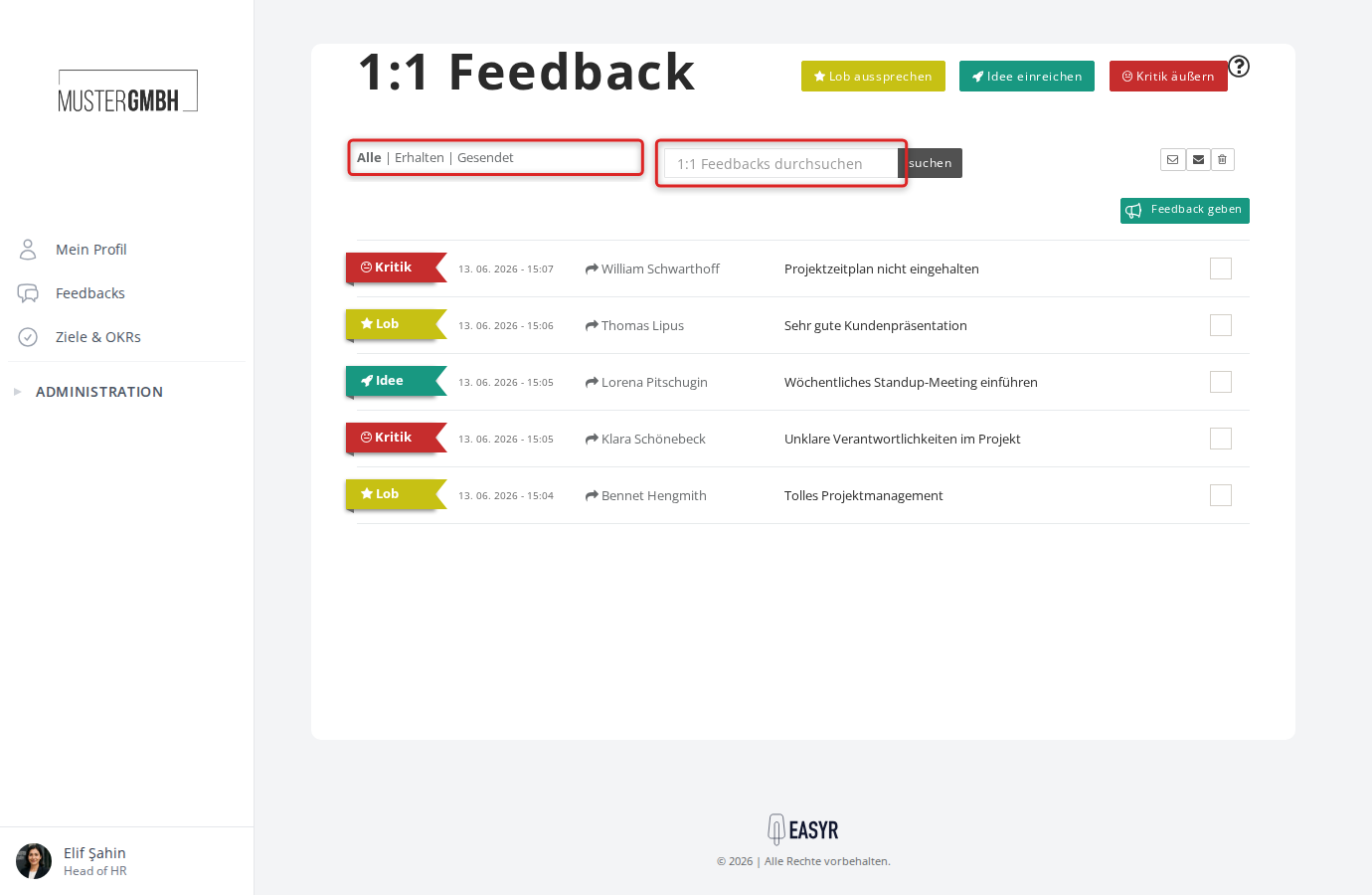
The search box on your 1:1 feedback page helps you find a specific feedback by keyword instead of scrolling through the whole list.
Open your 1:1 feedback page
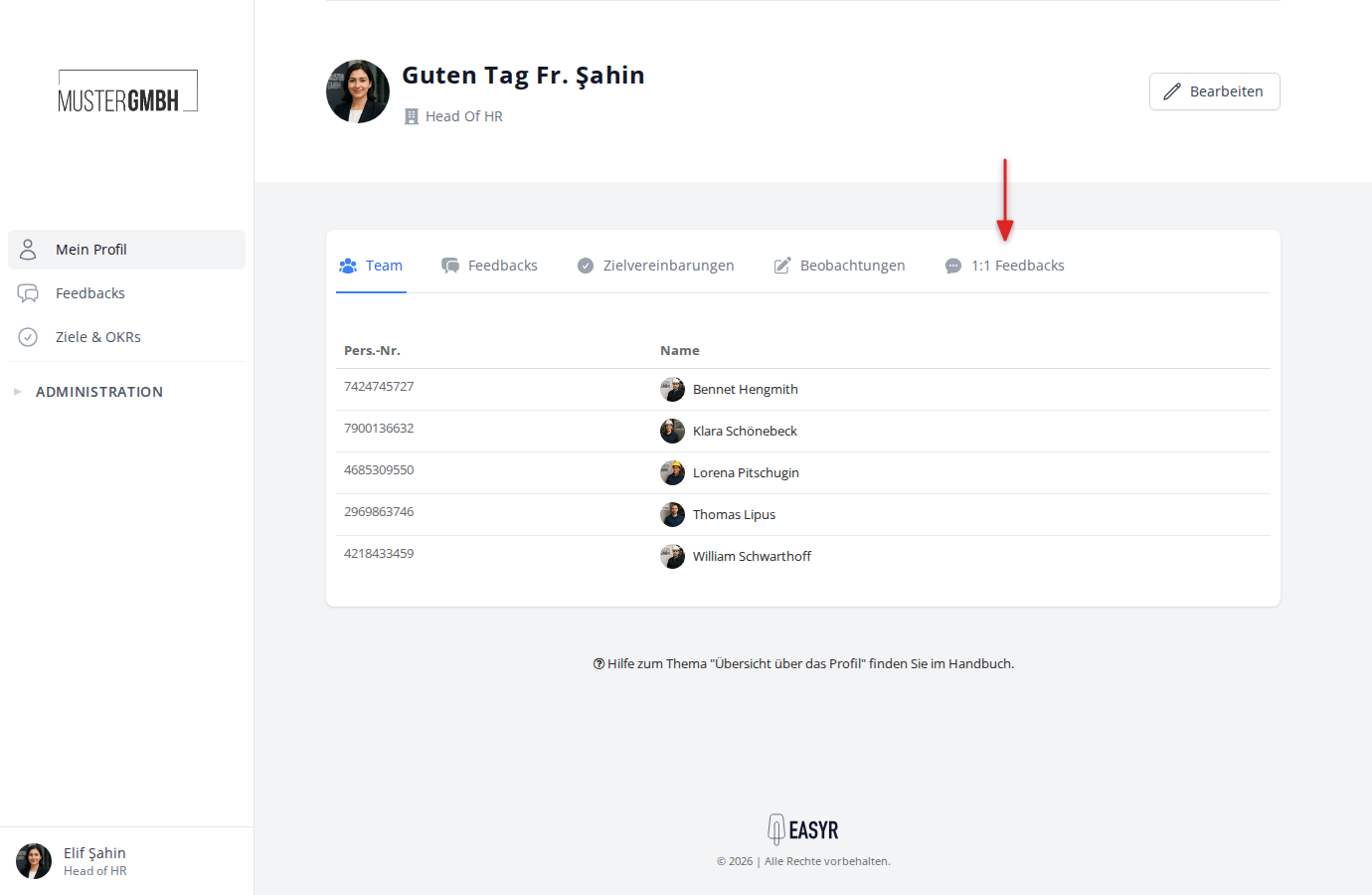
In the sidebar, click Profile and open the Feedbacks tab.
The page lists all of your feedbacks. The All, Received and Sent filters let you narrow the view.
Search your feedbacks
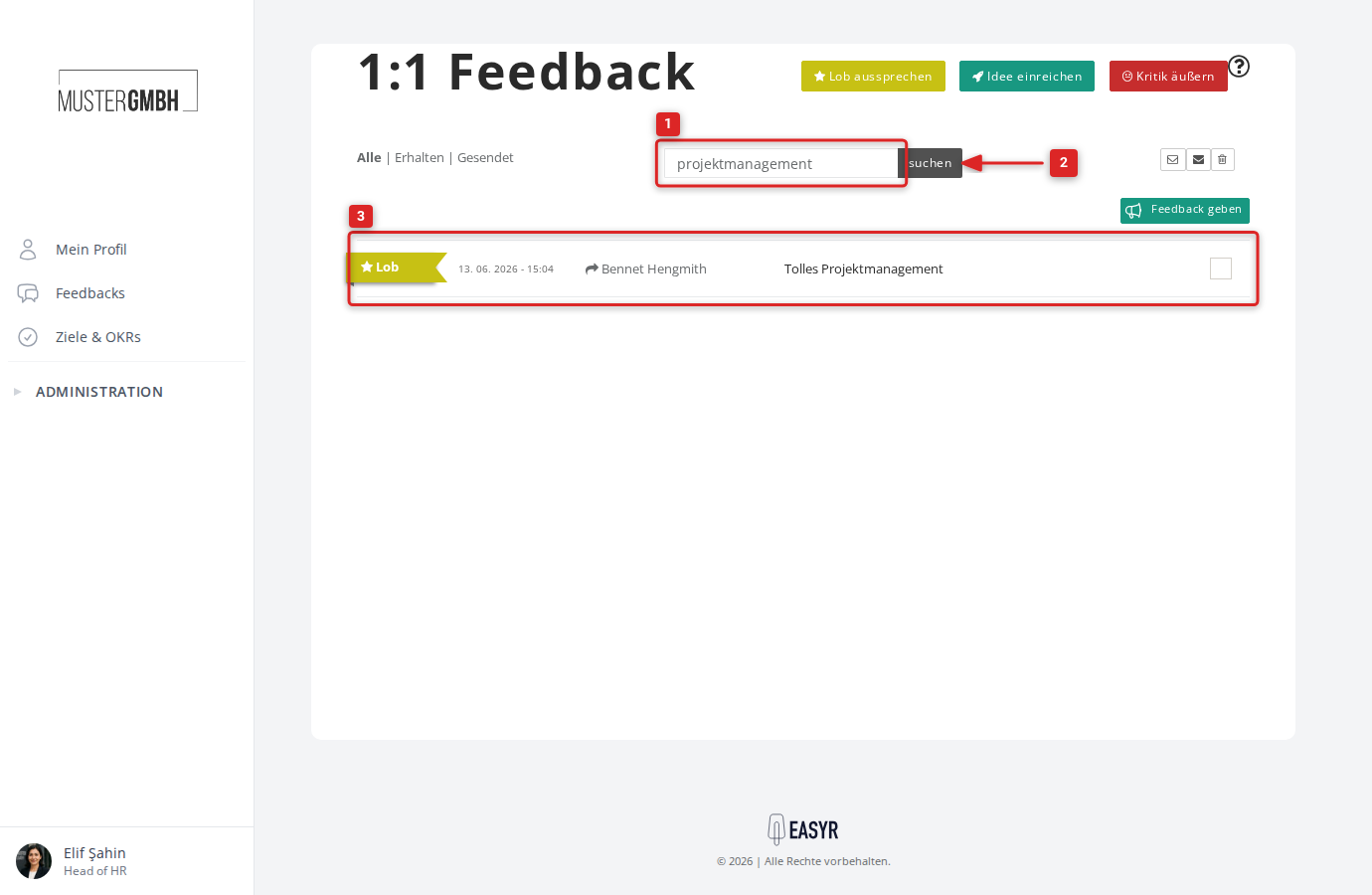
- Type a keyword into the search box above the feedback list.
- Click Search.
- The list now shows only feedbacks that match your keyword.
If nothing matches, you’ll see “No feedbacks”. Clear the keyword and click Search again to show all feedbacks.
Combine search with the filters
You can combine the search with the All, Received and Sent filters. An active keyword stays in place when you switch between filters.