1:1 feedback overview
The 1:1 feedback overview lists all of your sent and received 1:1 feedbacks in one place. You’ll find it in your profile, on the Feedbacks tab.
Open the overview
- In the sidebar, click Profile.
- Open the Feedbacks tab.
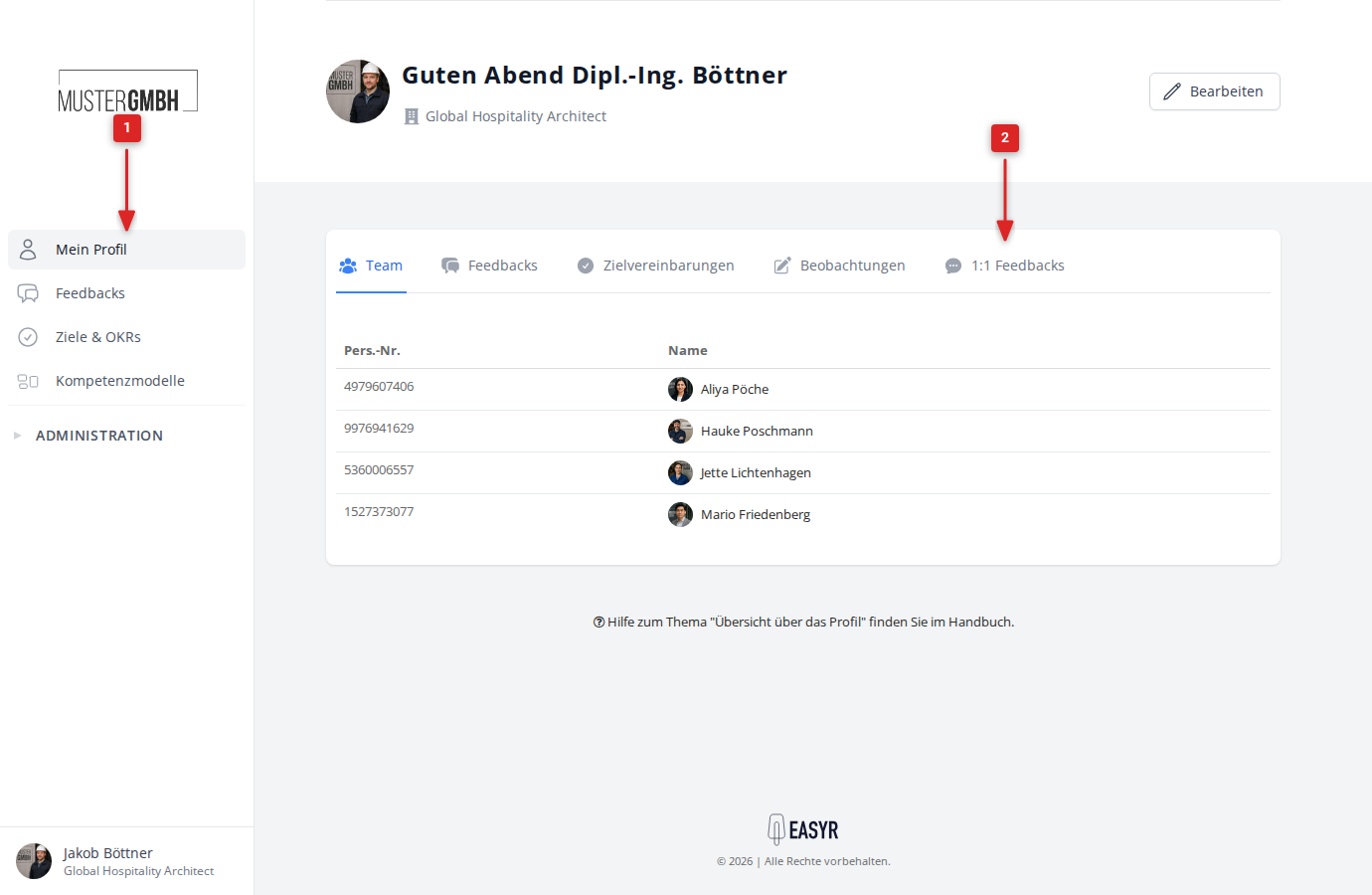
The list shows all of your 1:1 feedbacks, sorted by date (newest first).
What each entry shows
Every feedback in the list contains the following:
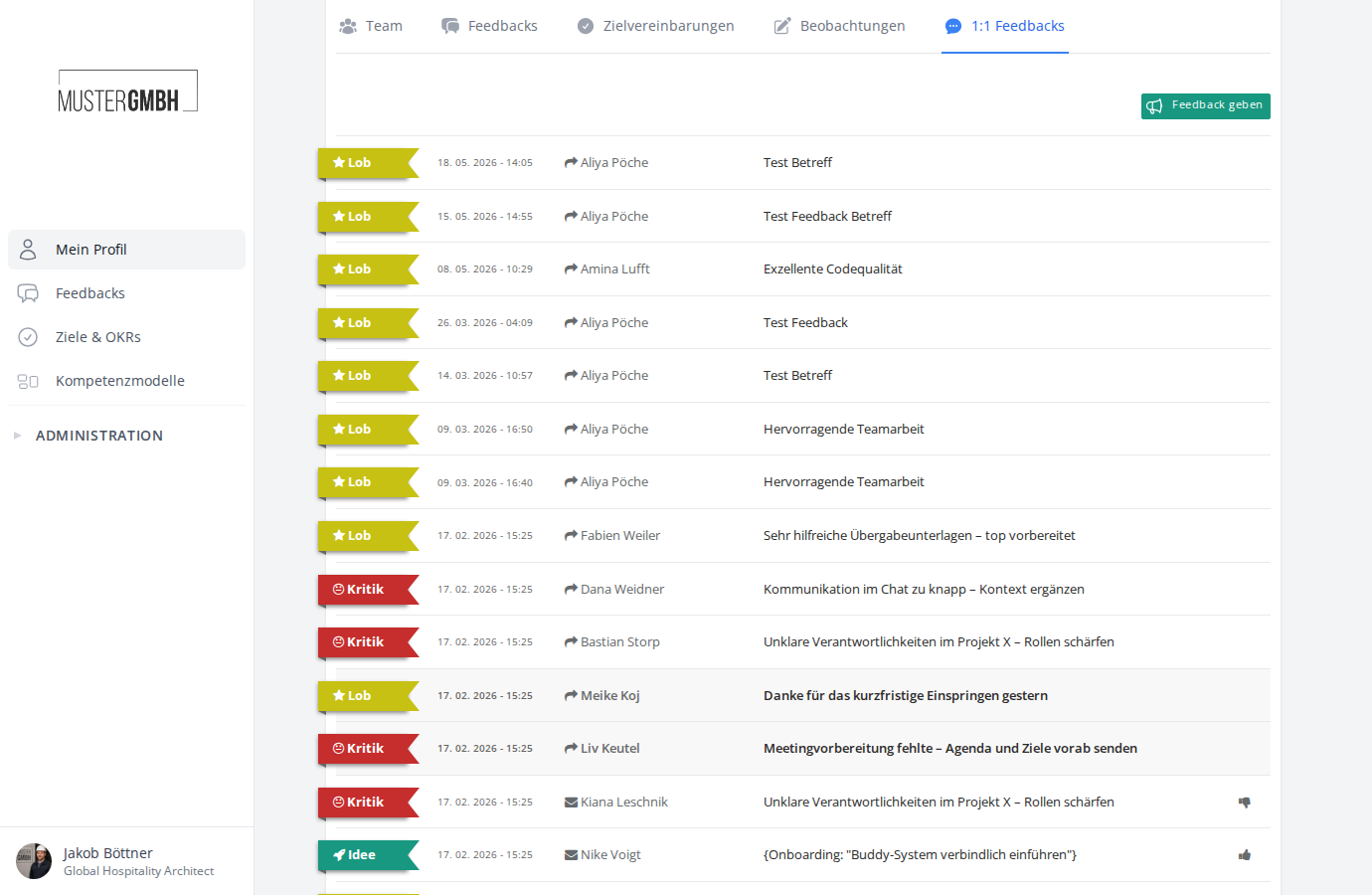
- Feedback type: a colored label marks the type — praise (yellow), idea (green) or critique (red).
- Date and time: when the feedback was sent.
- The other person: for received feedback you see the sender, for sent feedback the recipient. The icon in front of the name shows the direction.
- Subject: the subject of the feedback. Click it to open the feedback.
Filters
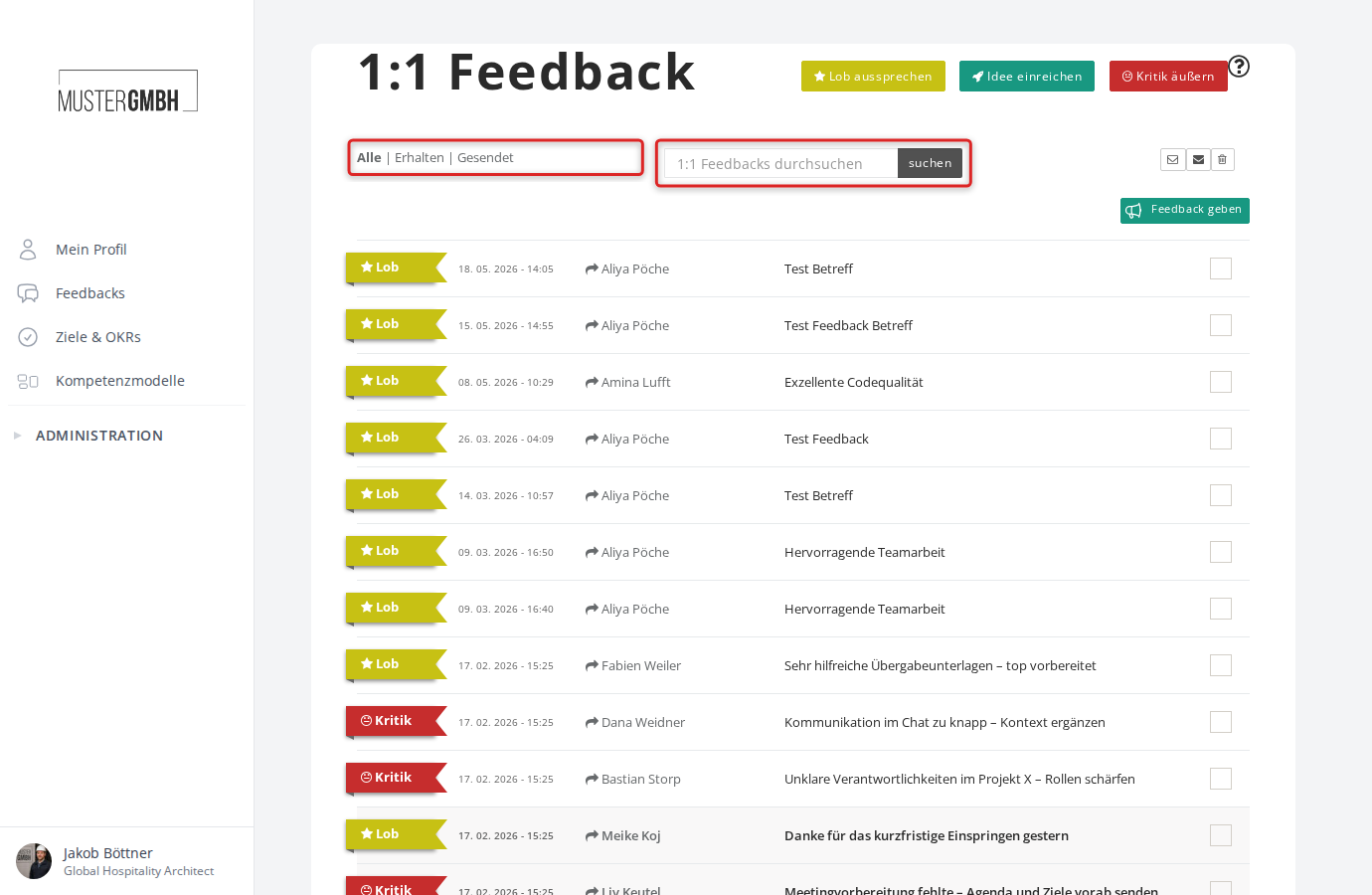
On the full 1:1 feedback page you can filter the list. Click one of the three options:
- All: shows all feedbacks (default)
- Received: shows only received feedback
- Sent: shows only sent feedback
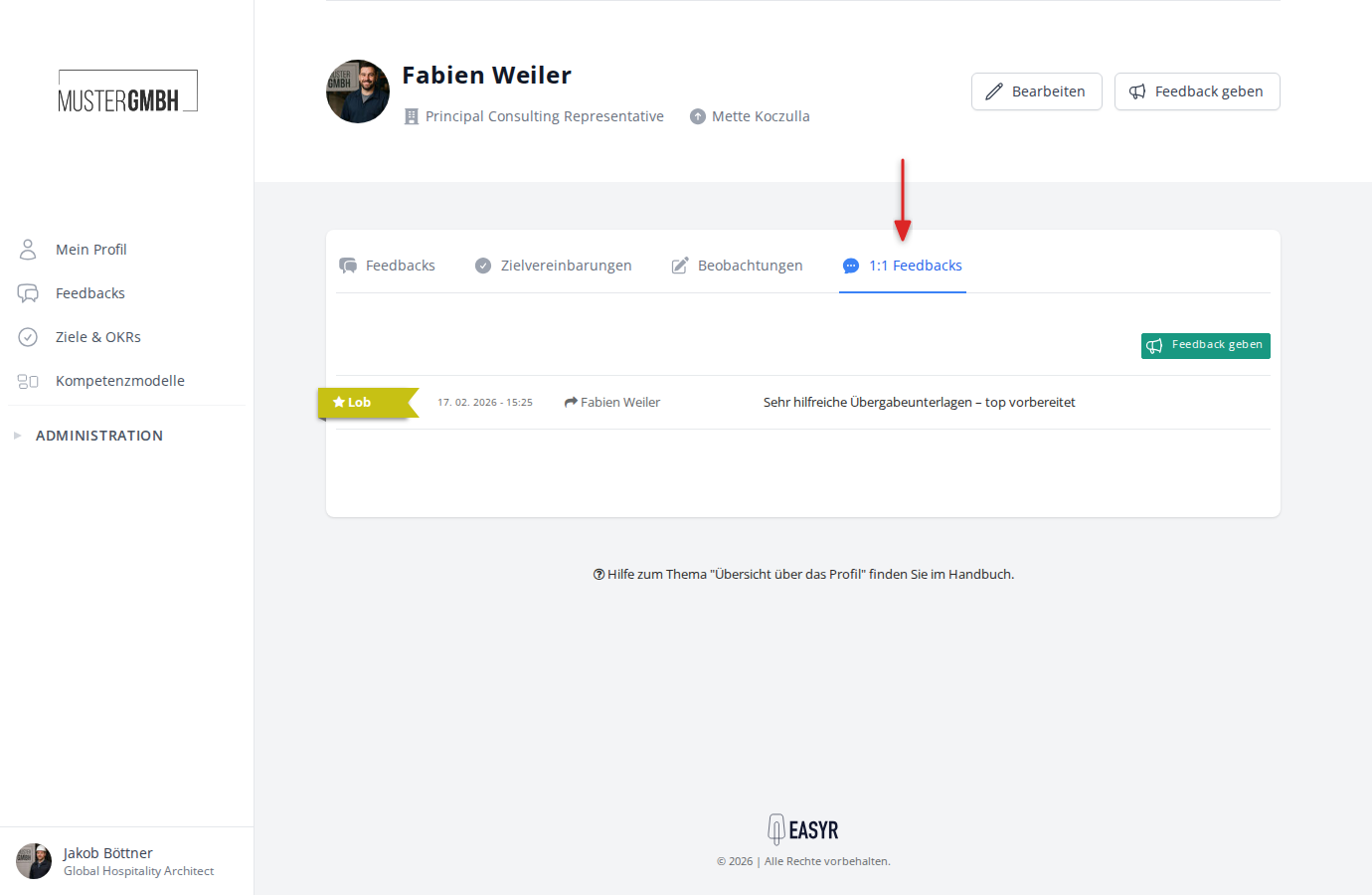
1:1 feedbacks with a specific person
You can also view the 1:1 feedbacks you’ve exchanged with one specific person. Open that person’s profile and click the Feedbacks tab — only the feedbacks between you and that person are shown.