Read feedback to or from an employee
From a colleague’s employee profile you can view every 1:1 feedback you’ve exchanged with that specific person. The view shows both sent and received feedback (praise, ideas and critique) involving that person.
Open 1:1 feedbacks from the employee profile
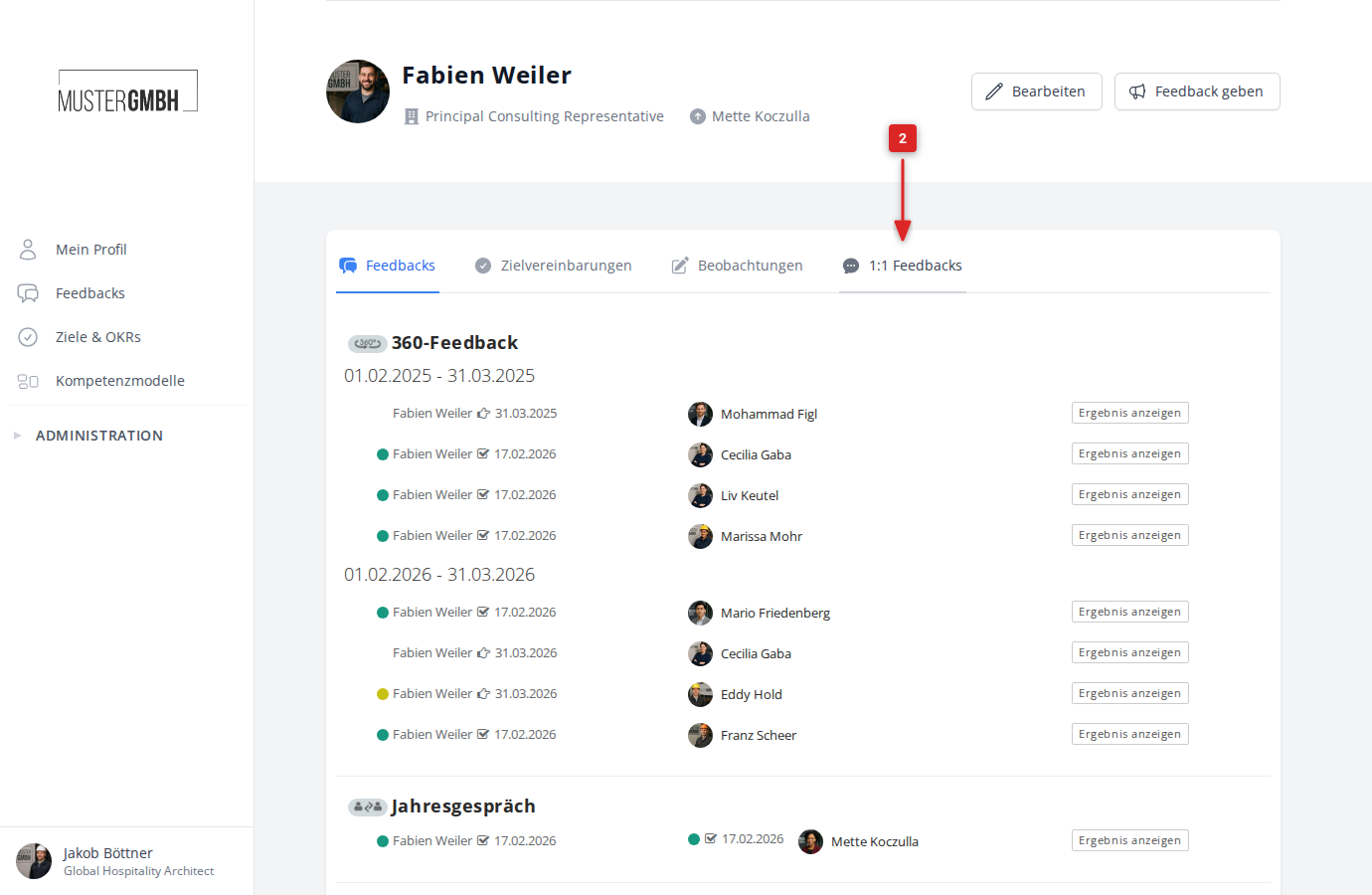
- Open a colleague’s employee profile.
- Click the Feedbacks tab.
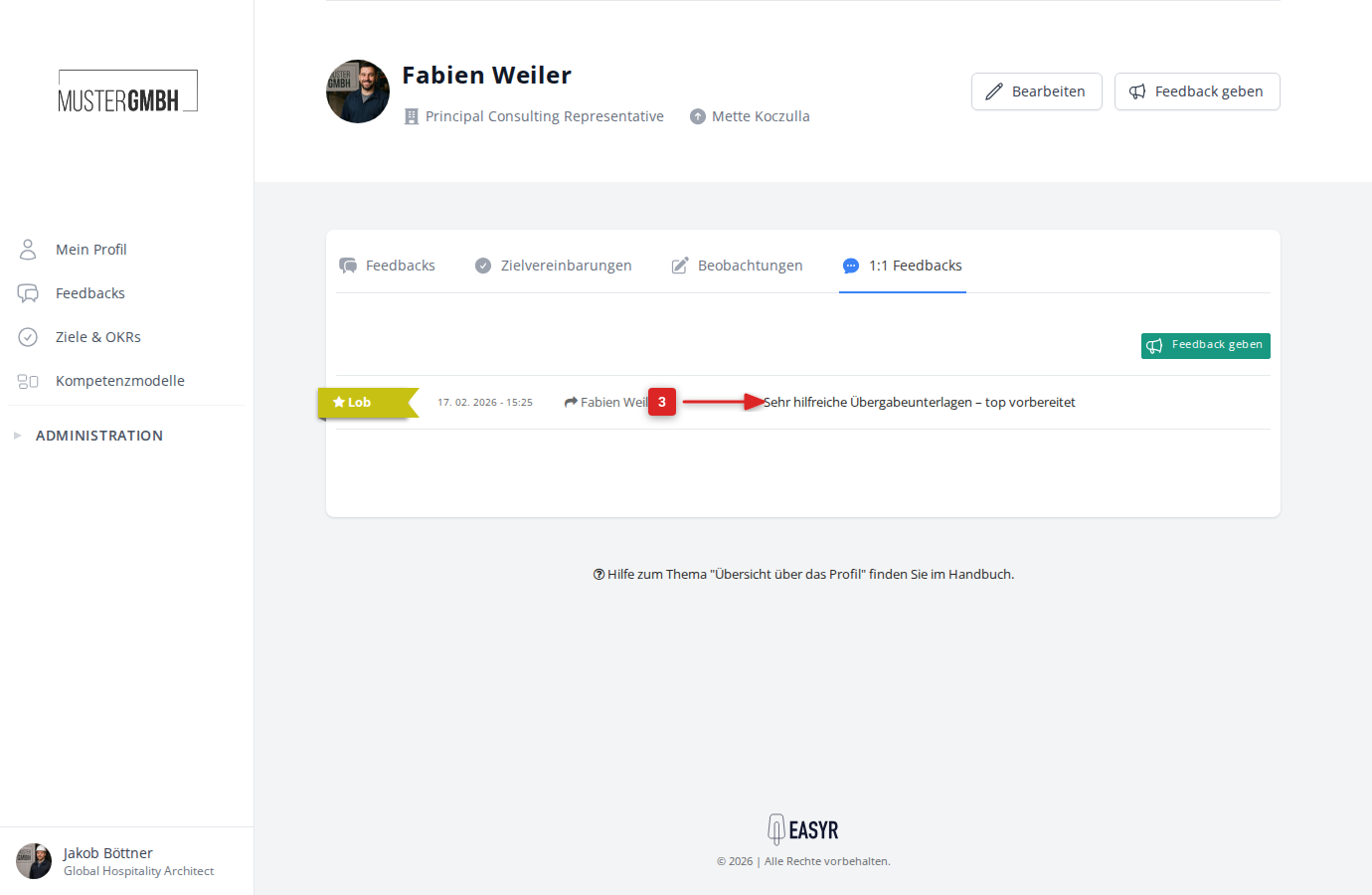
The list shows all feedbacks exchanged between you and this colleague. Each entry contains:
- the feedback type (praise, idea or critique) as a colored badge
- the date
- the name of the sender or recipient
- the subject
- Click the subject of a feedback to open its detail view.
Feedback detail view
The detail view shows everything about a feedback:
- type heading: e.g. “Received praise” or “Sent critique”
- sender and recipient with profile picture and position
- subject and message text
- date it was created
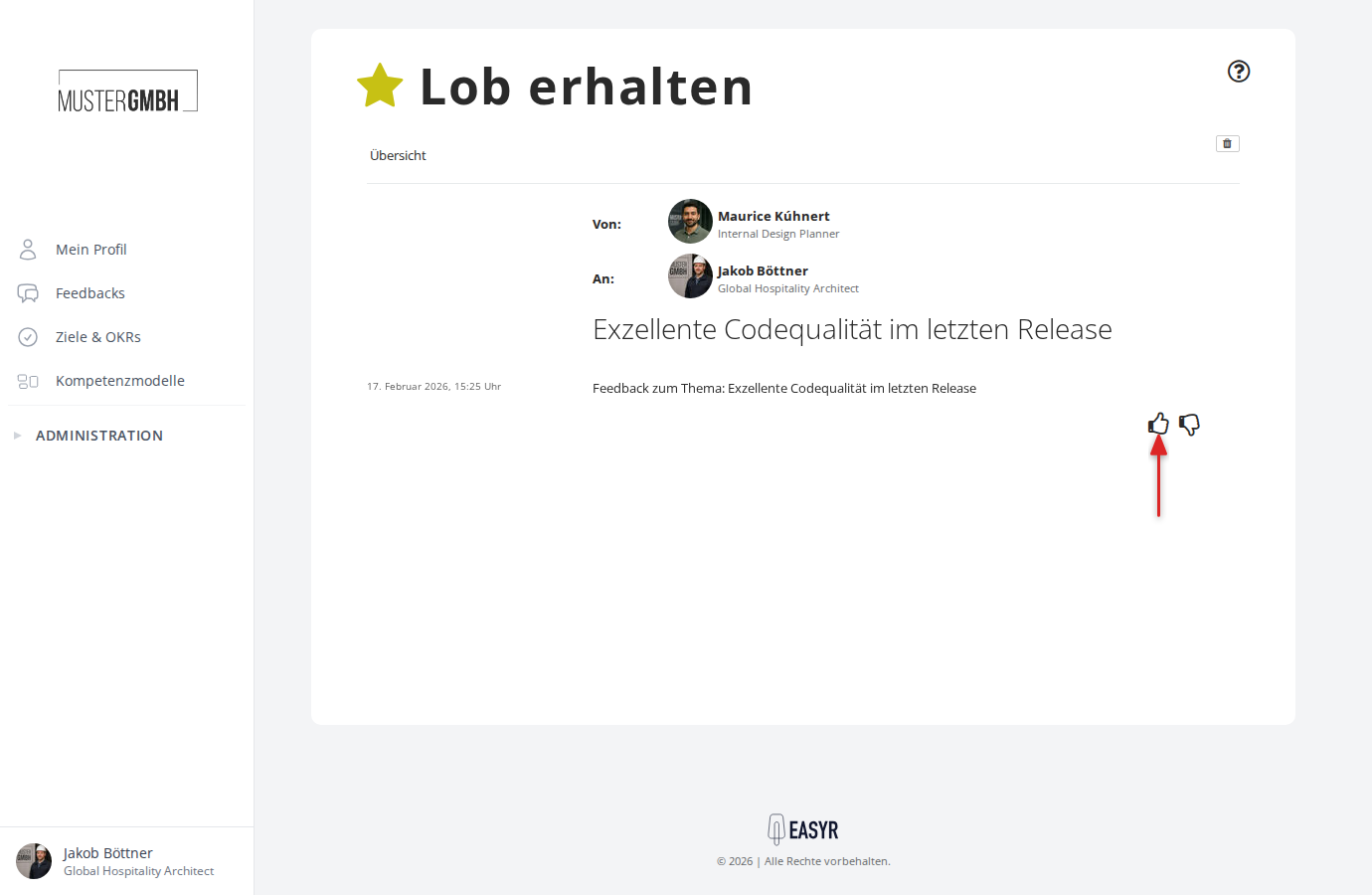
Rate a feedback
For feedback you received, the rating buttons (thumbs up / thumbs down) let you say whether the feedback was helpful. This rating is only available for feedback you received.
Give feedback straight from the profile
At the top right of a colleague’s employee profile you’ll find the Give feedback button. Click it to open a dropdown with three options:
- Praise somebody
- Submit idea
- Express critique
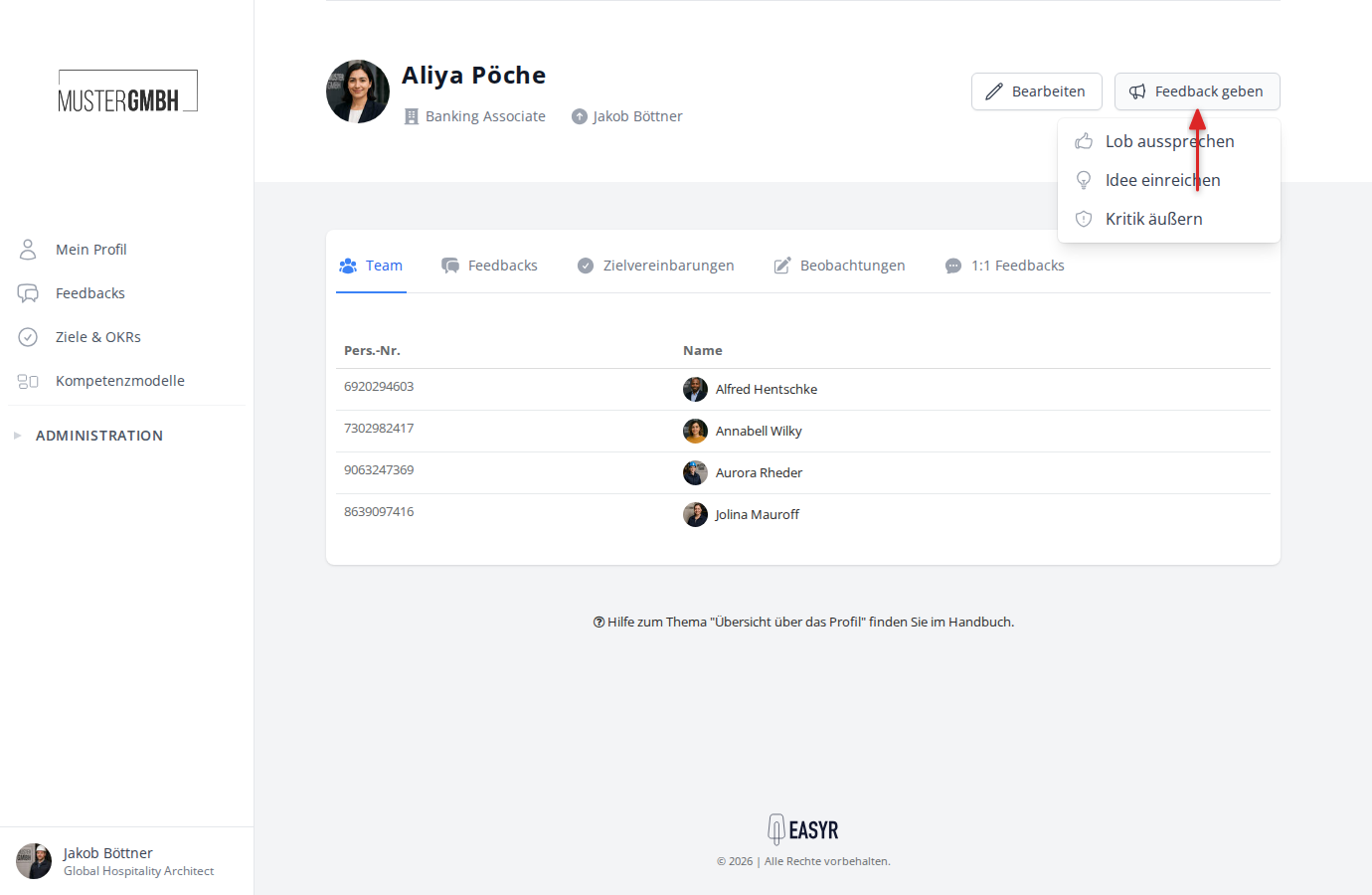
The recipient is filled in for you automatically.