Notifications for 1:1 feedback
When someone sends a 1:1 feedback (praise, idea or critique), the recipient needs to find out about it even when they aren’t signed in to easyreview. That’s why easyreview emails them automatically, as long as an email address is on file. The content of the feedback stays private between sender and recipient.
You don’t need to set anything up. The email is preconfigured and active right away.
Customize the email
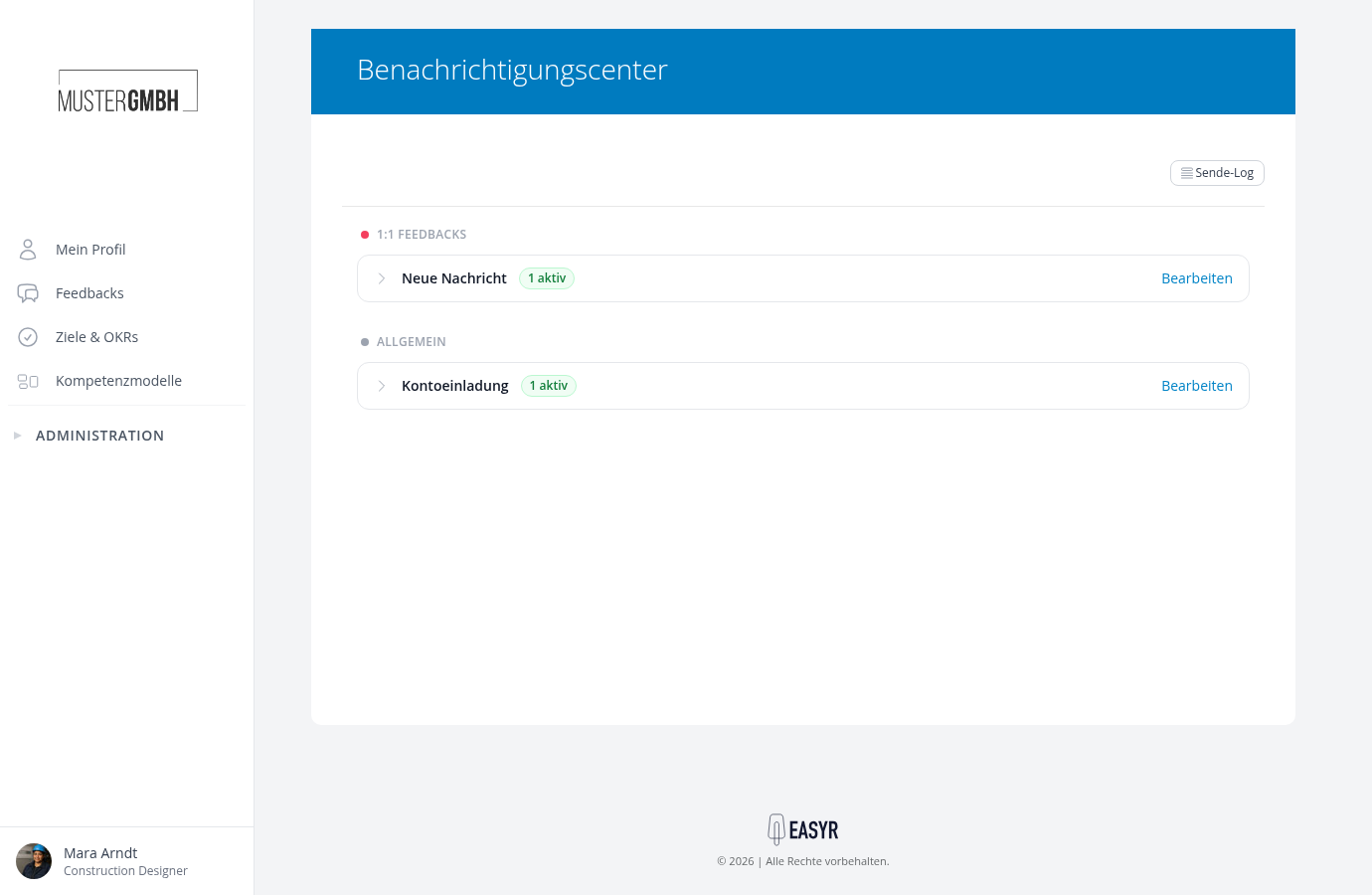
As an HR employee or CEO, you adjust the subject, content and recipients of the email in the company-wide Notification Center, under the New Message type:
- In the sidebar, open Administration > Employees.
- Click the three-dot actions button and choose Configure notifications.
- In the “1:1 feedback” area, expand the New Message type.
For how to edit content and recipients, see Design content and use placeholders and Set recipients.