Create a bonus payout
Requirements
Before you can create bonus payouts, the following must be in place:
- The bonus system must be configured for the target agreement process (by customer support).
- You need the HR or executive management role. If the setting “Restrict payout management to the HR role” is not active, supervisors can also create payouts for their employees.
Create a payout
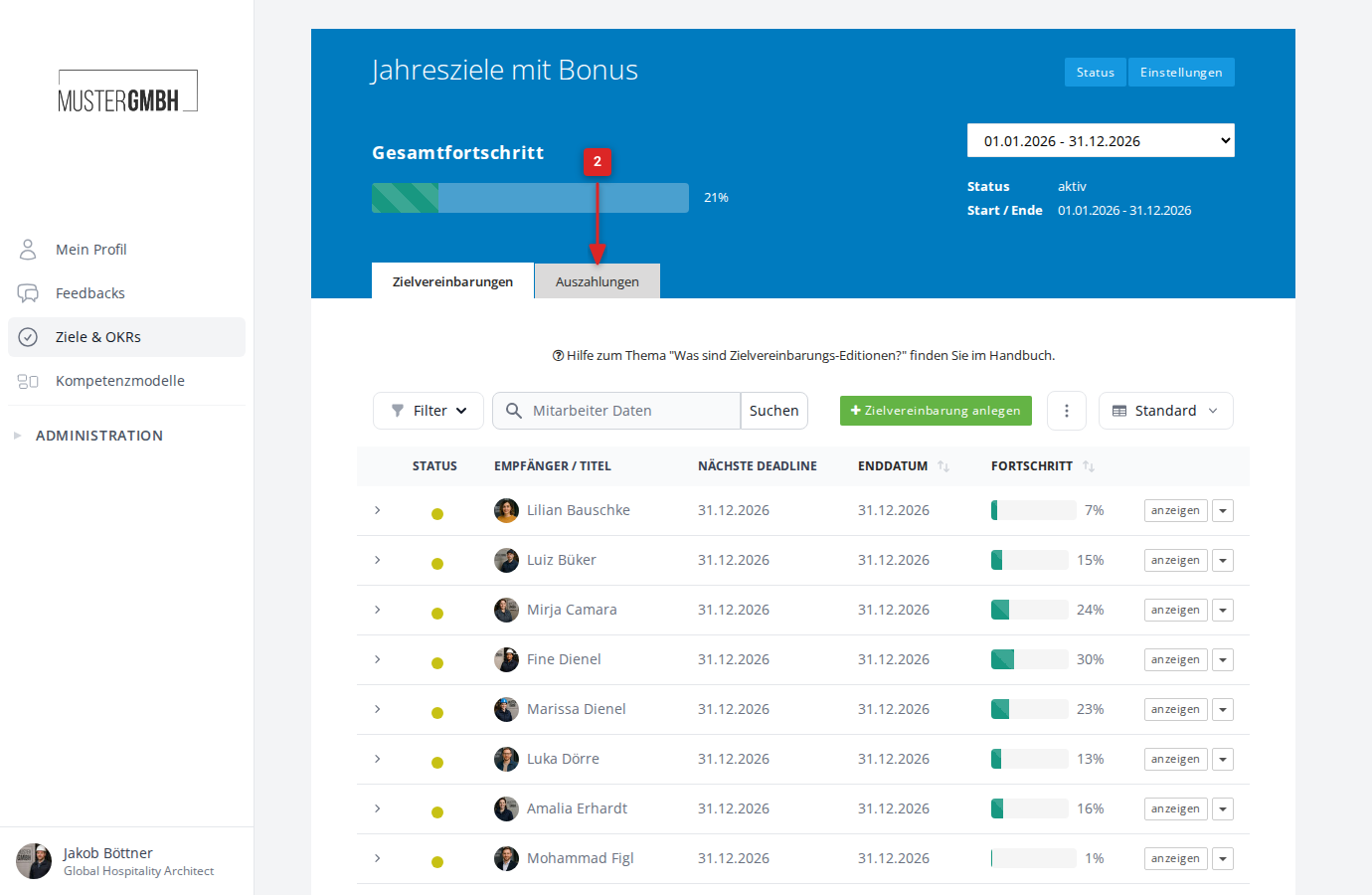
- In the sidebar, click Objectives and open the process for which the bonus system is active.
- Click the Payouts tab next to the “Objectives” tab.
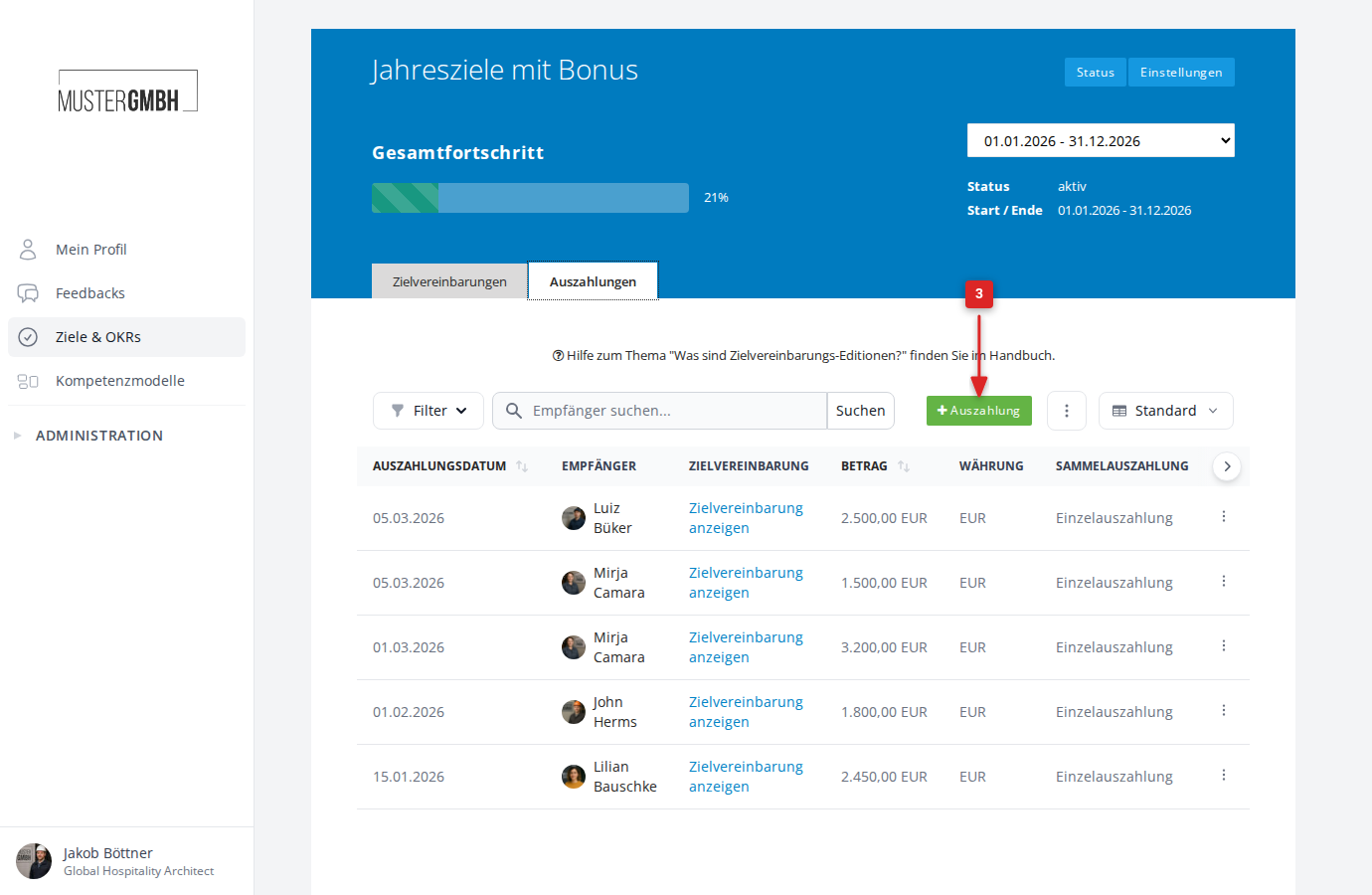
- Click the Payouts button above the payout list.
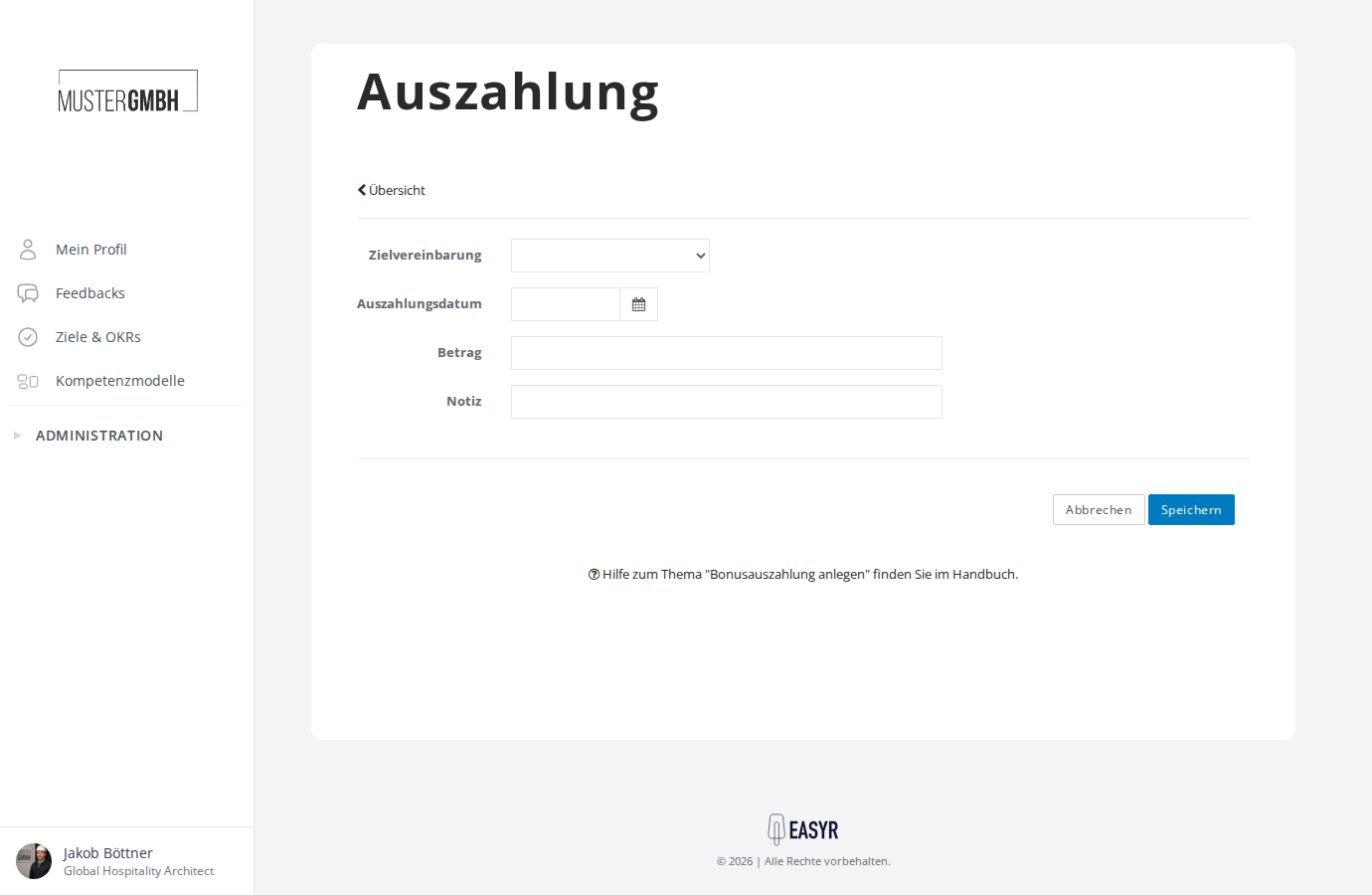
- Fill in the form:
- Objective: Select the employee’s target agreement from the dropdown. Only target agreements with an active bonus system are shown.
- Payout date: Choose the payout date from the calendar.
- Amount: Enter the payout amount.
- Note: Optionally add a note about the payout.
- Click Save.
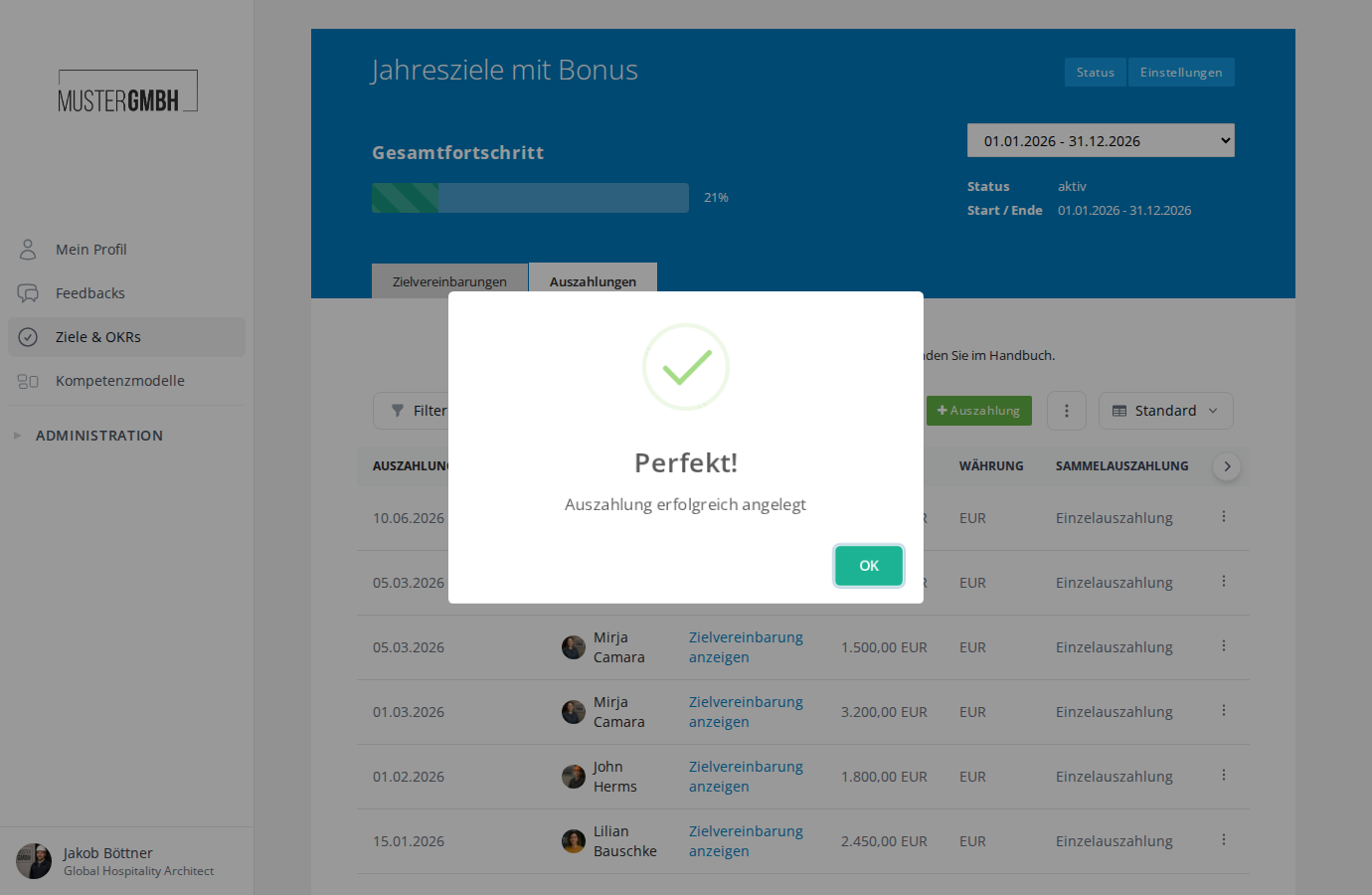
The payout is created and appears in the payout list. You see a confirmation reading “Payout successfully added”.