View bonus information
Requirements
The bonus table is only shown when two conditions are met:
- The bonus system is active for the target agreement process.
- You have the right permission: recipient of the target agreement, the recipient’s supervisor, HR, or executive management.
Open the bonus information
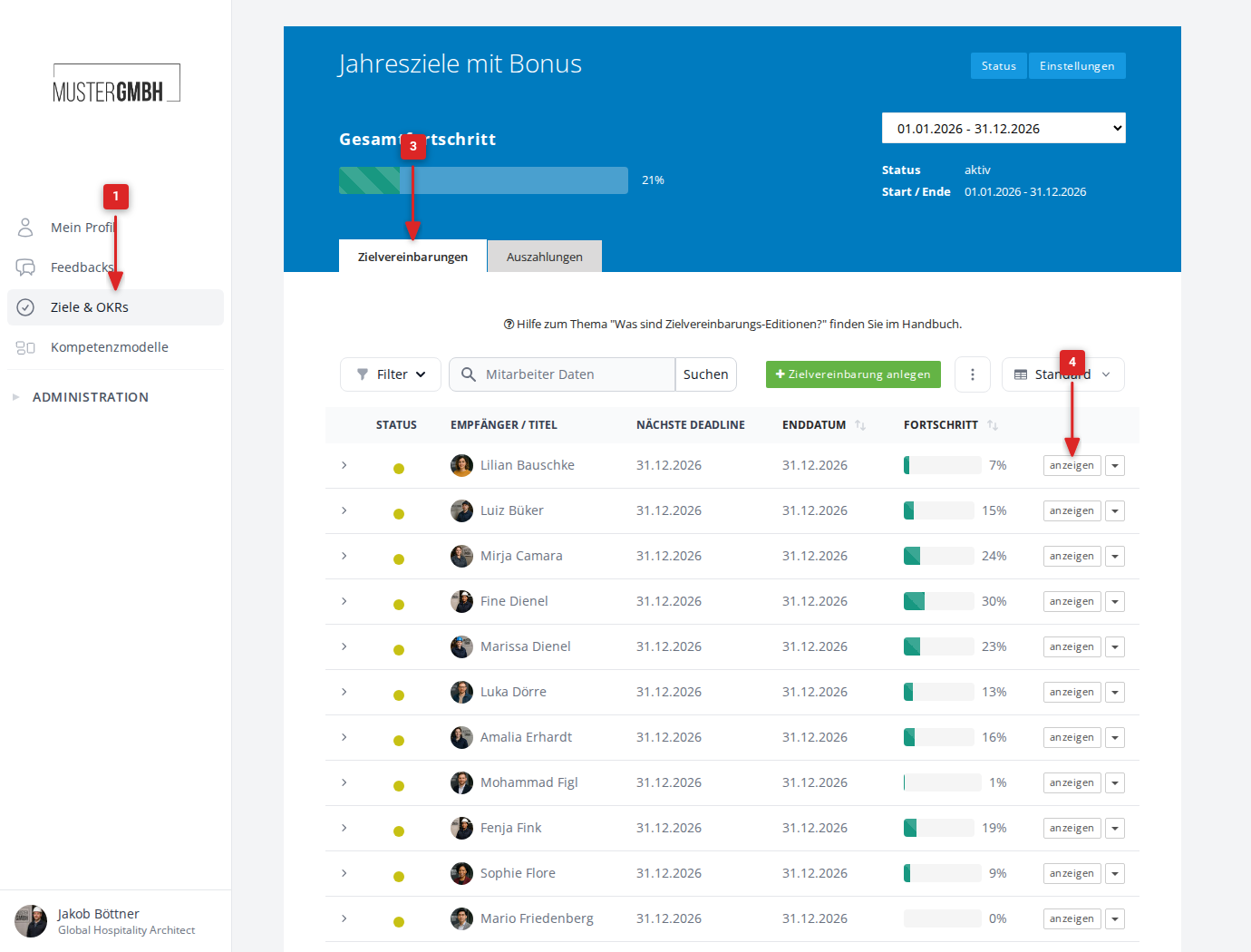
- In the sidebar, click “Objectives”.
- Click the process you want.
- Select the “Objectives” tab.
- Next to the target agreement you want, click “show”.
The bonus table appears in the detail view directly below the progress bar. It is headed “Bonus” and shows the current figures in a single row.
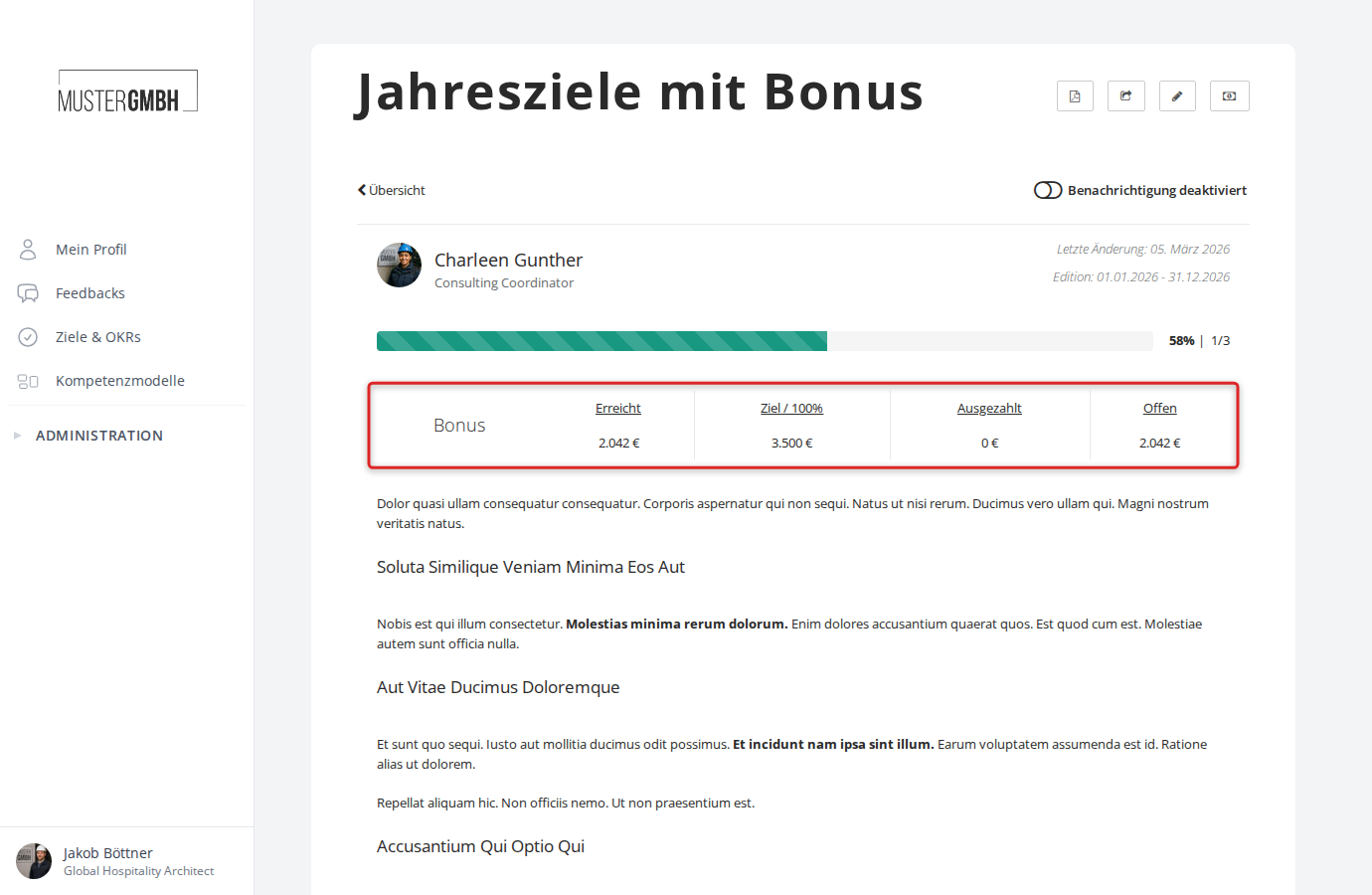
Figures in the bonus table
| Figure | Meaning |
|---|---|
| Achieved | The calculated bonus based on the current level of achievement. |
| Target / 100% | The bonus amount at full achievement of all goals (100%). |
| Upper limit | The maximum bonus amount. Only appears when an upper limit is configured. Even when goals are over-achieved, the bonus is capped at this value. |
| Paid out | The sum of all payouts made so far in the current cycle, for example through quarterly advance payments. |
| Outstanding | The open, not-yet-paid amount (Achieved minus Paid out). |
The calculation runs automatically. As soon as a goal’s level of achievement changes, the values update immediately.
Bonus per individual goal
When the bonus system is configured accordingly, each goal card shows additional bonus information:
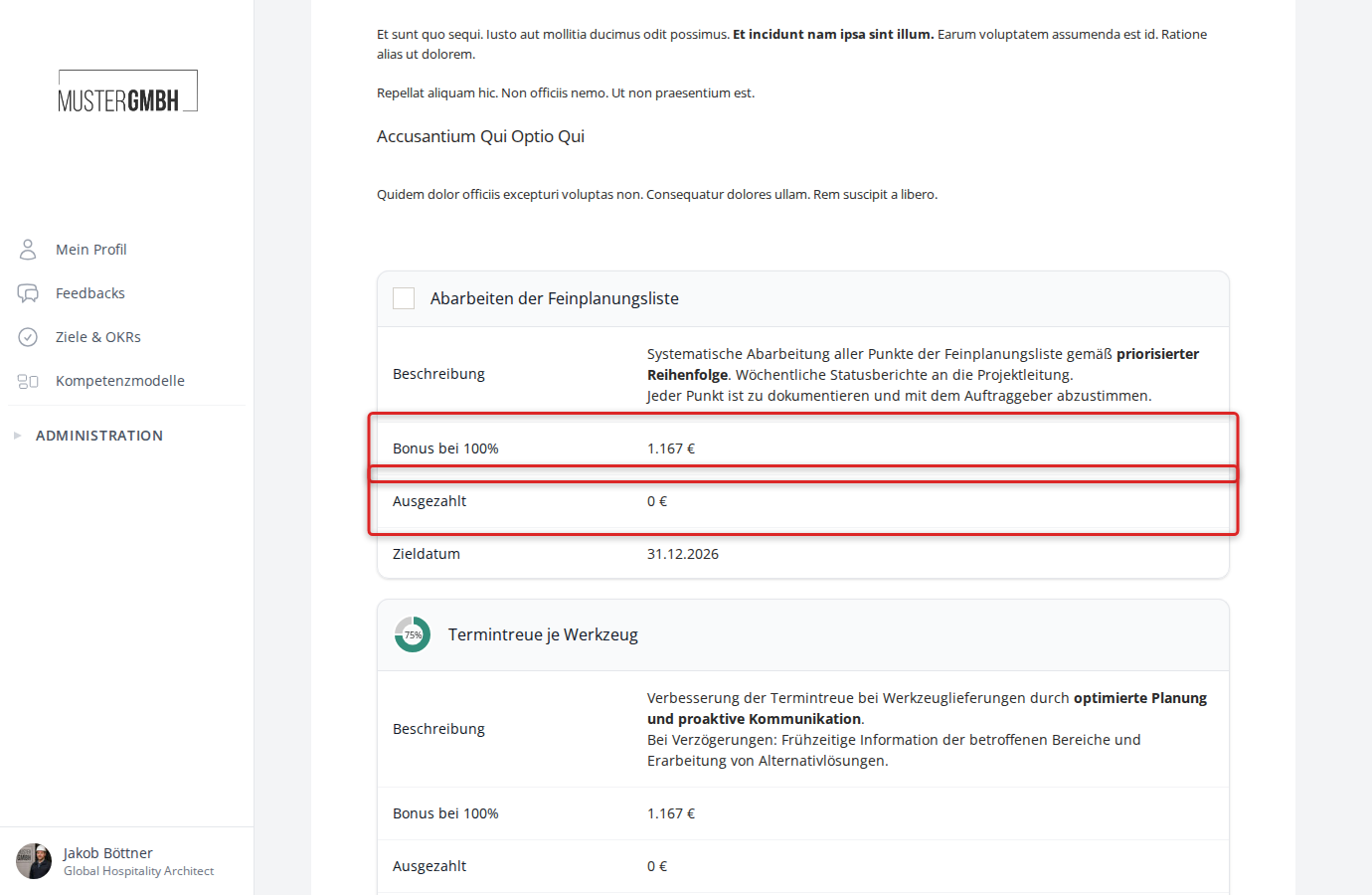
- Bonus at 100%: The bonus amount earned at full achievement of this individual goal.
- Paid out: The amount already paid out for this individual goal.