Export target agreements (XLS)
You can download the list of target agreements as an Excel file (XLSX). The export contains all target agreements of the currently selected edition, including intermediate goals and progress data.
Start the export
- Open the list of company-wide target agreements.
- Click the three-dot menu in the toolbar.
- Click “Download objectives (XLS)”.
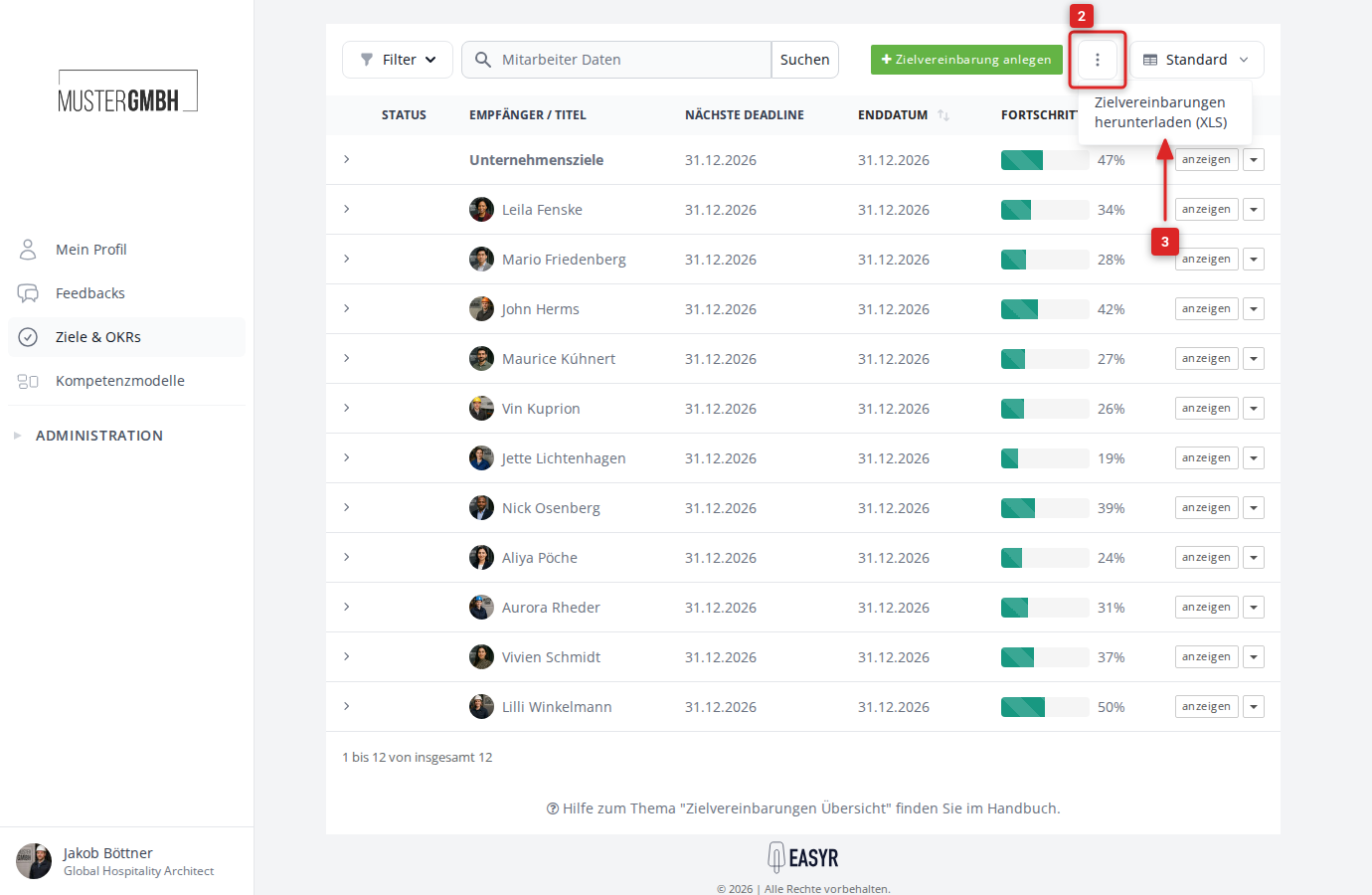
The download starts after a few seconds. The file is saved with the name zielvereinbarungen-<edition>-<date>.xlsx.
What gets exported?
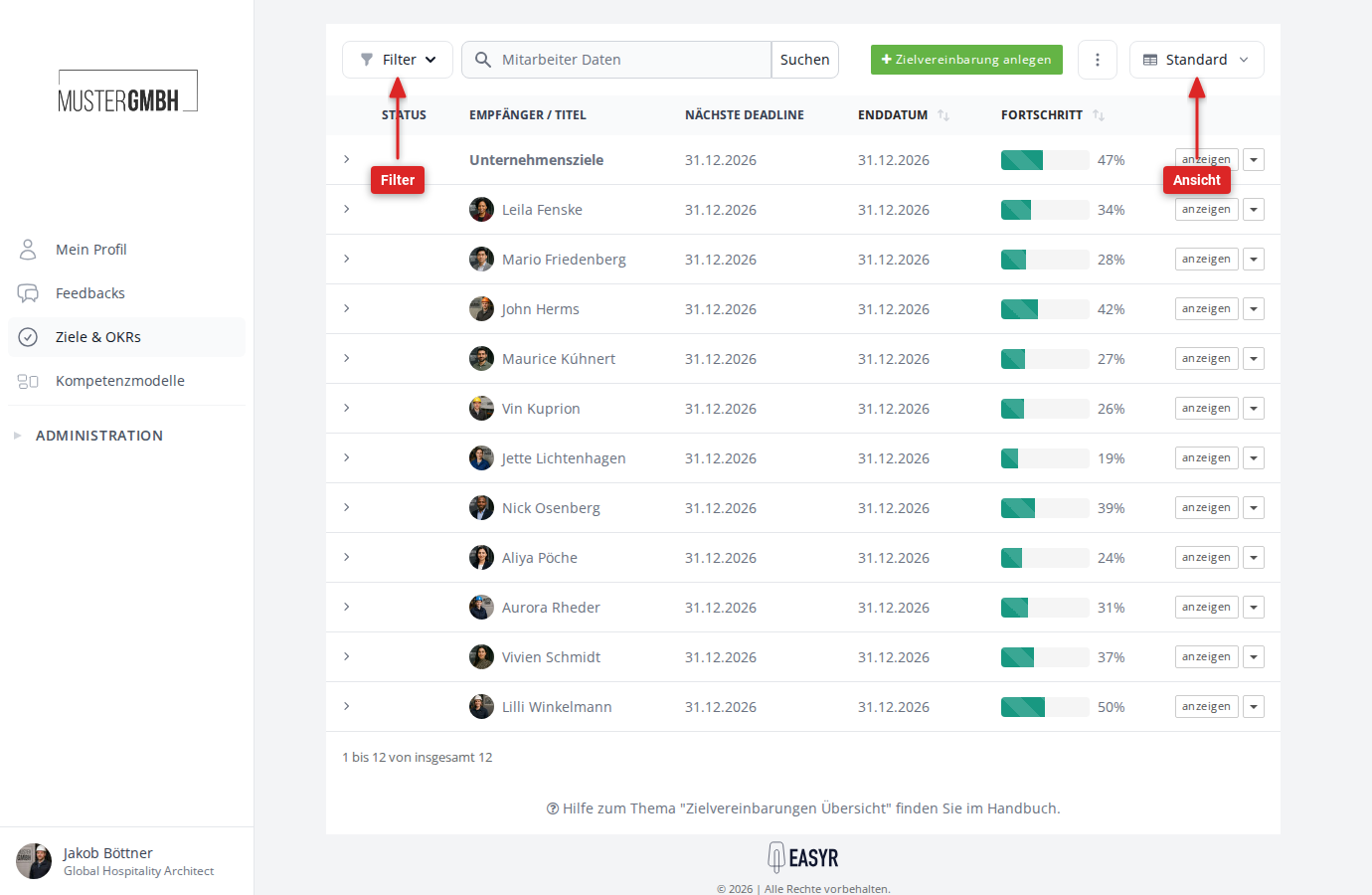
The export follows your current view. Active filters, search terms, and the chosen sort order are carried over. The exported columns match the current list view. If you adjusted columns via the view selector (for example “Standard”), the export reflects that.
Columns in the export
The default columns of the list are:
- Status
- Recipient / Title
- Next deadline
- End date
- Progress
Depending on your configuration, further columns can be included, for example Recipient: Supervisor, Recipient: Groups, or custom fields.
Intermediate goals
For each target agreement, the individual intermediate goals are exported as additional columns. Per intermediate goal the file includes, among other things:
- Title and description
- Progress
- Weighting
- Due date
- For quantified goals: lower bound, upper bound, and the value reached
The number of goal columns follows the target agreement with the most intermediate goals. Target agreements with fewer goals leave the remaining columns empty.