Subscribe to notifications for a target agreement
Want to stay up to date on a target agreement, or the other way round, stop receiving emails about it? You control both yourself, through your subscription to that target agreement. Subscribed people receive an email when:
- the target agreement is changed (for example the title, description or goals)
- goals are updated, such as marked as achieved or adjusted in progress
- the target agreement is completed
When a target agreement is created, its creator and recipient are subscribed automatically. You can switch your subscription on or off at any time.
Switch the subscription on
- Open the detail view of the target agreement.
- At the top right, click the “Not subscribed to email updates” toggle.
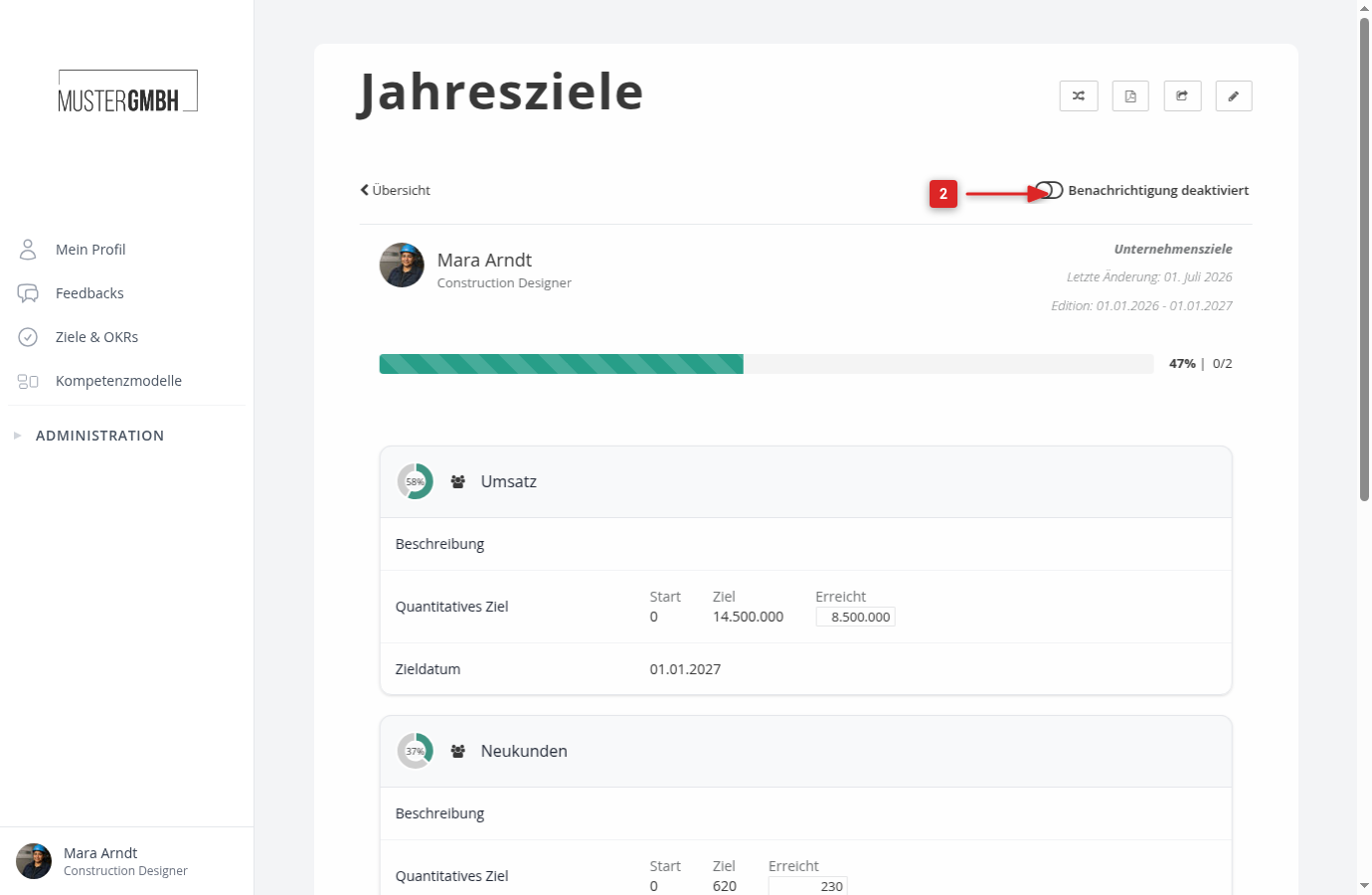
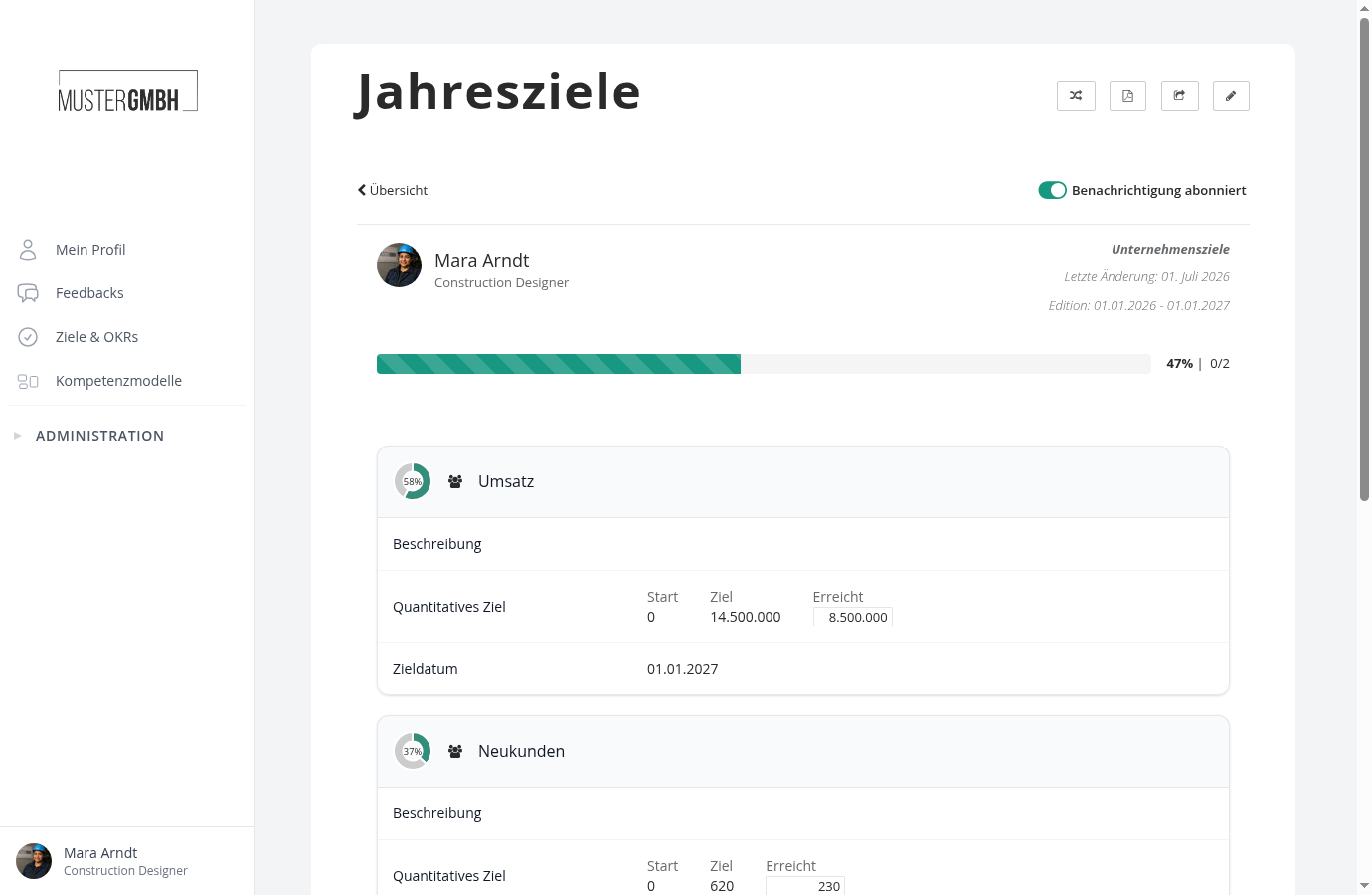
- The toggle turns green and reads “Subscribed to email updates”.
Switch the subscription off
In the detail view, click “Subscribed to email updates”. The toggle turns grey and reads “Not subscribed to email updates” again. You then no longer receive emails about this target agreement.