Complete an intermediate goal / update its achievement
In easyreview you can update the progress of your target agreement at any time. How it works depends on the kind of intermediate goal: simple intermediate goals are ticked off with a checkbox, and for quantified intermediate goals you enter the current value.
Update progress
- Open the target agreement’s detail view.
- Scroll to the intermediate goals. Each one is shown as its own card.
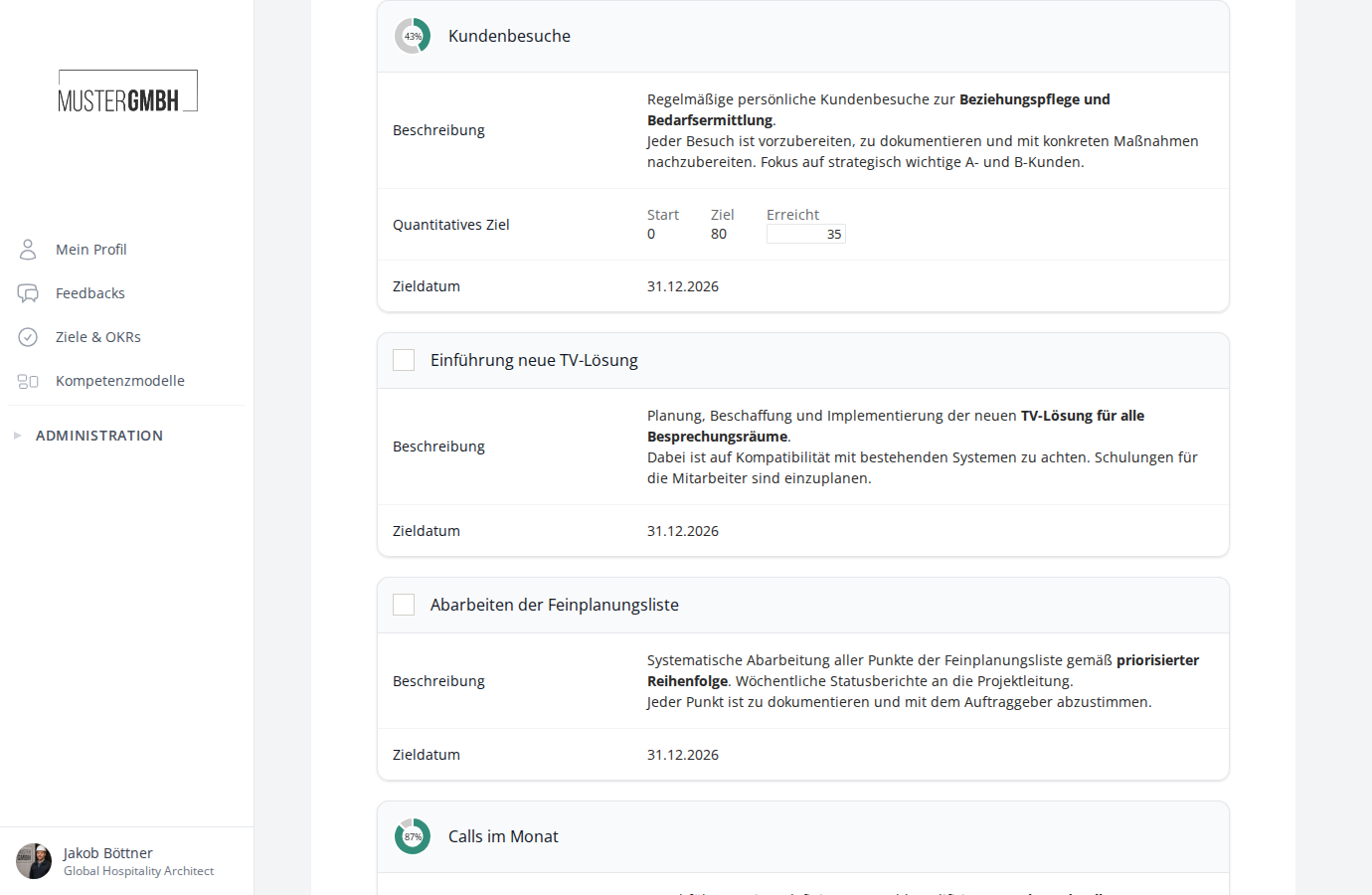
At the top of the detail view you see a progress bar with the overall progress as a percentage and the number of completed intermediate goals (for example “34% | 0/6”).
Tick off simple intermediate goals
Simple intermediate goals have a checkbox to the left of the title. Click the checkbox to mark the goal as done.
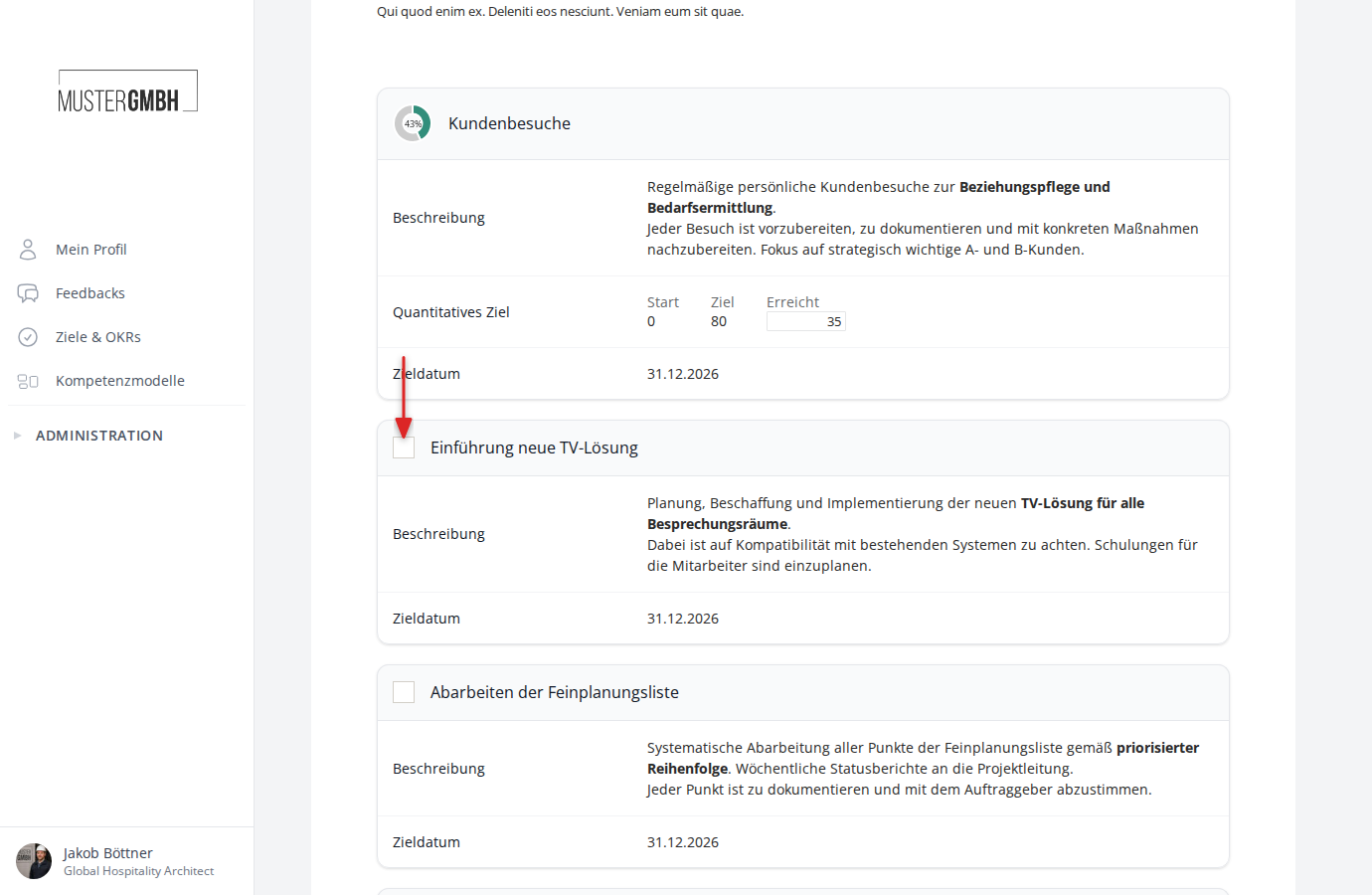
Update quantified intermediate goals
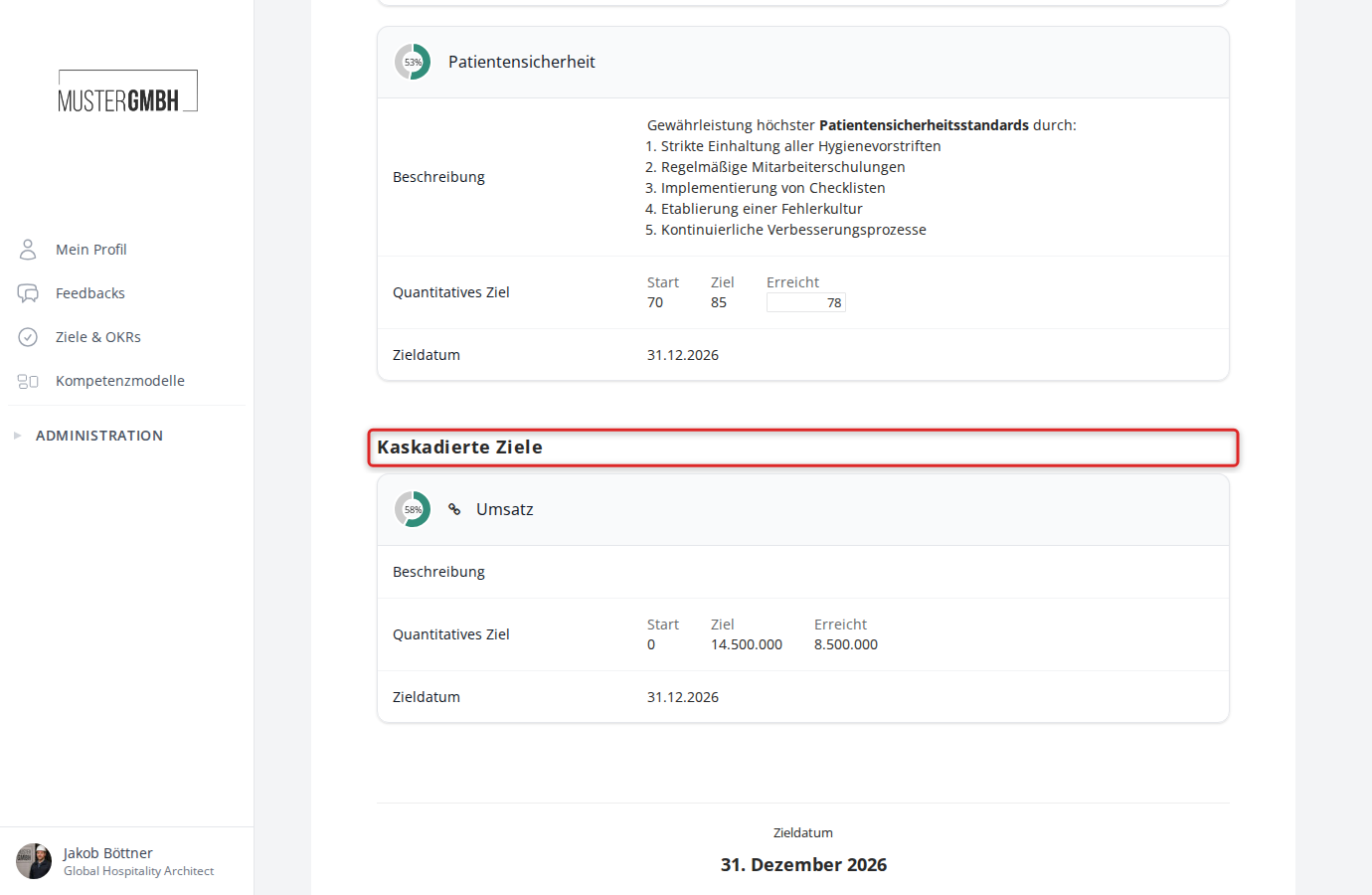
Quantified intermediate goals show three values under Quantified Target:
- Min.: The starting value
- Goal: The target value to reach
- Achieved: The current value (editable)
Enter the new actual value in the Achieved field. Progress is calculated automatically and shown as a percentage in the circular chart to the left of the title.
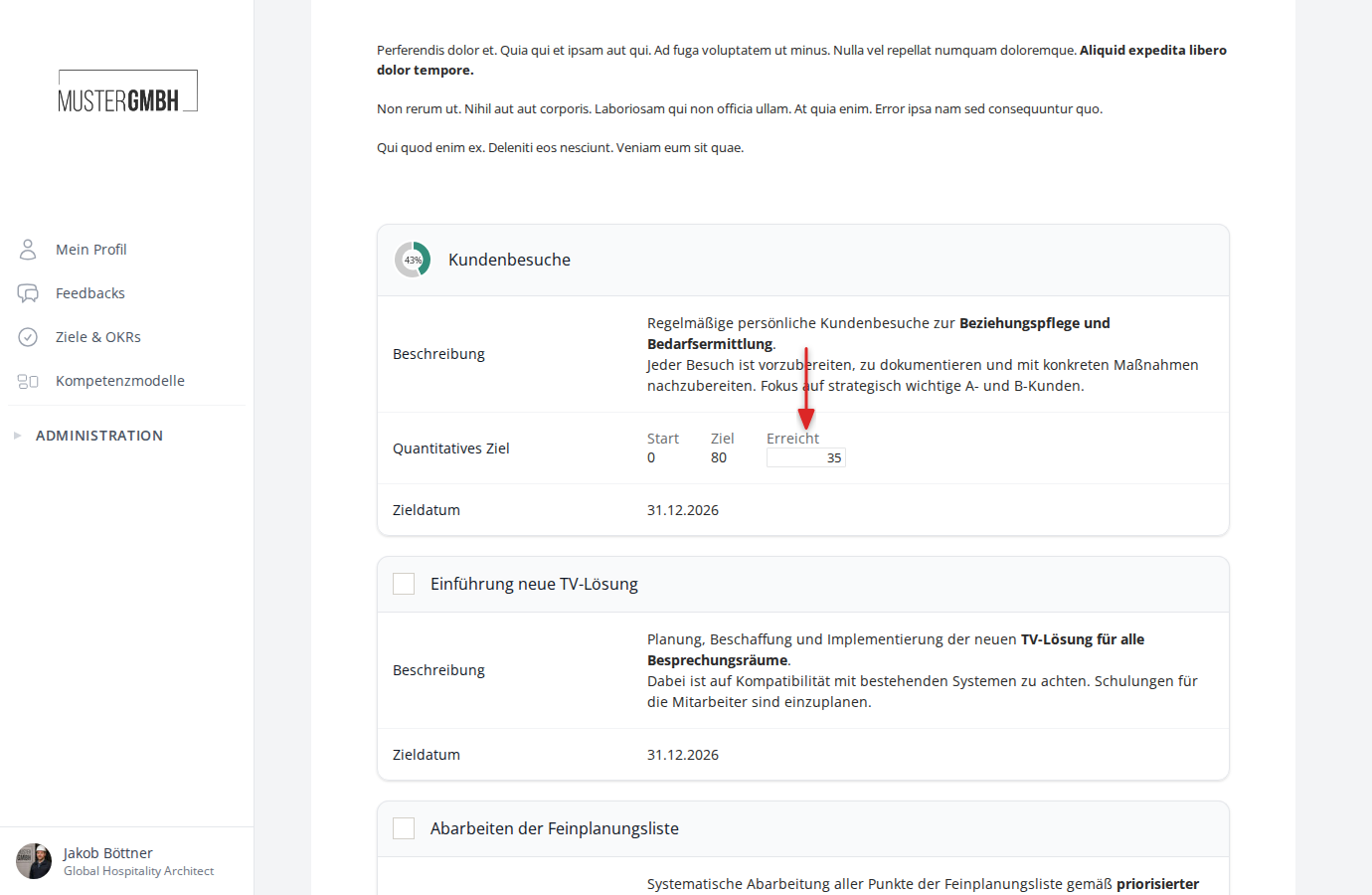
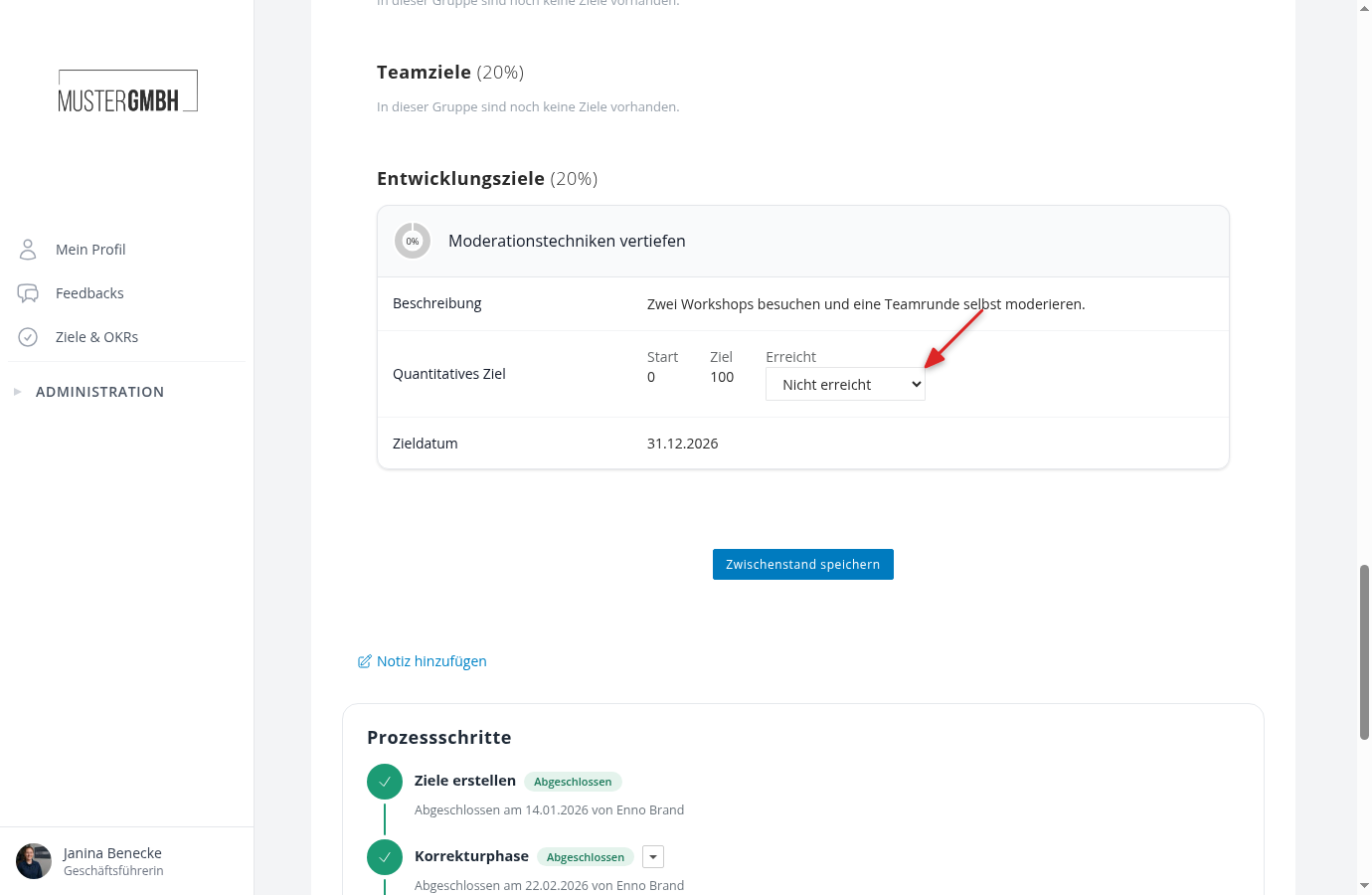
Pick the achievement level from an option list
If HR has set up an option list for a goal group, the Achieved field shows a selection instead of a number field, for example “Not achieved”, “Partially achieved”, or “Fully achieved”. Pick the matching entry; it counts like an entered value.
Cascaded and centrally managed goals
Cascaded goals come from a higher-level target agreement and carry the note “via …” with the name of the source. Centrally managed goals come from a template set up by HR and carry the note “Centrally managed”. Both sit in the goal group of their original goal. If their progress is measured at the original goal, the values (Min., Goal, Achieved) are read-only here.
Save results
Once you’ve made your changes, scroll to the bottom of the page and click Save results.
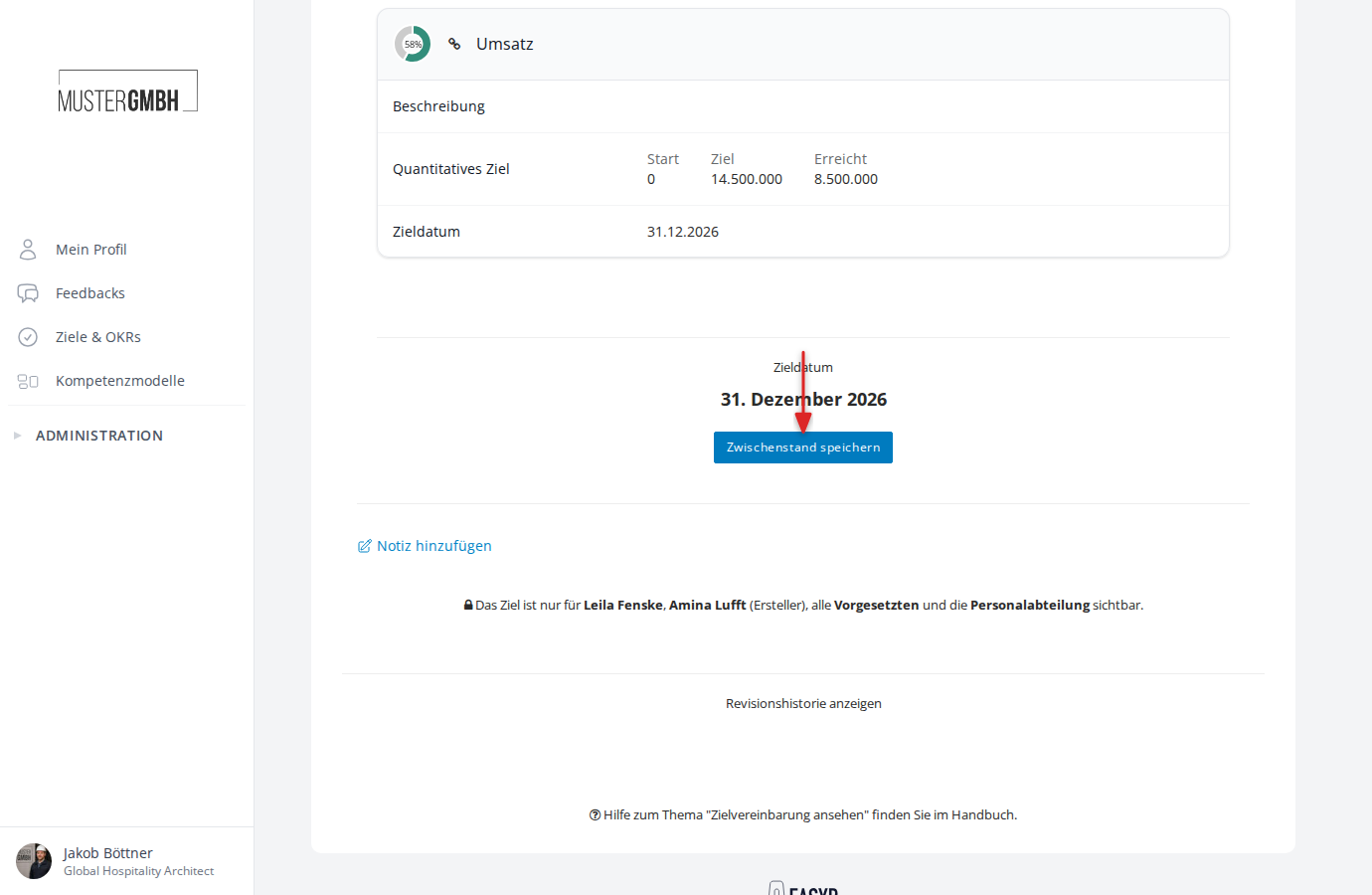
The system confirms the change with a message in the top-right corner of the screen.
When progress is locked
In processes with process steps, updating progress can be locked for a while, for example until the objectives are signed or during a running sealing. The fields are read-only then. As soon as the process lifts the lock, everything works as described above.
If the process includes a “Record interim update” step, the responsible person updates the state through a guided dialog. See Record an interim update as a process step.