Archive a feedback process
Archiving moves a feedback process from the feedback overview into the feedback archive. All results are kept. This lets you take older feedback processes out of the active list without losing any data.
Archive a feedback process
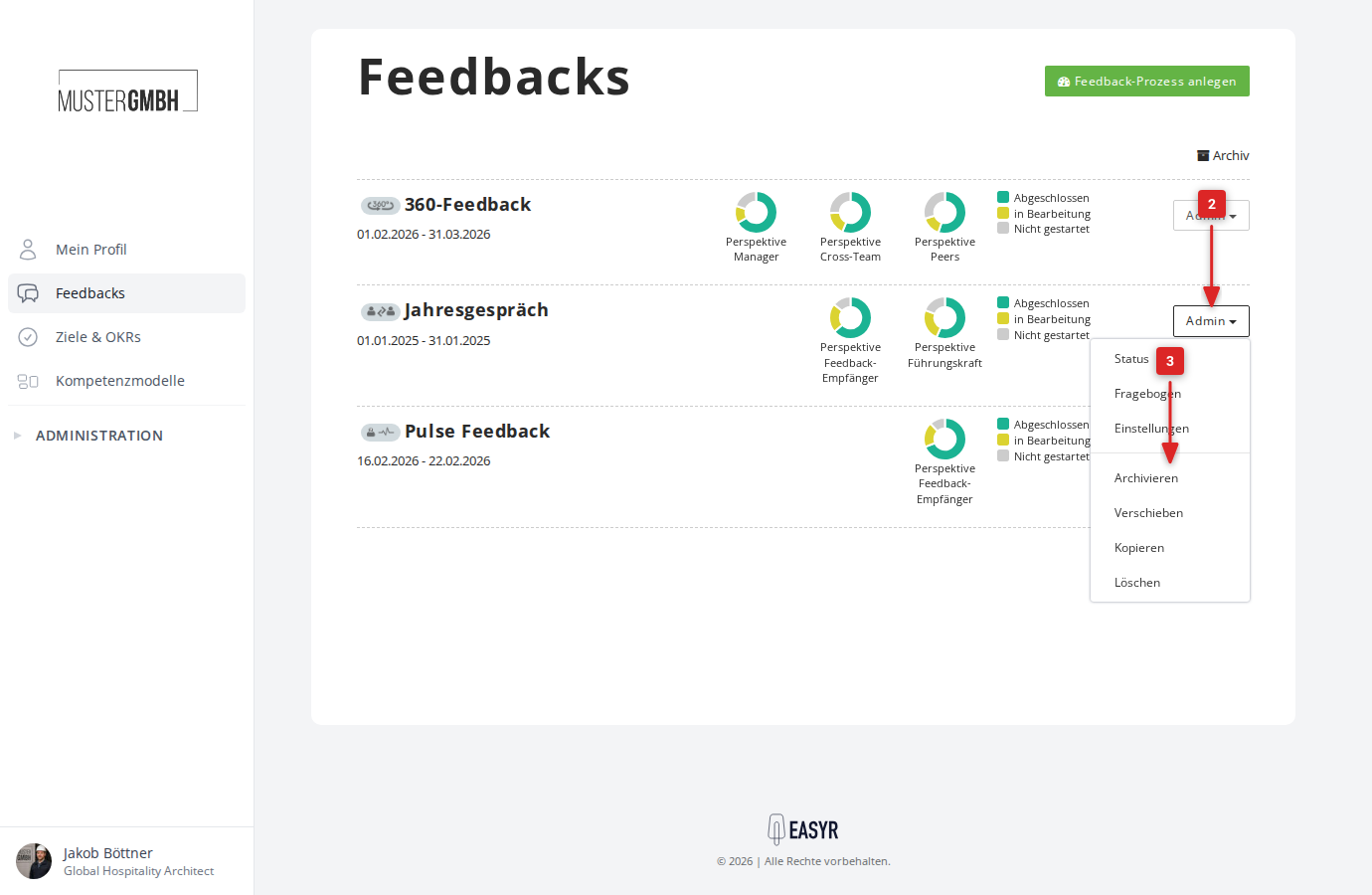
- Open the feedback overview from the “Feedbacks” entry in the sidebar.
- Click “Admin” in the row of the feedback process you want.
- Click “Archive” in the menu.
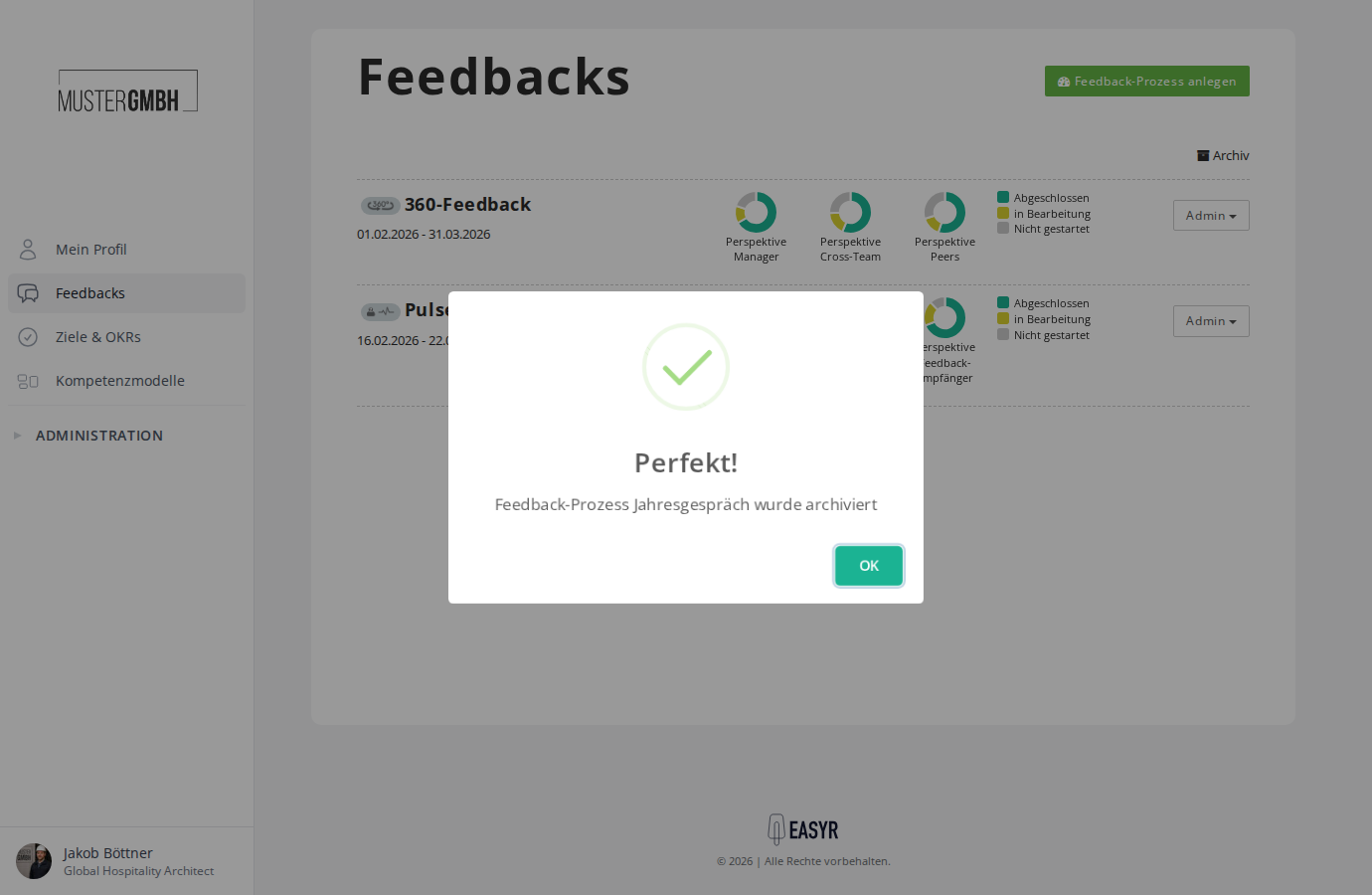
- The system confirms the archiving. Click “OK”.
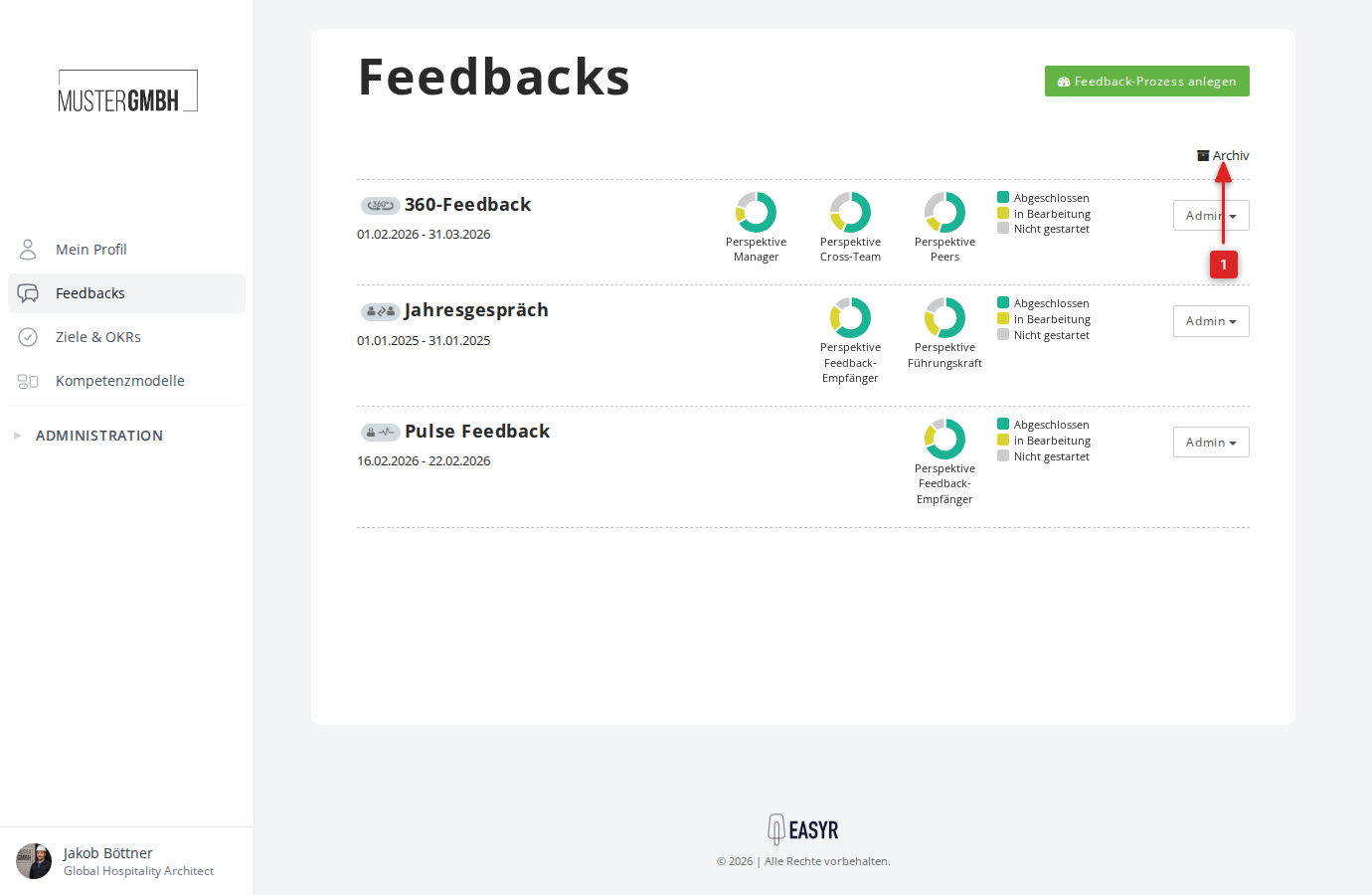
The feedback process is now visible in the feedback archive and no longer in the active overview.
Reactivate a feedback process
- Open the feedback archive. You reach it through the “Archive” link at the top right of the feedback overview.
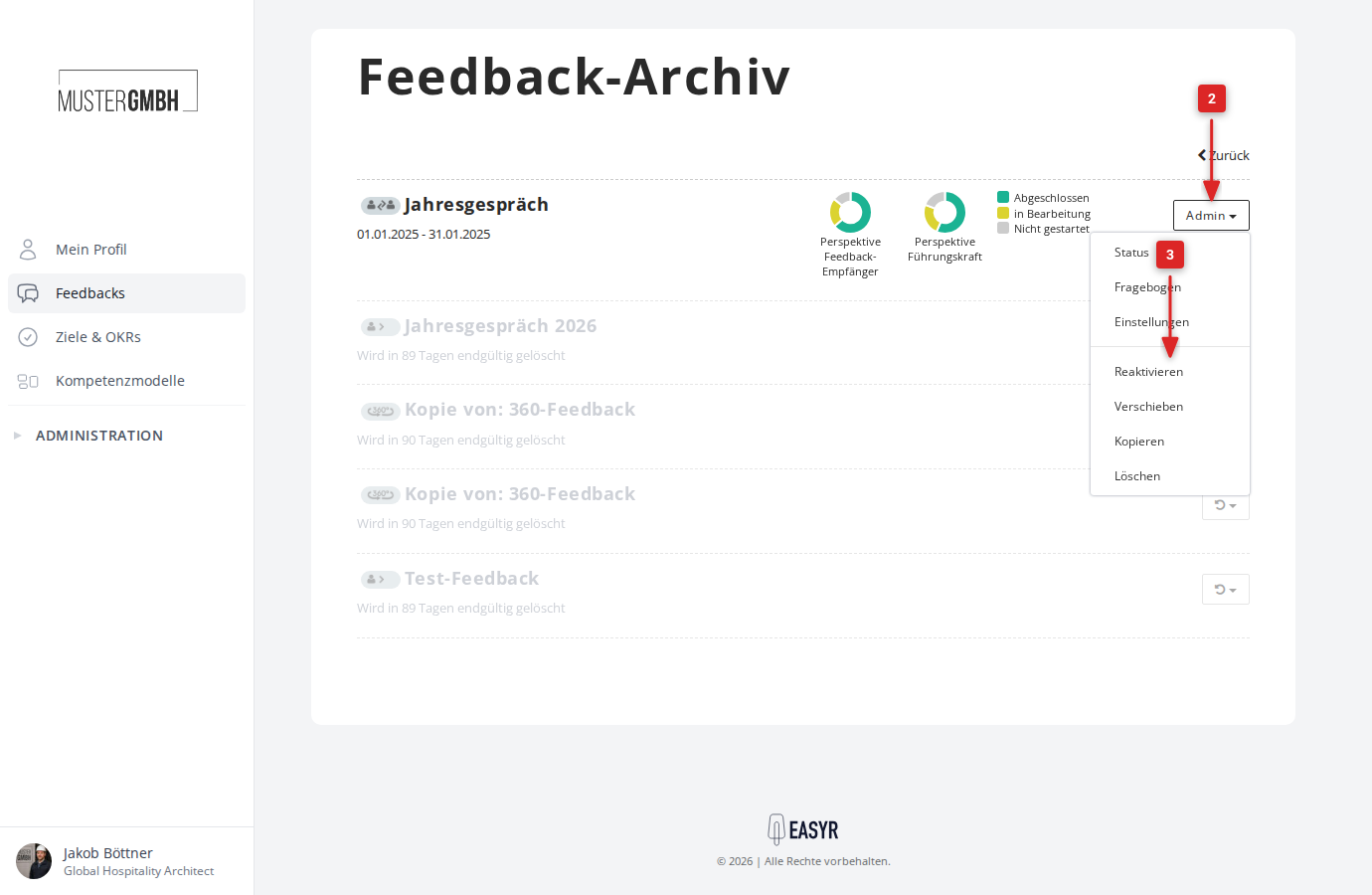
- Click “Admin” in the row of the feedback process you want.
- Click “Reactivate” in the menu.
- The system confirms the reactivation. Click “OK”.
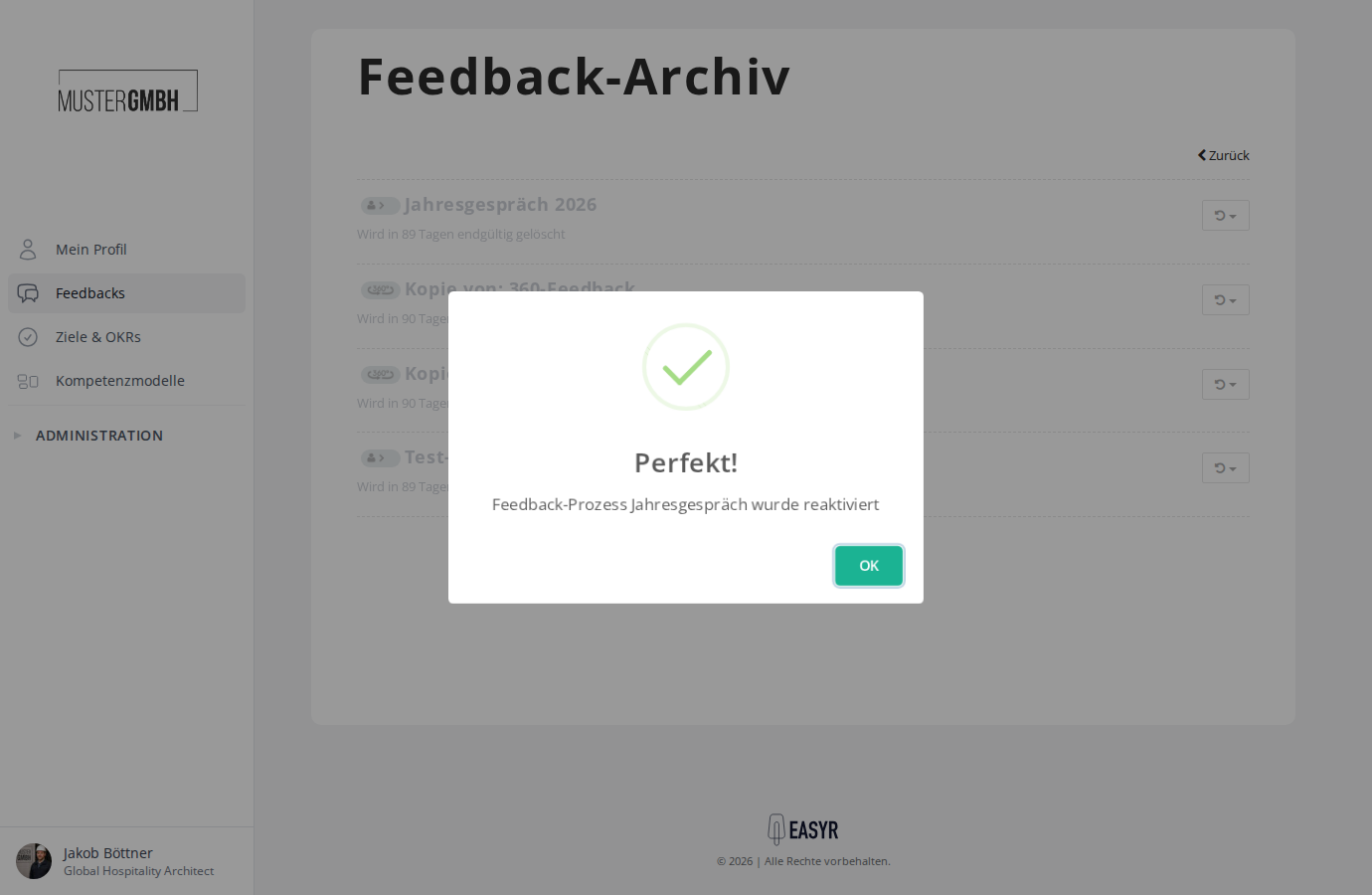
The feedback process is moved back into the active feedback overview.