Select an edition
On the status page of a feedback process you can switch between editions. Every tab and evaluation always refers to the edition that is currently selected.
Switch the edition
- Open the status page of the feedback process
- Click the dropdown in the top right of the header
- Choose the edition you want
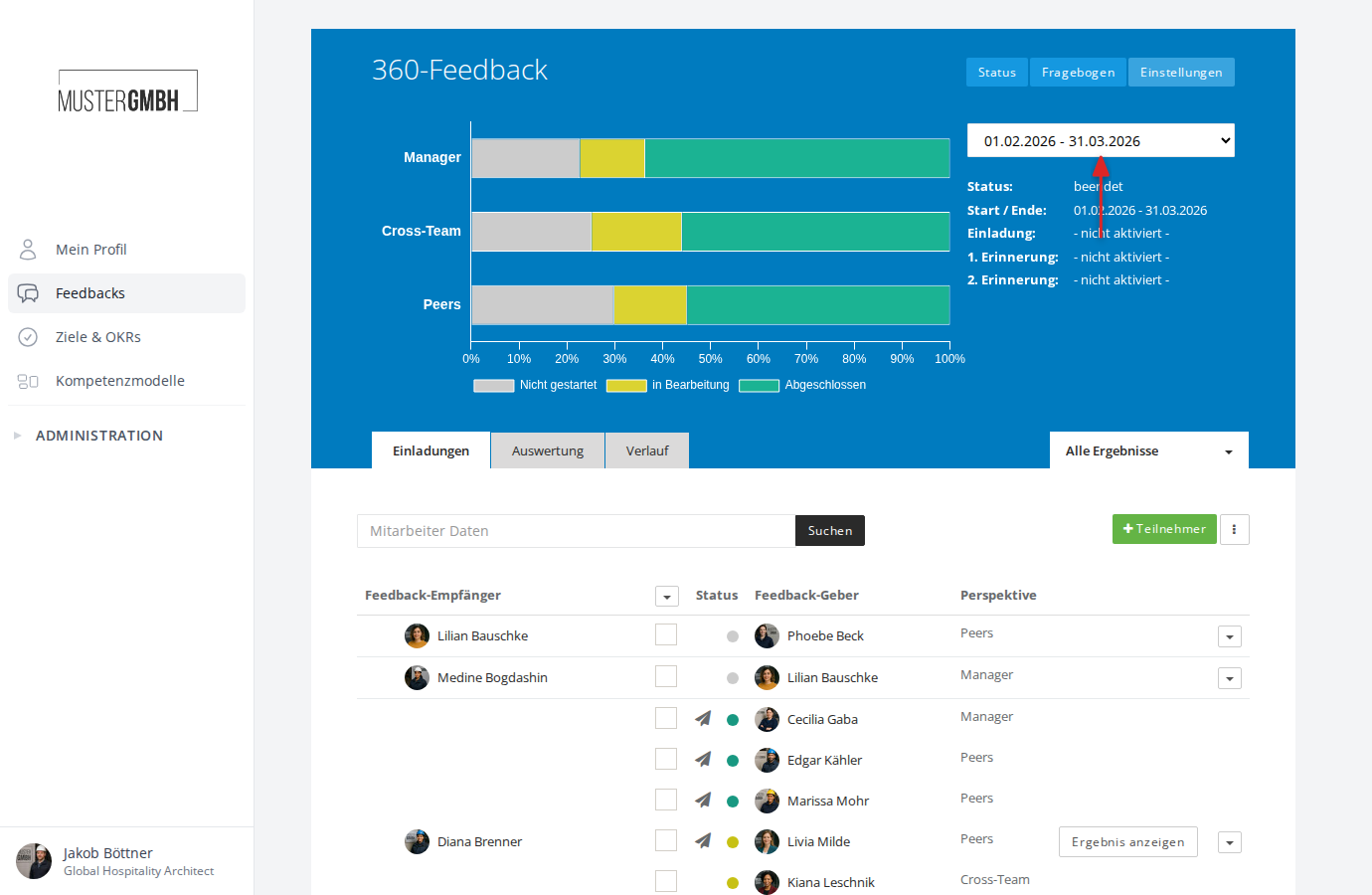
The page reloads and shows the data for the selected edition.
How editions are labeled
In the dropdown, each edition is shown with its time range, for example “01.02.2026 - 31.03.2026”. If a custom title was given to the edition in the settings, that title is shown instead of the time range.