Diplomatic status
In a feedback process with diplomatic status switched on, results are visible only to the people directly involved in each participation and to colleagues with the “Executive management” access level. This lets you run sensitive feedbacks, for example within top management, without HR or other supervisors seeing the results.
Who can see the results?
While diplomatic status is active, the following rules apply:
- People involved see only the results of their own participation.
- HR employees have no access to results. They also cannot edit completed answers after the fact.
- Supervisors have no access to their employees’ results in this feedback process.
- Executive management keeps full access to all results and can edit answers.
Turn on diplomatic status
-
In the “Process & visibility” row, click “Edit”.
-
In the “Who sees what” card, tick the “Diplomatic status” checkbox.
-
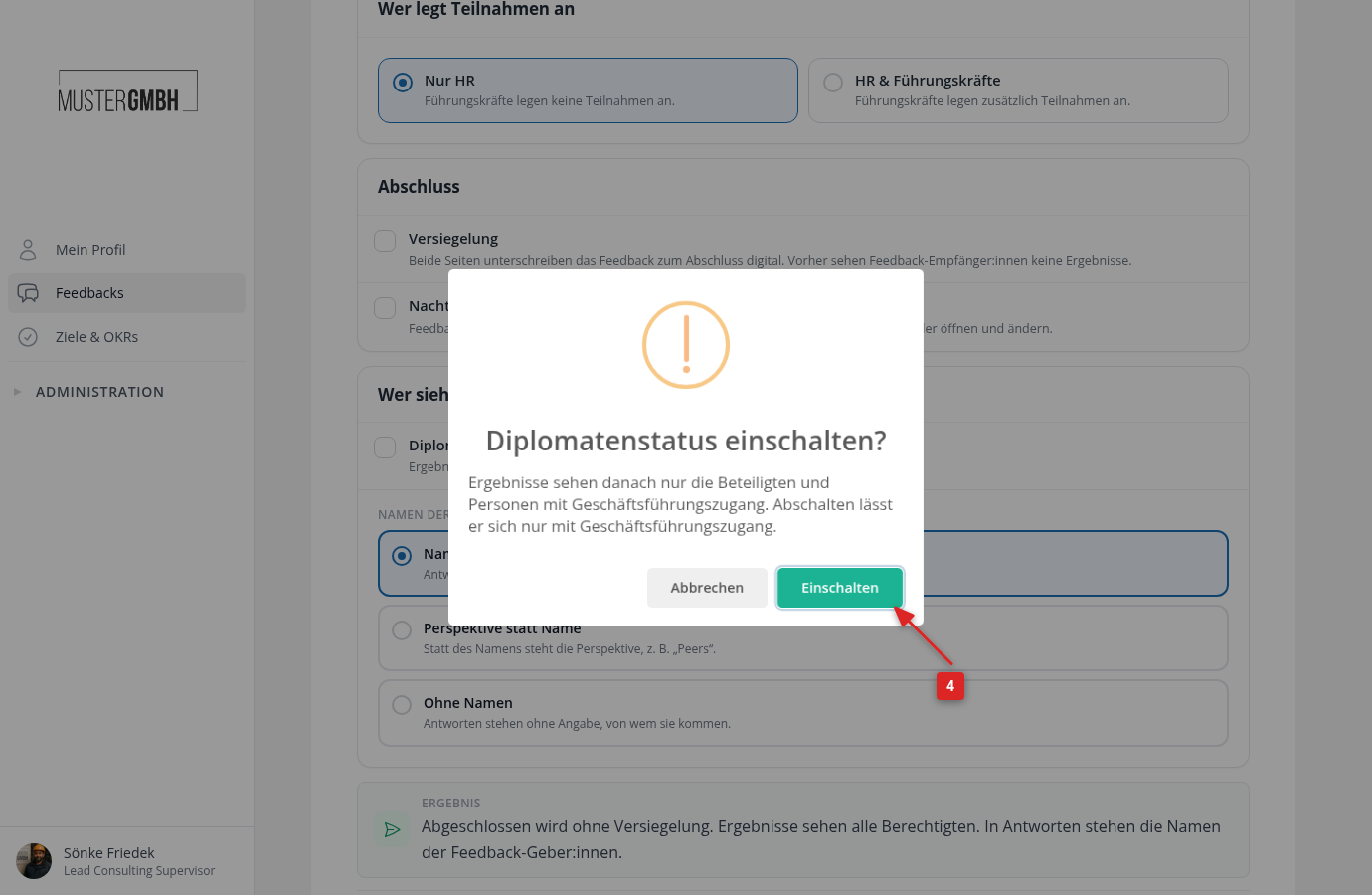
easyreview asks whether you want to switch on diplomatic status. Confirm with “Switch on”.
-
Click “Save” at the bottom of the page.
How to tell diplomatic status is on
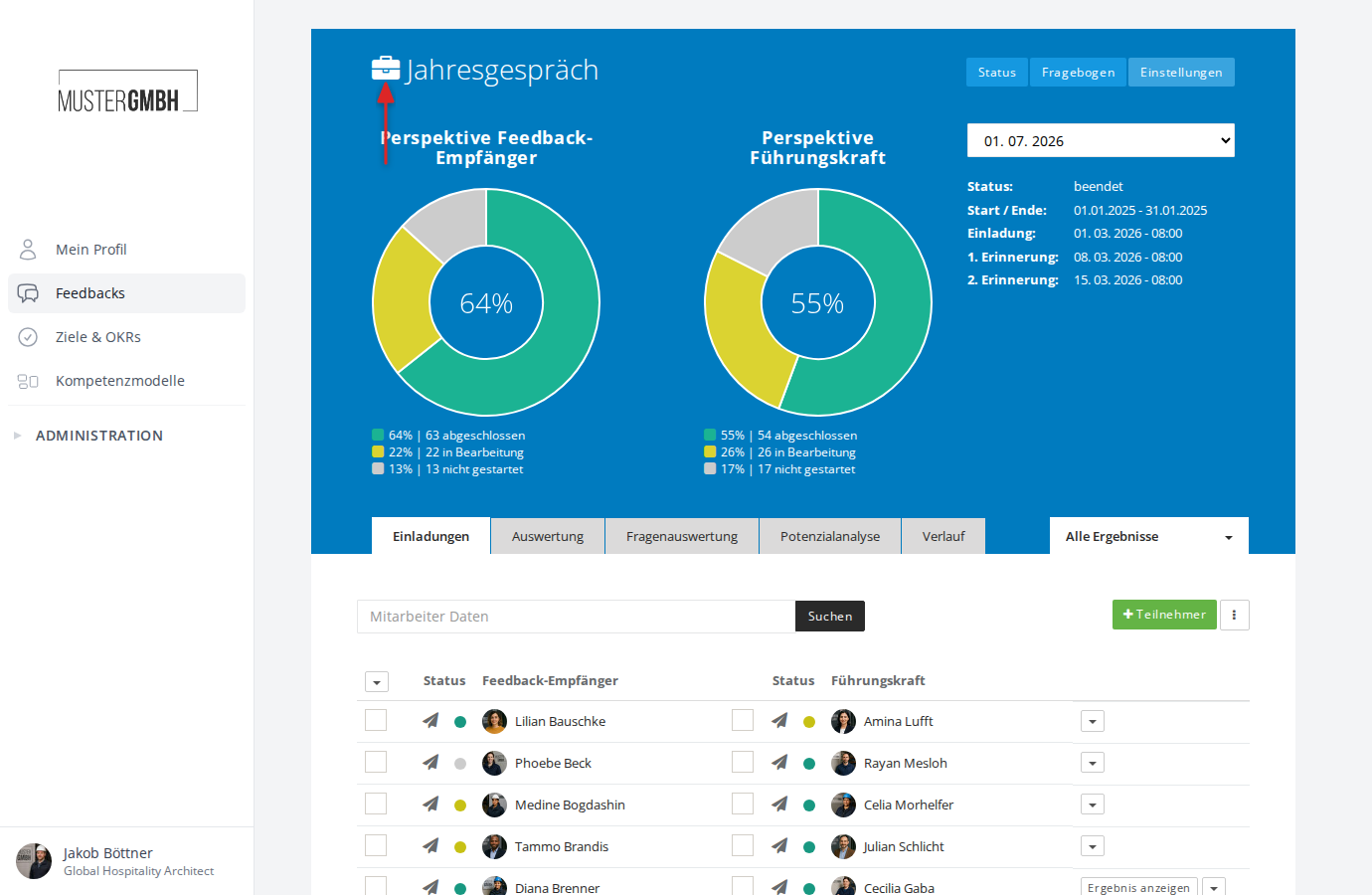
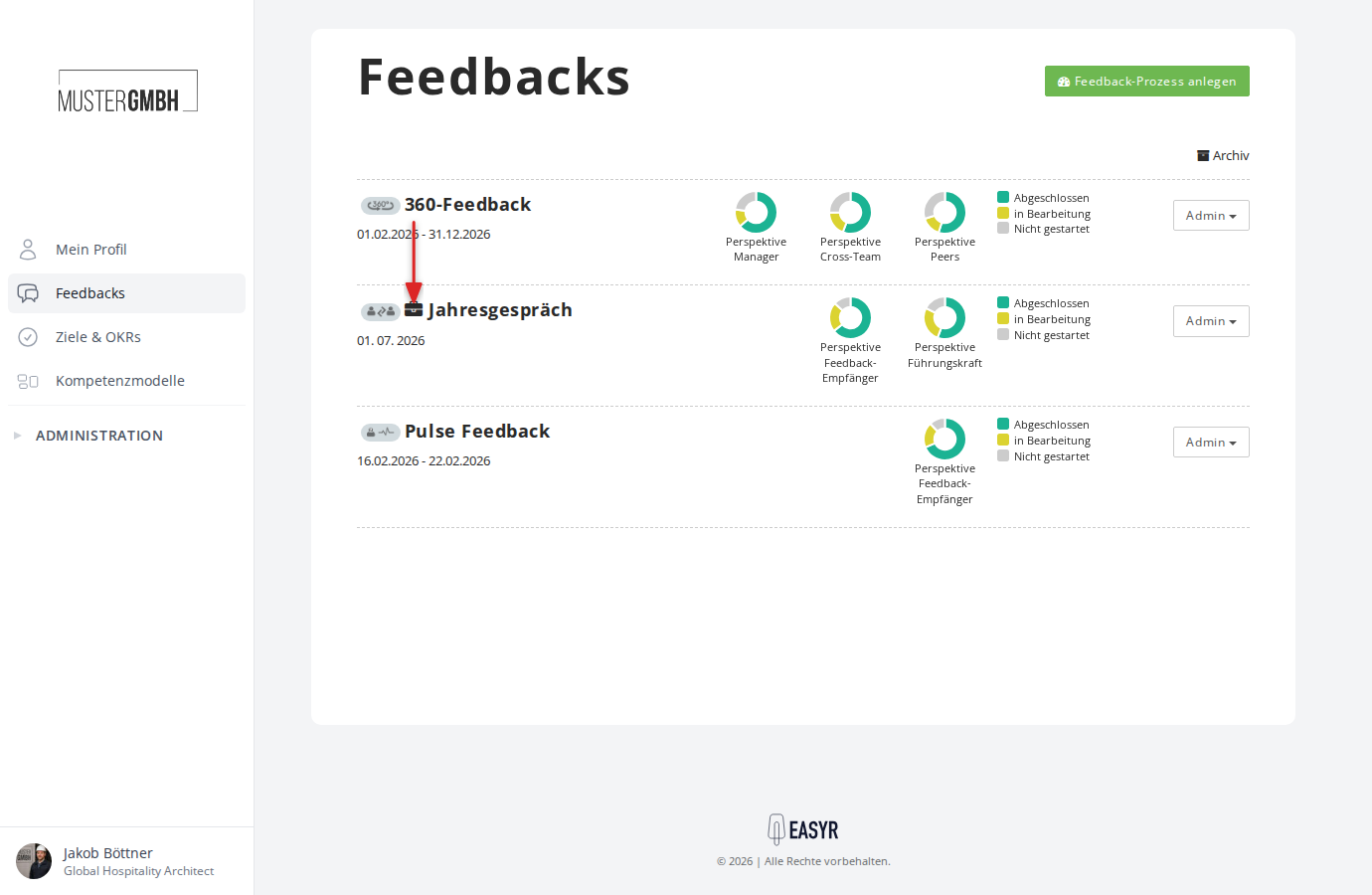
Feedback processes with diplomatic status are marked with a briefcase icon in front of the title, so you can see at a glance whether the special access restrictions are in effect.
The icon appears in the feedbacks overview:
And on the status page of the feedback process: