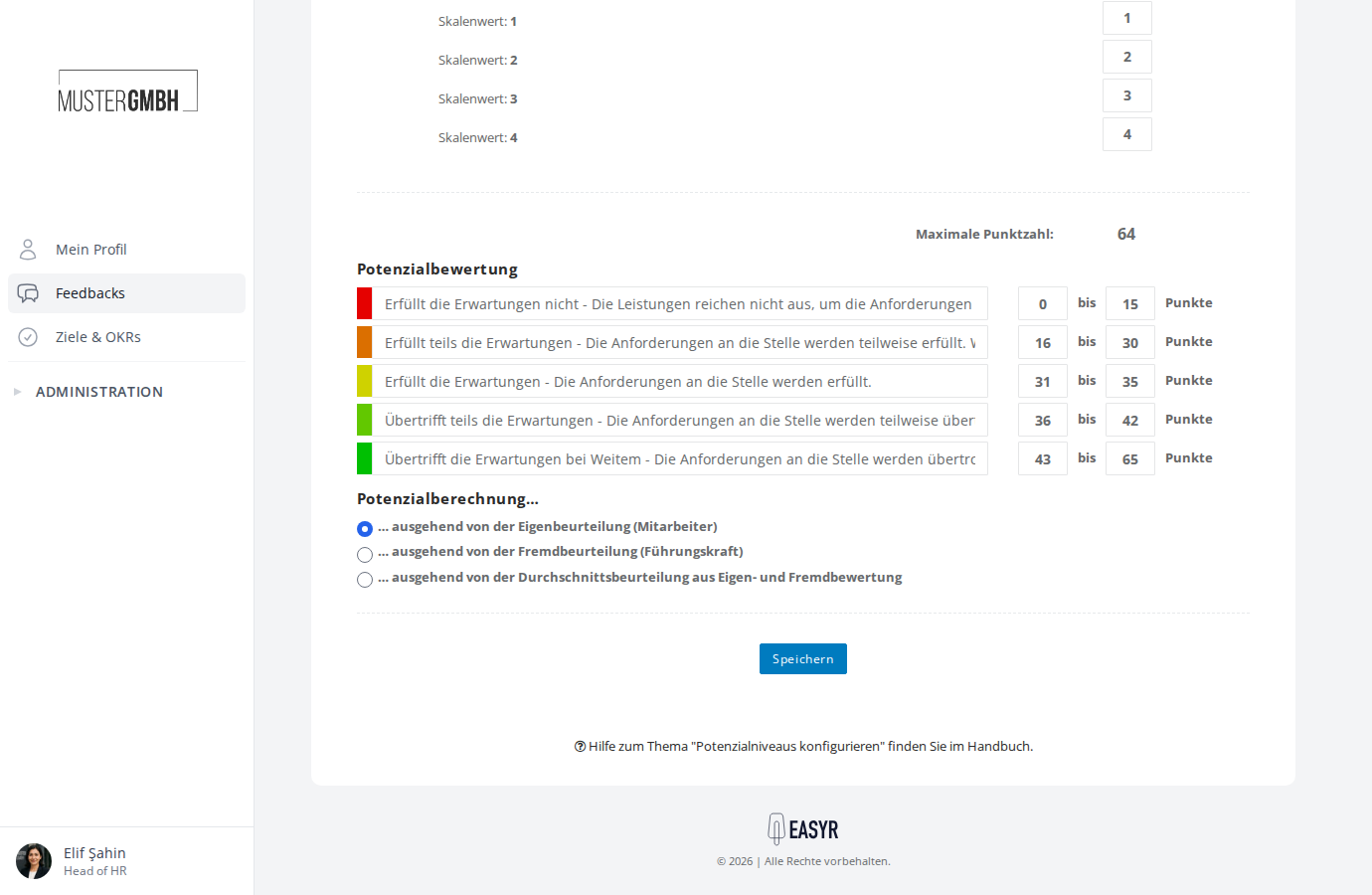
Include and exclude questions in the potential analysis
You decide which questions feed into the potential analysis. On the potential analysis configuration page, every closed question in the questionnaire has its own checkbox — tick it to include the question, untick it to leave it out.
Open the configuration page
- Open the review settings.
- In the “Additional functions” card, click “Set up” in the “Potential analysis” row. If the potential analysis is already set up, the button reads “Edit”.
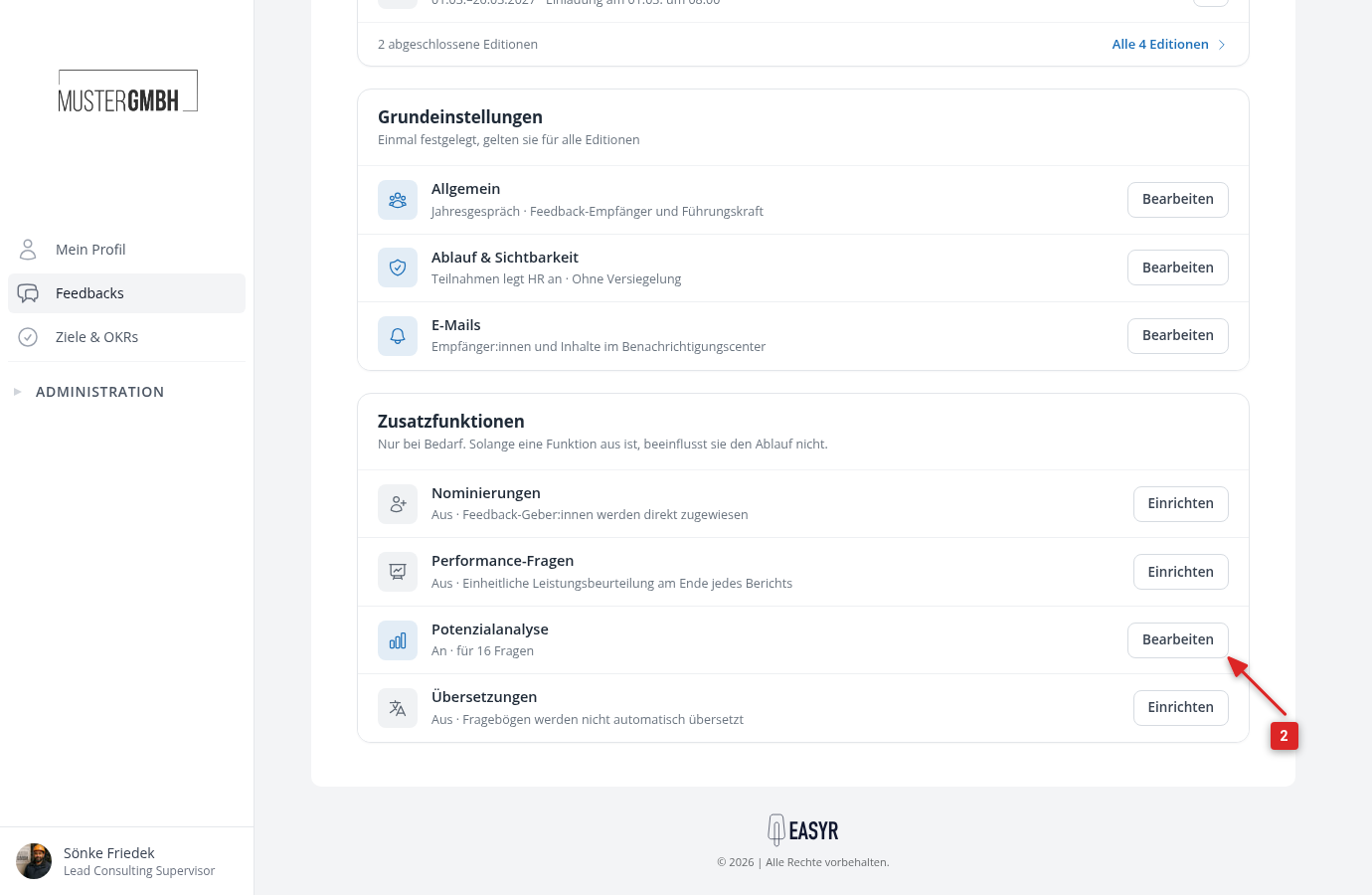
Include and exclude questions
In the Potential values area, you see every closed question in the questionnaire. Each question has a checkbox and its own potential-value input fields.
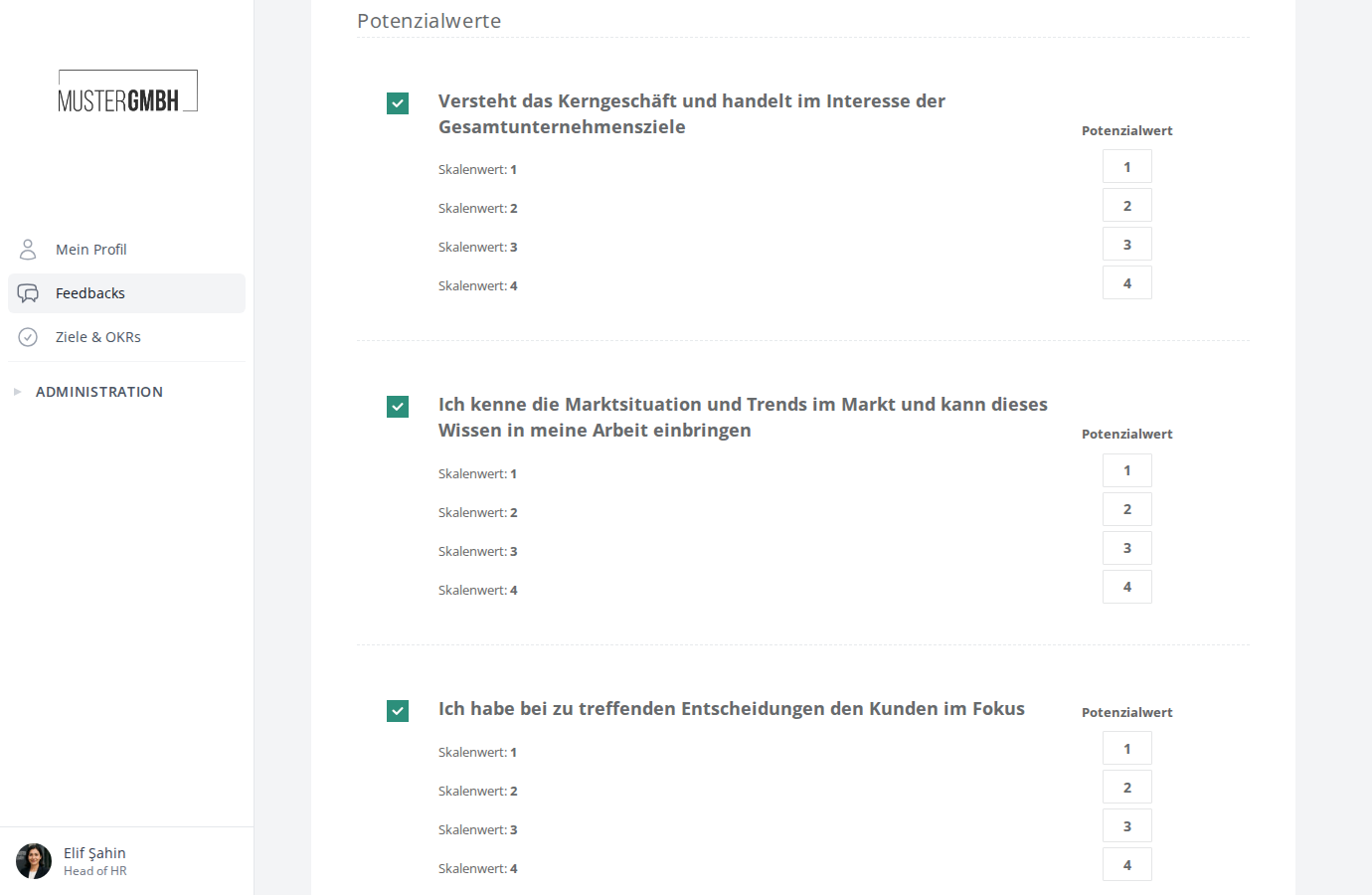
- Tick the checkbox to the left of the question title to include the question in the potential analysis
- Untick it to exclude the question from the potential analysis
- Repeat this for every question you want to adjust
- Click Save at the bottom of the page
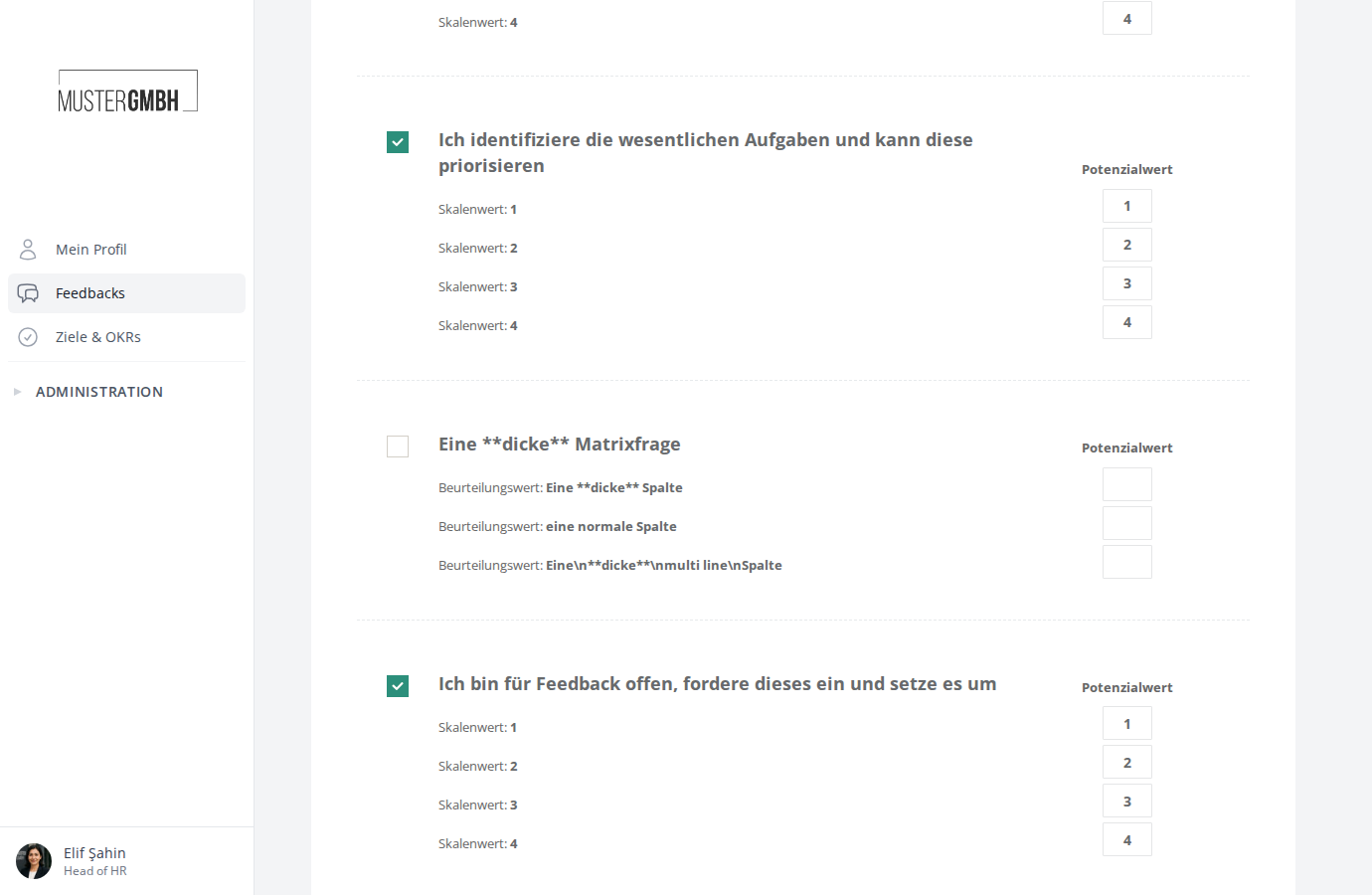
After you save, easyreview recalculates the potential values for all participations automatically. In the settings overview, the “Potential analysis” row shows for how many questions it is active, for example “On · for 16 questions”.