Configure potential values / strength values
With the potential analysis, you assign a strength value (potential value) to each answer option of your closed questions. The sum of these values gives each participant an overall strength value, which is shown in the evaluation as the potential analysis. For exactly how this works, see What is the potential analysis?.
Open the configuration page
- Open the review settings.
- In the “Additional functions” card, click “Set up” in the “Potential analysis” row. If the potential analysis is already set up, the button reads “Edit”.

Enter strength values
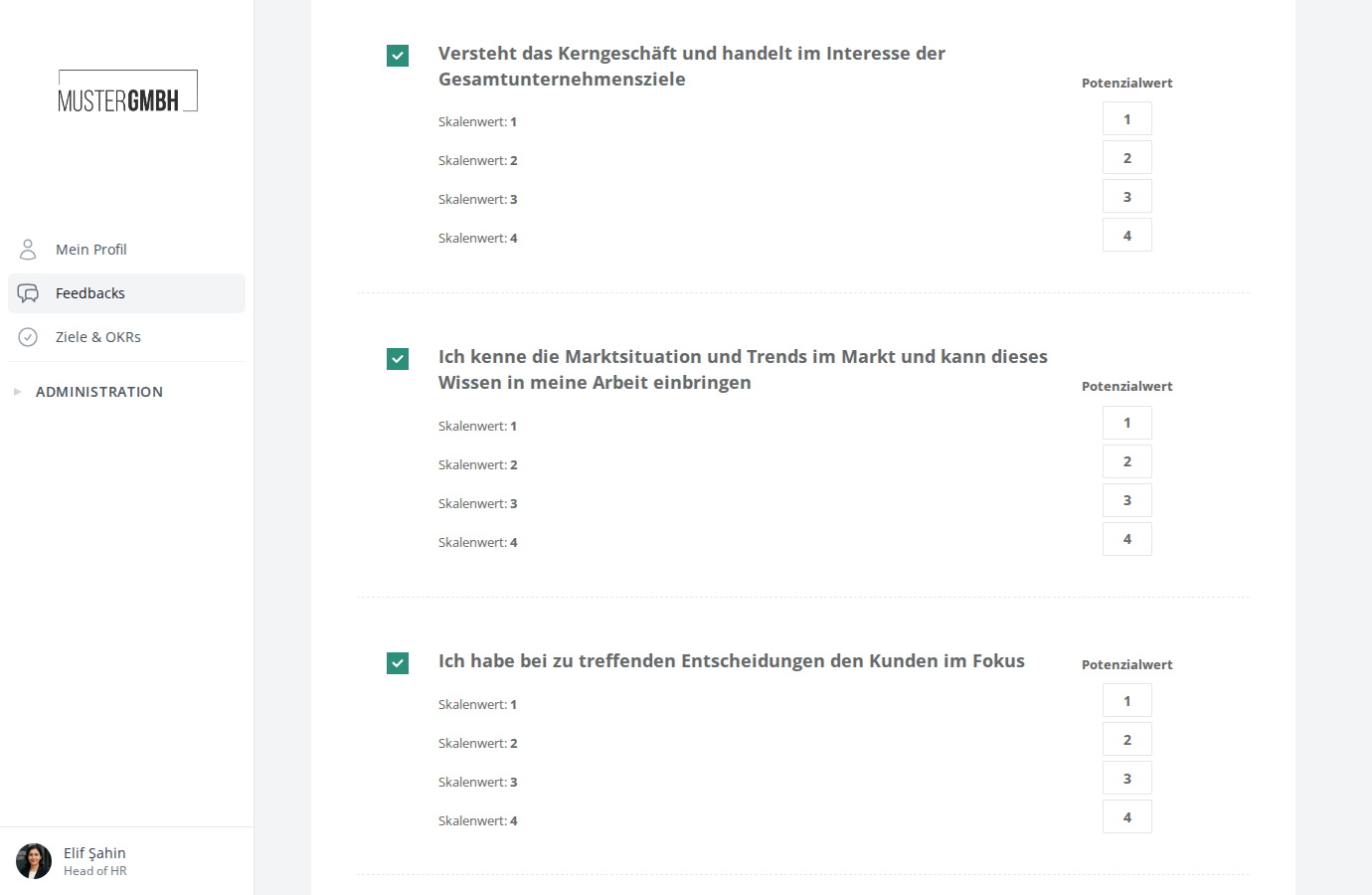
On the configuration page, the Potential values area lists every closed question in the questionnaire. Each question shows its answer options on the left and an input field for the corresponding potential value on the right.
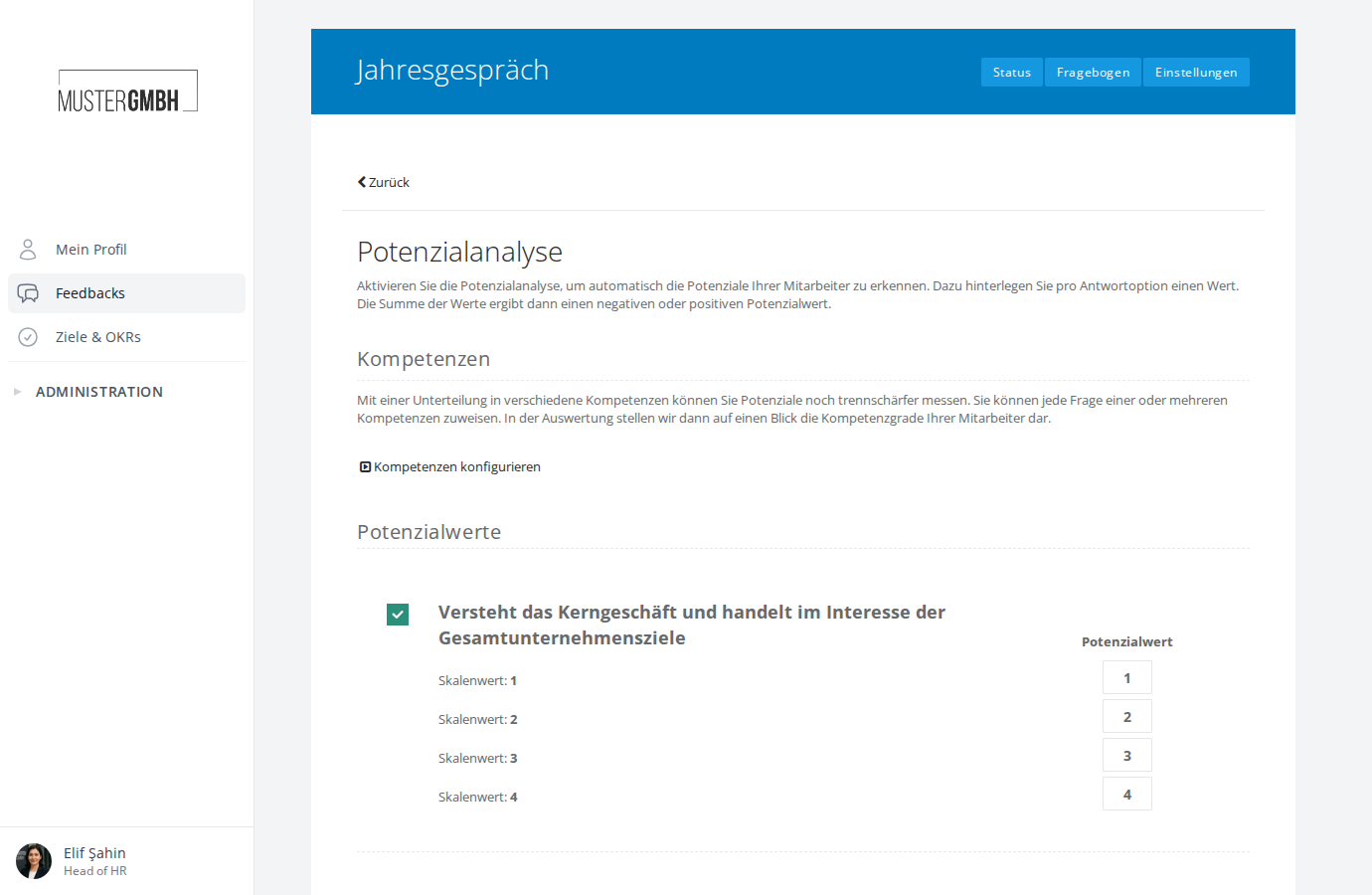
- Turn on the questions you want with the checkbox to the left of the question title. Only included questions feed into the potential analysis.
- Enter the potential value you want for each answer option in the input field on the right
- Repeat step 2 for every question you want to include in the potential analysis
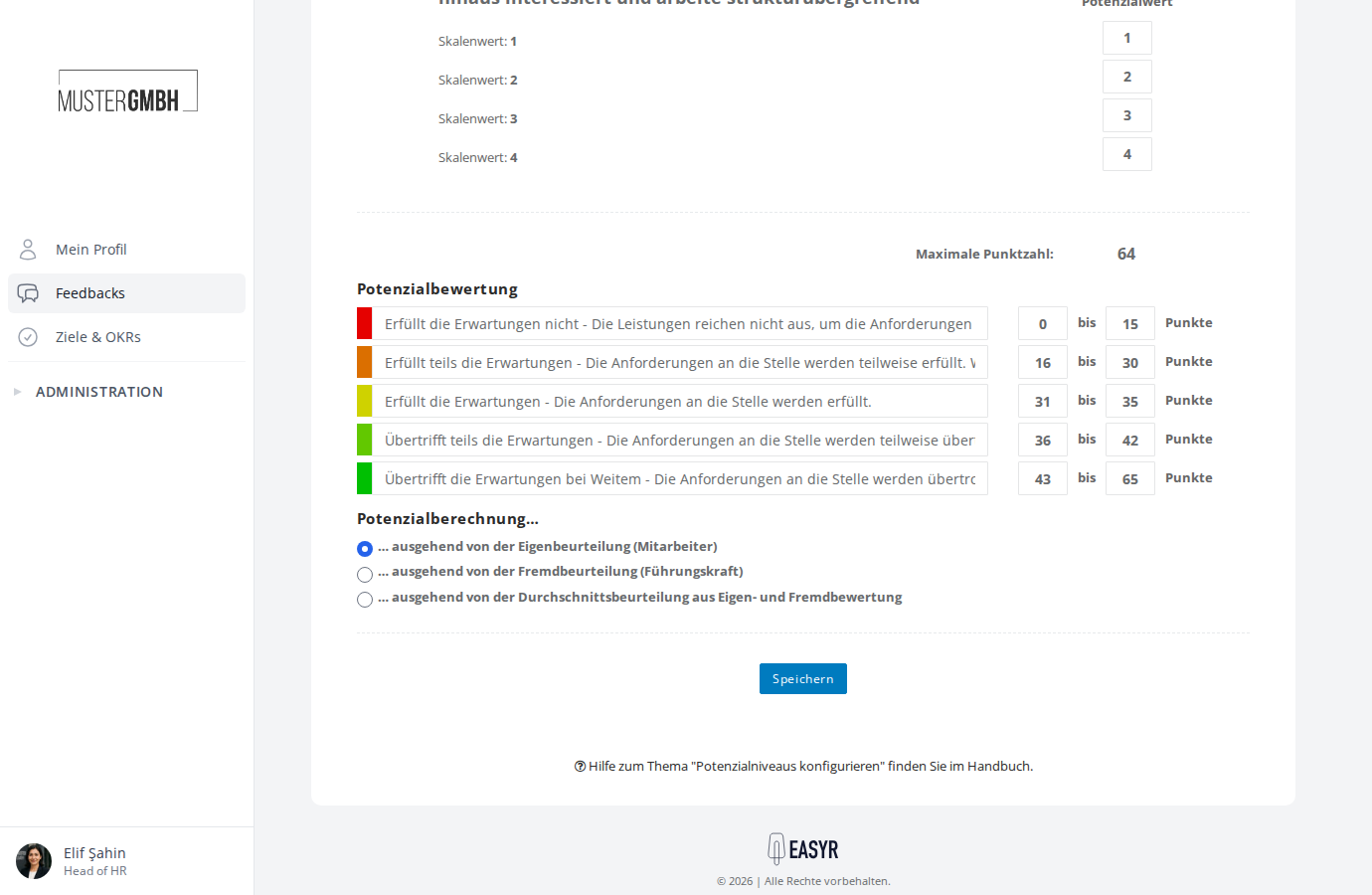
At the end of the question list, the Maximum points row shows the highest total value achievable. This value helps you spread the potential levels sensibly across the point range.
Save changes
Click Save at the bottom of the page. easyreview then automatically recalculates the strength values for all existing participations.