Delete a feedback process
This feature is only available to users with the “HR employee” role.
Delete a feedback process
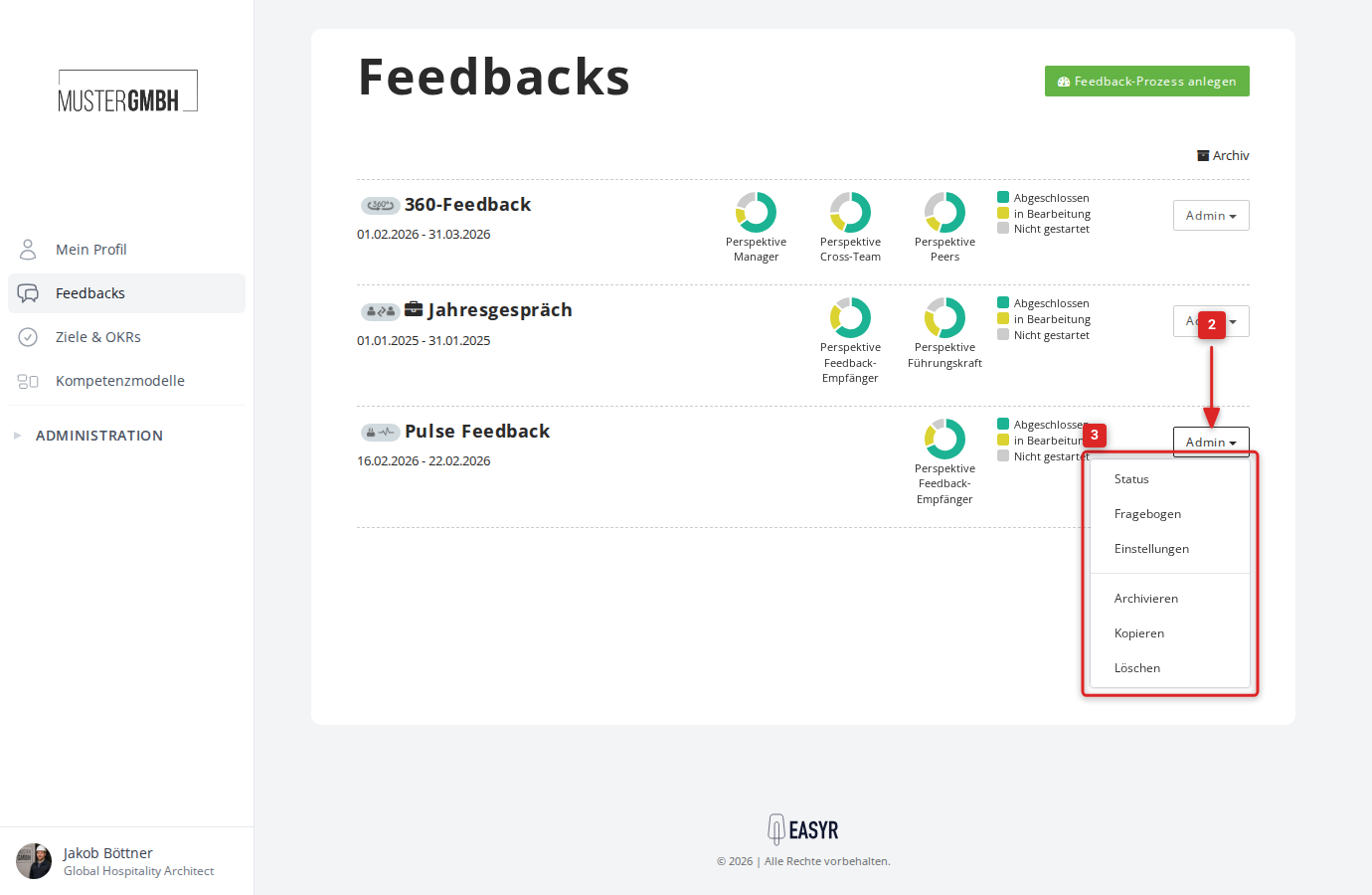
- Open the feedback overview or the feedback archive.
- Click “Admin” at the right edge of the row.
- Click “Delete”.
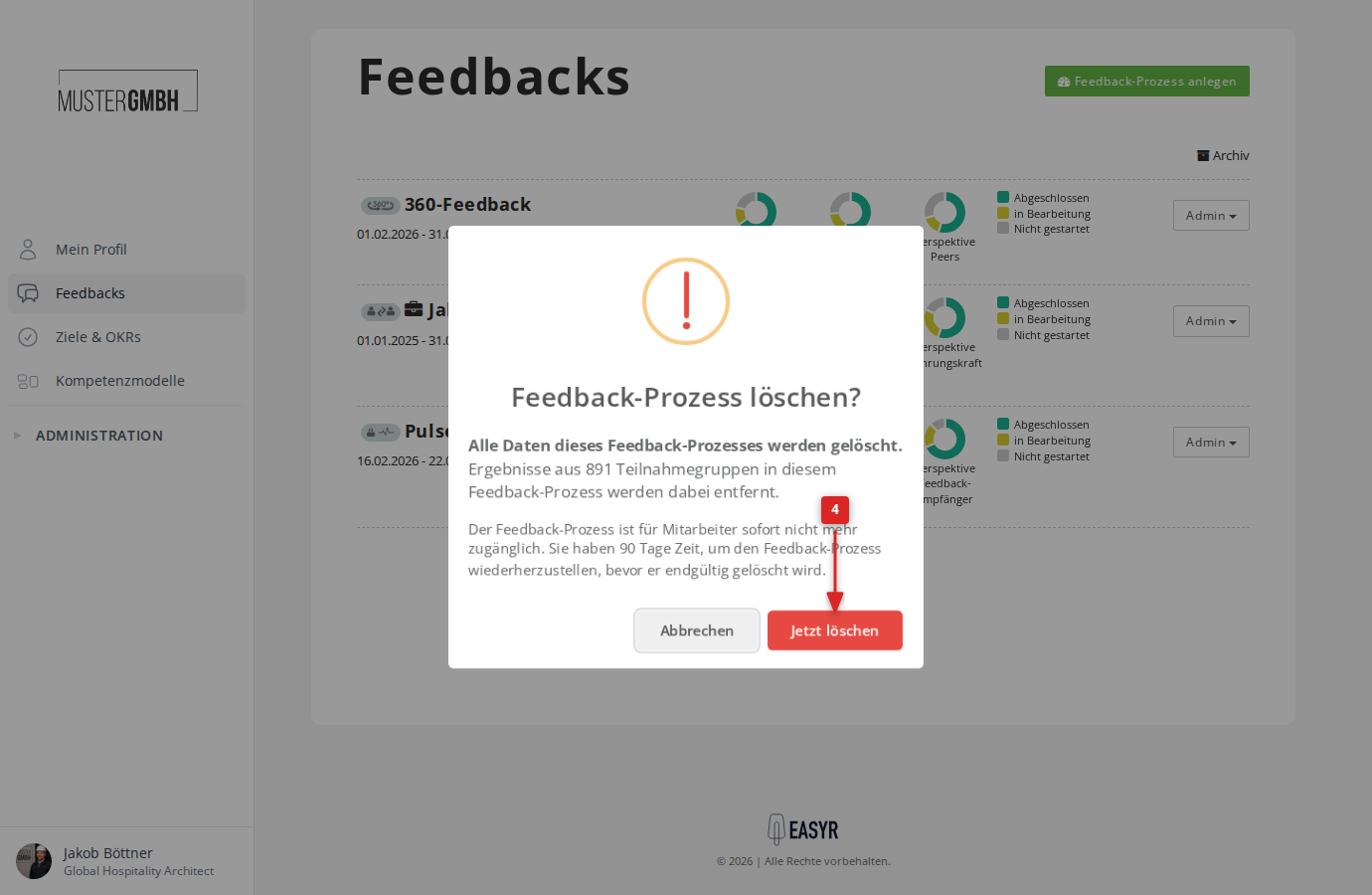
- A confirmation dialog appears. It shows how many participation groups are affected and points out the 90-day restore window. Click “Delete now”.
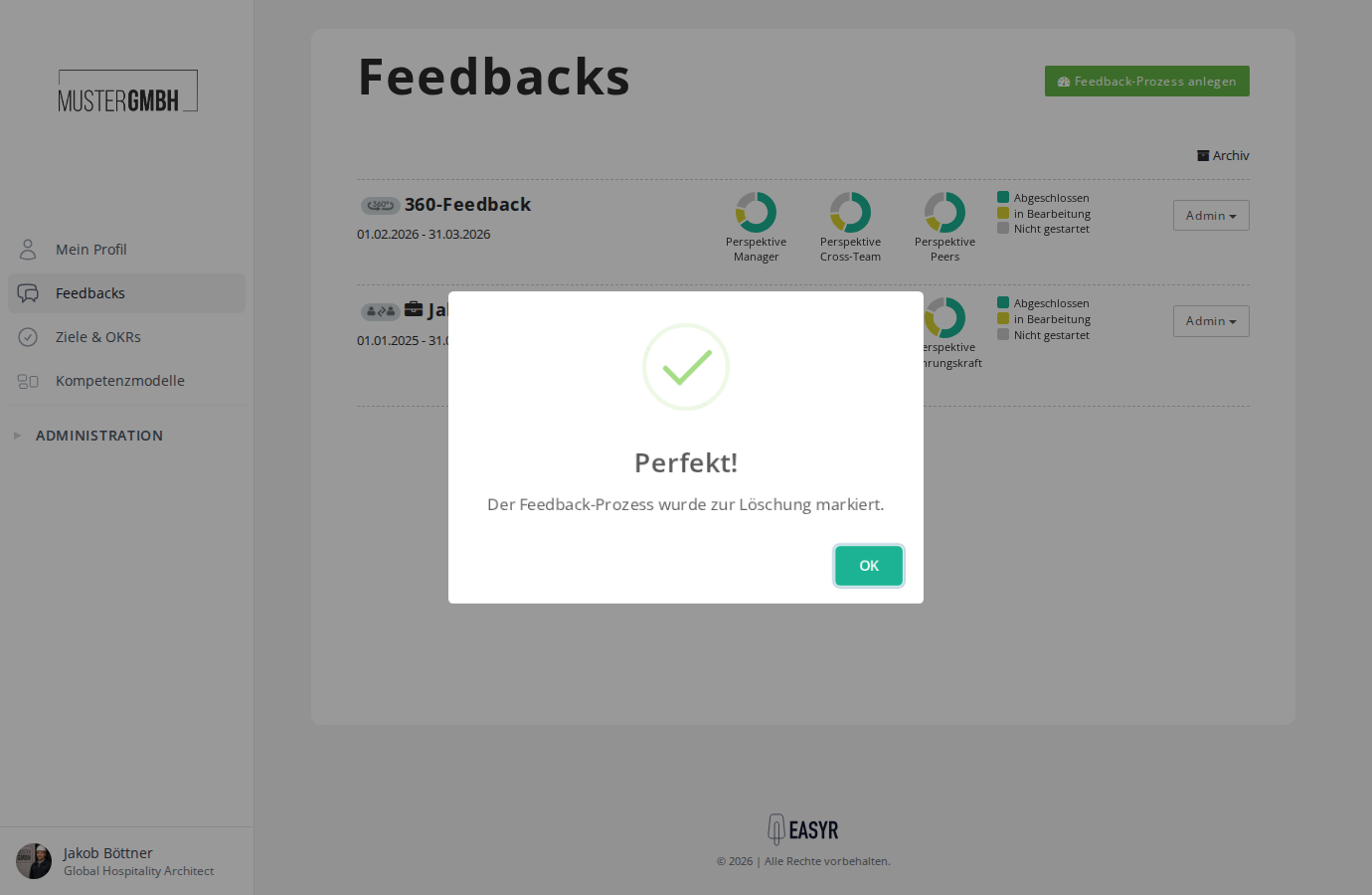
- The system confirms that the feedback process has been marked for deletion.
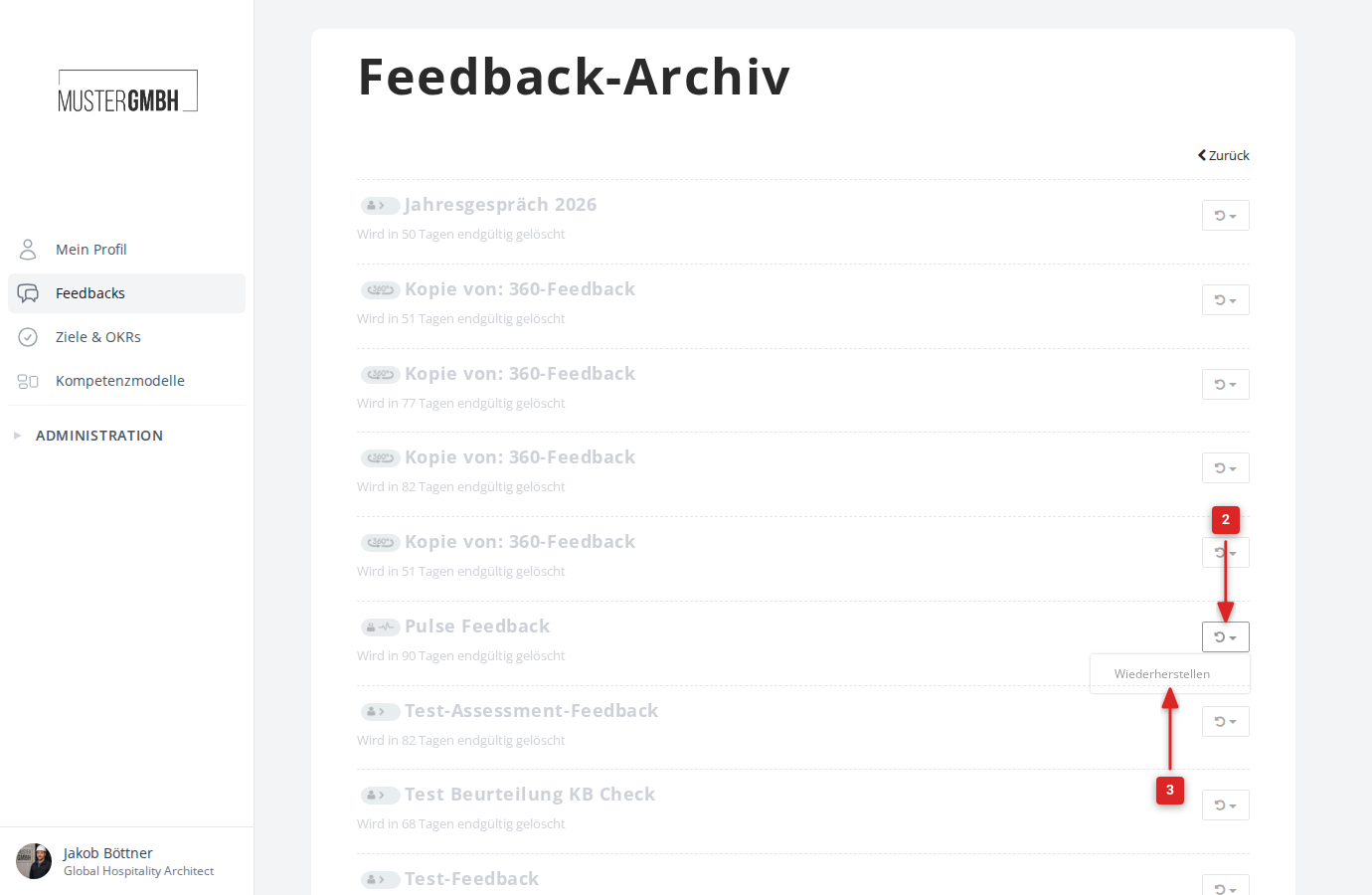
The deleted feedback process now appears in the feedback archive. It is shown greyed out there and indicates how many days remain until permanent deletion.
Restore a deleted feedback process
Within 90 days of deletion, you can restore the feedback process.
- Open the feedback archive.
- Click the restore icon (↩) at the right edge of the deleted feedback process.
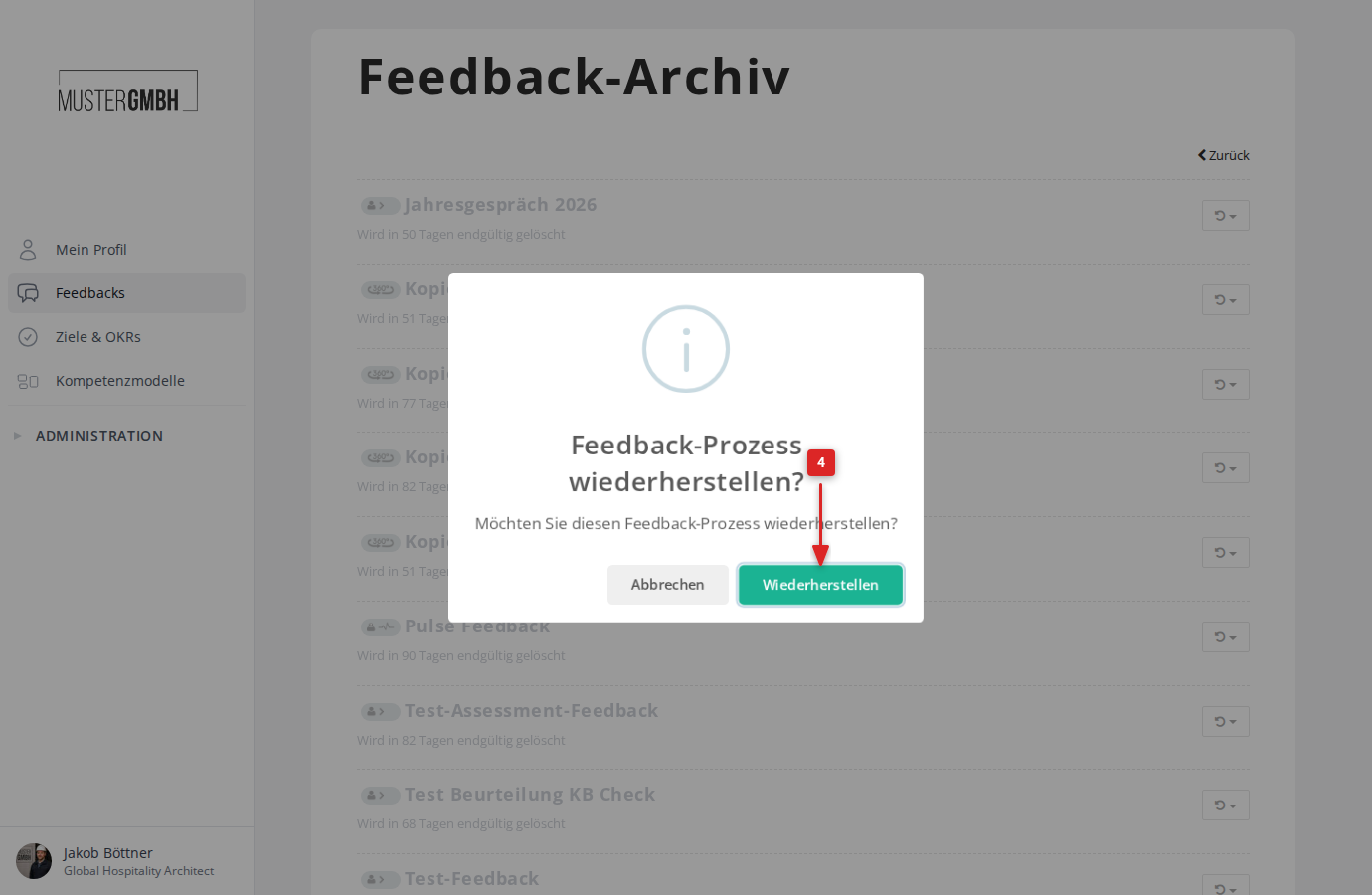
- Click “Restore”.
- Confirm with a click on “Restore”.
The feedback process is then available again in the feedback overview. All results and participation groups are kept.