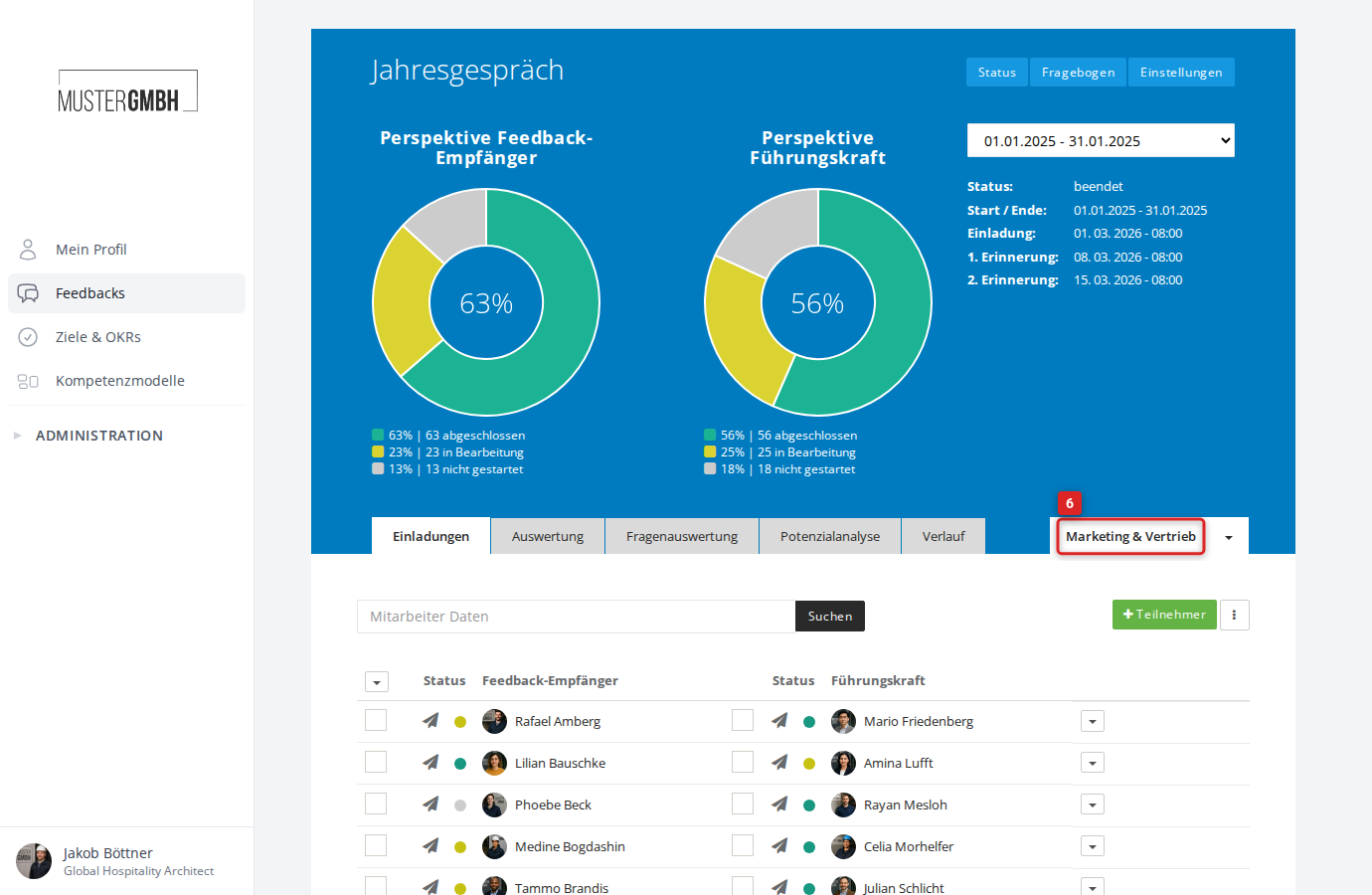
Edit a filter
You can adjust a saved filter at any time — rename it, add criteria or change existing settings. The changes take effect immediately in the filtered view.
Edit a filter
- Open the status page of the review
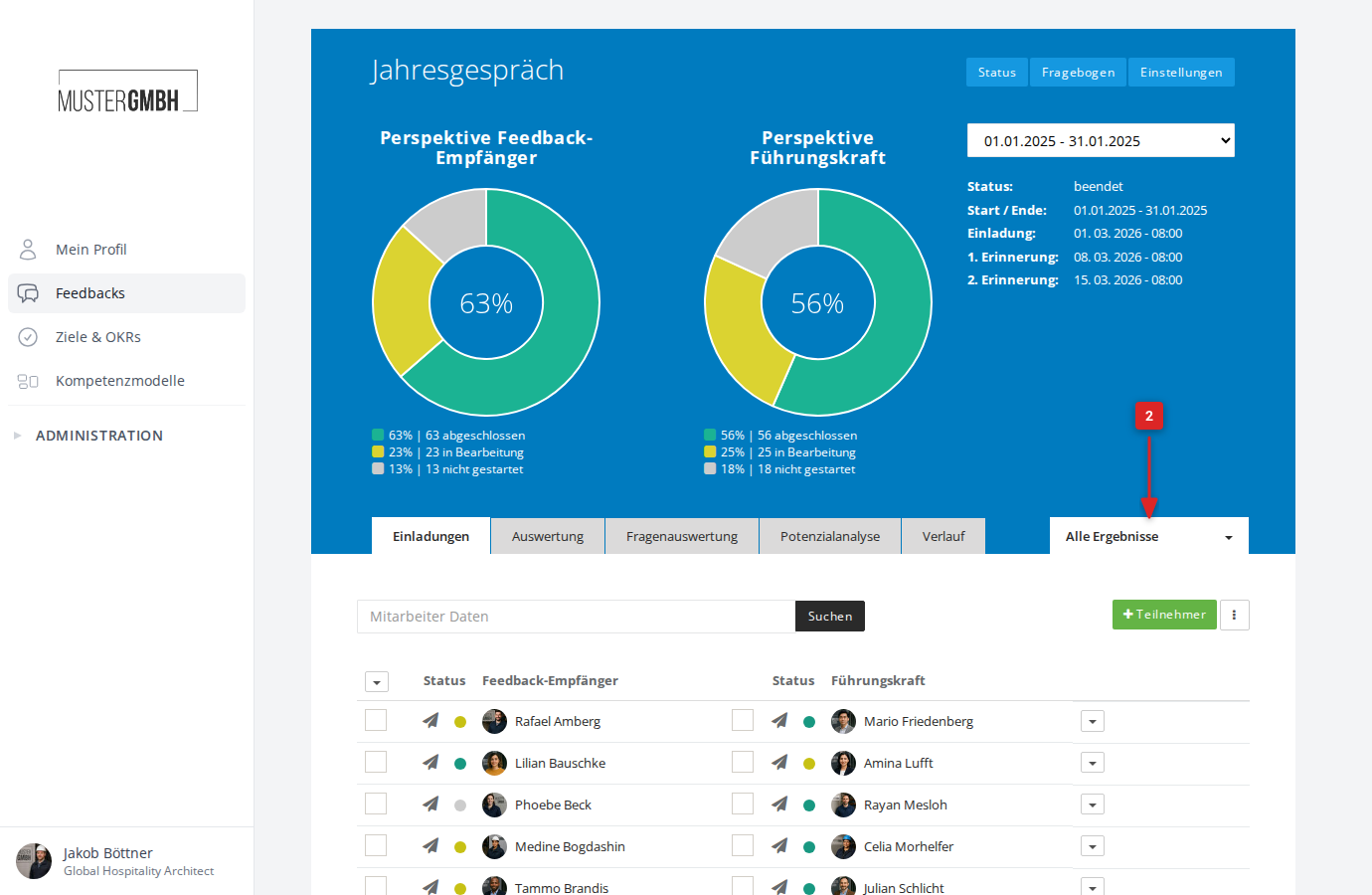
- Click the All results dropdown (or the name of the active filter) to the right of the tabs
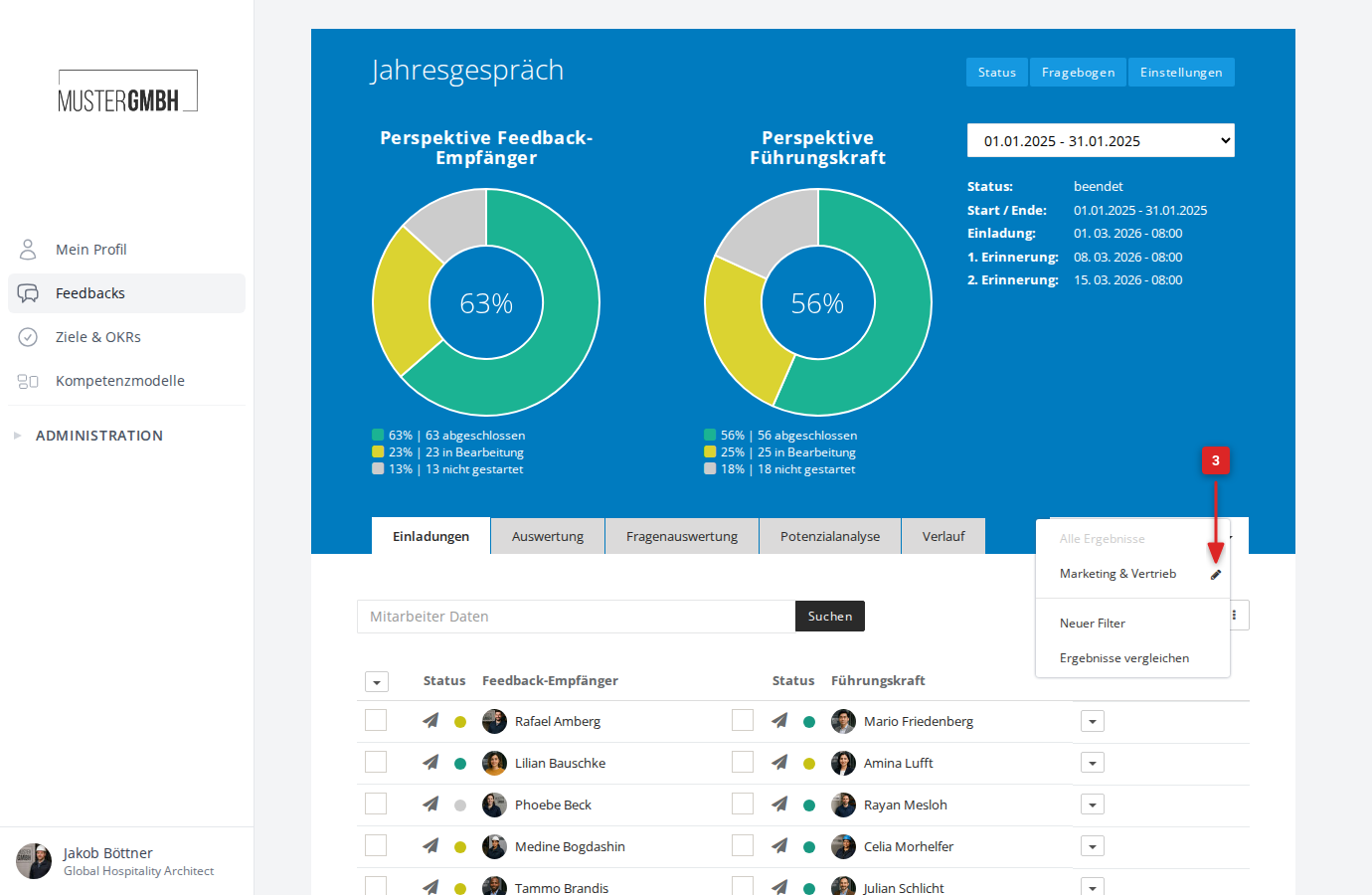
- In the dropdown, click the pencil icon to the right of the filter you want
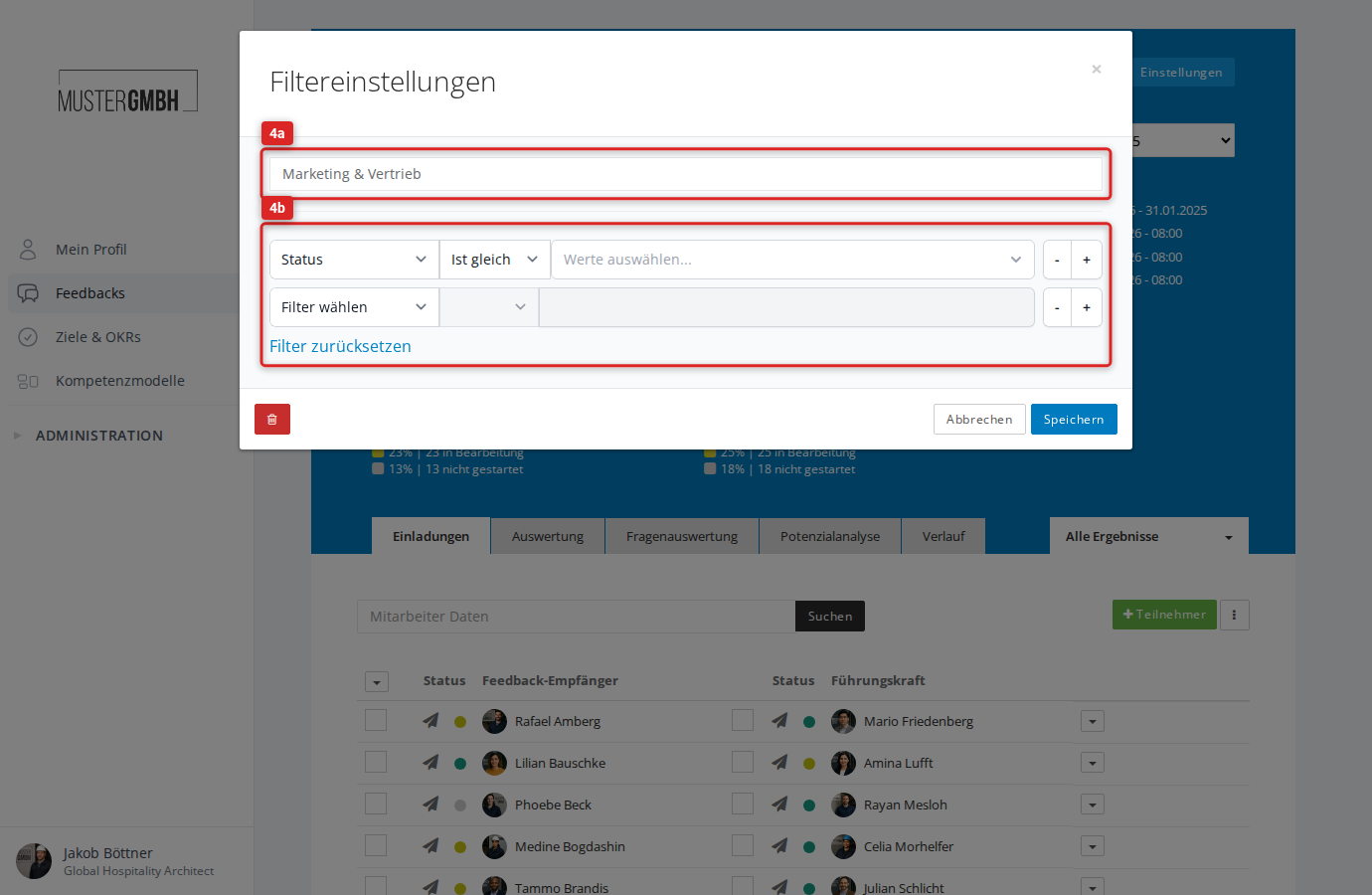
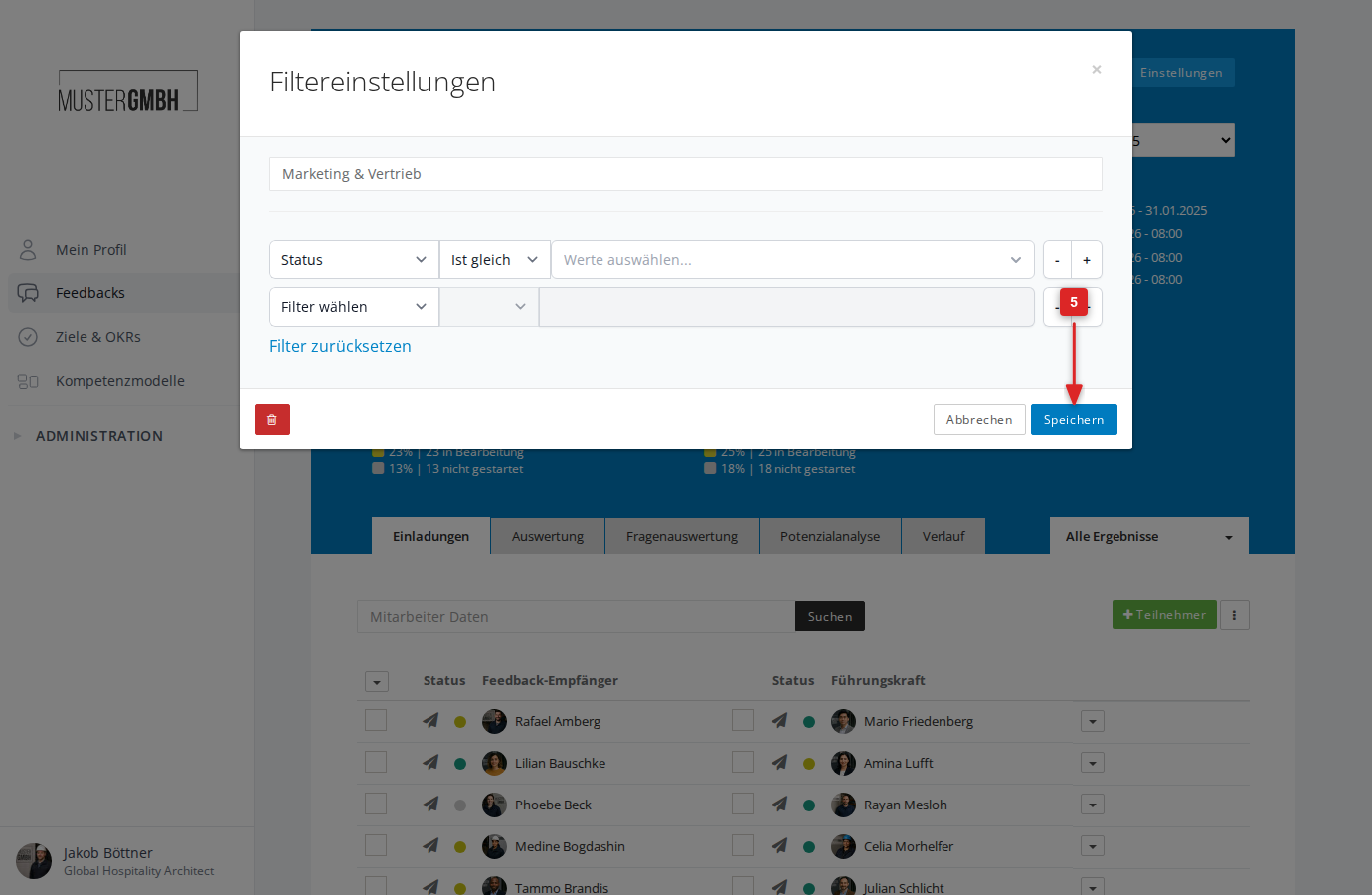
- The Filter settings dialog opens. You can:
- change the filter name in the text field at the top
- adjust existing filter criteria or remove them with −
- add new filter criteria with +
- clear all criteria with Reset filter
- Click Save
- The page reloads and the changed filter settings are immediately active