Question about the overall performance assessment
The overall-performance question is one of the four performance questions in easyreview. It is shown in both the self-assessment and the external assessment. In the self-assessment, the feedback recipient rates their own performance; in the external assessment, the feedback giver (for example the supervisor) rates the employee’s performance.
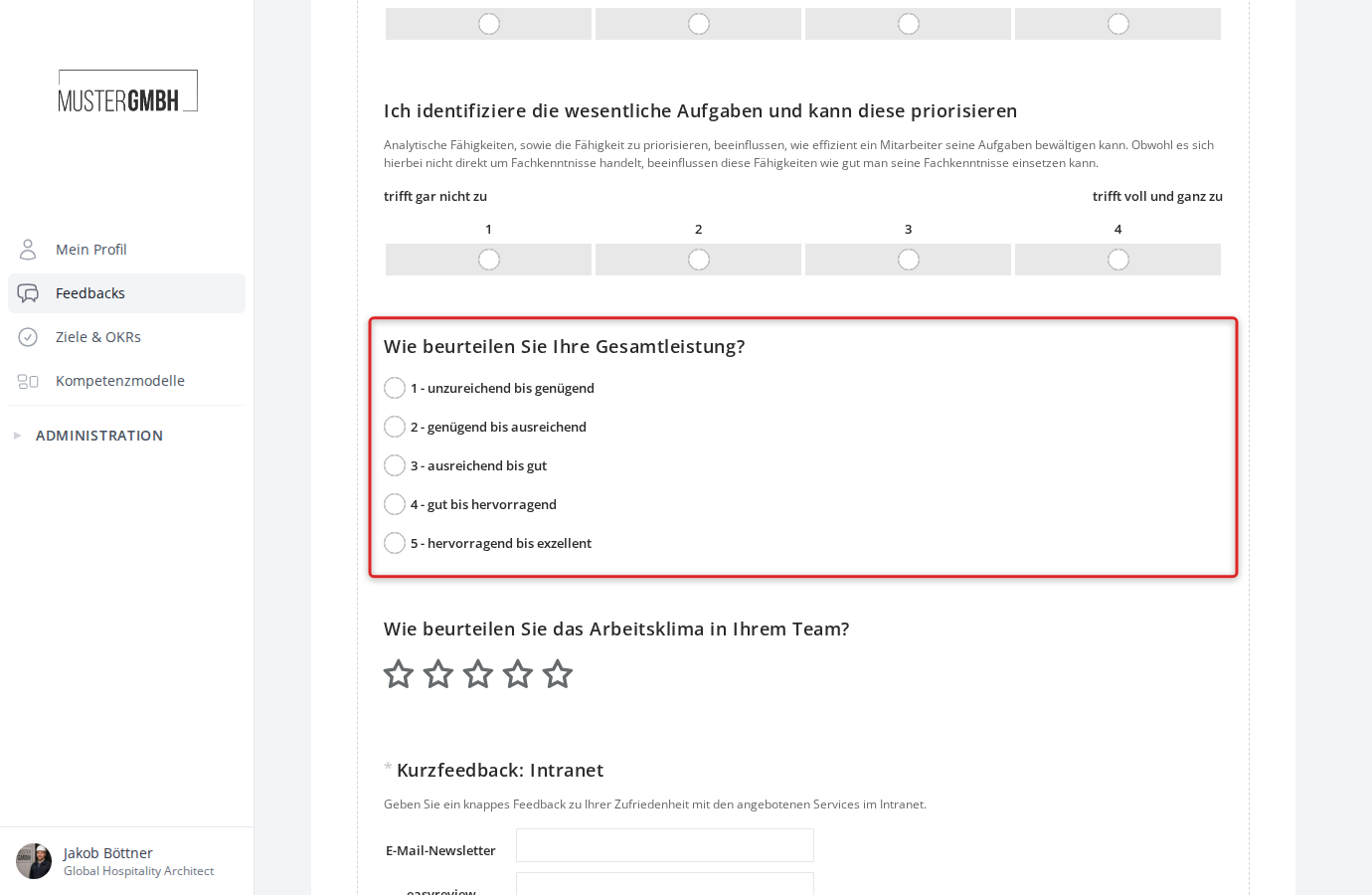
In the questionnaire, it is shown as a multiple-choice question with only one possible answer:
Turn on and configure the question
To turn on and configure the overall-performance question:
-
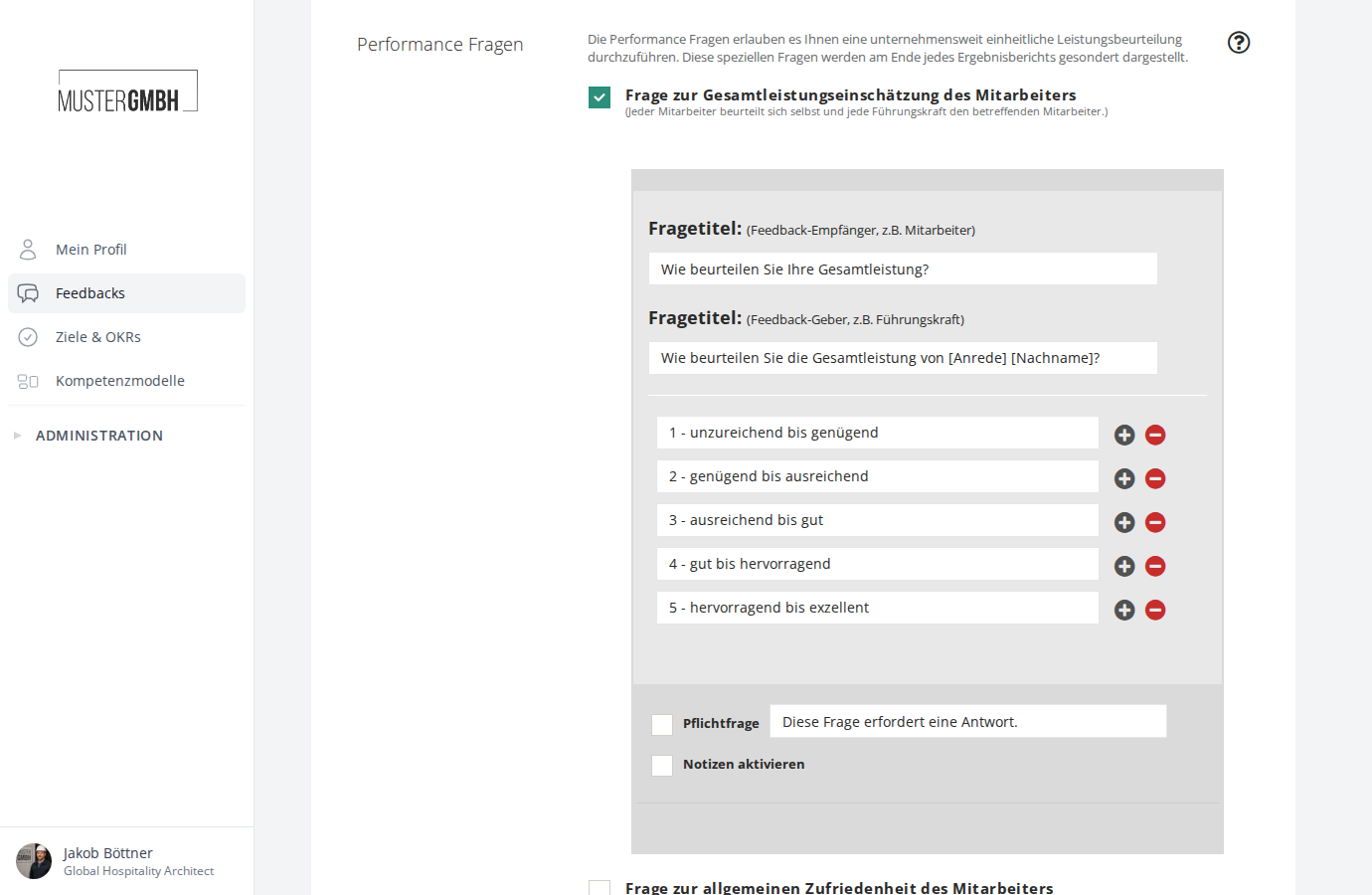
Scroll down to the Performance Questions section. There you’ll find the four available performance questions as checkboxes.
-
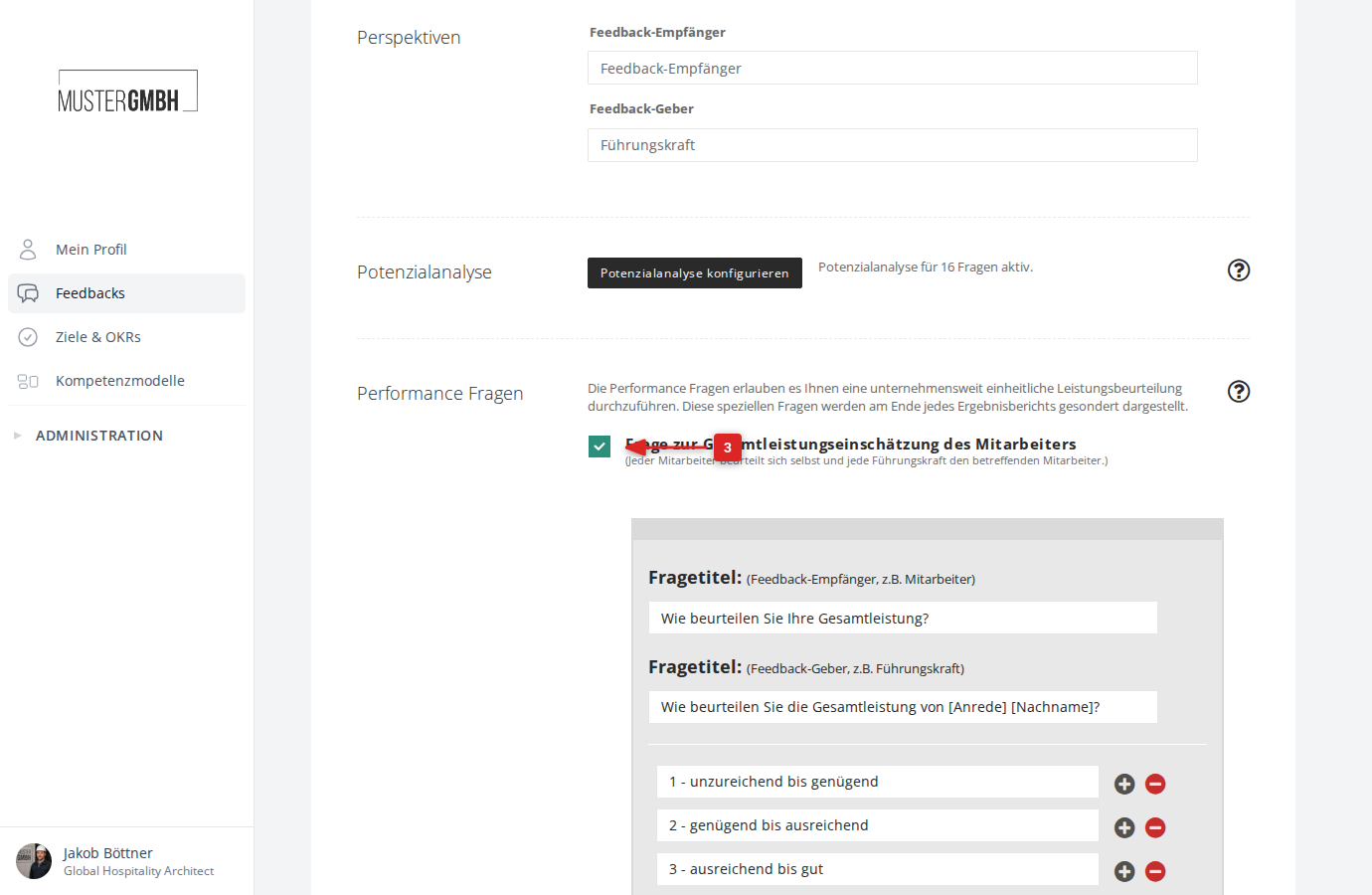
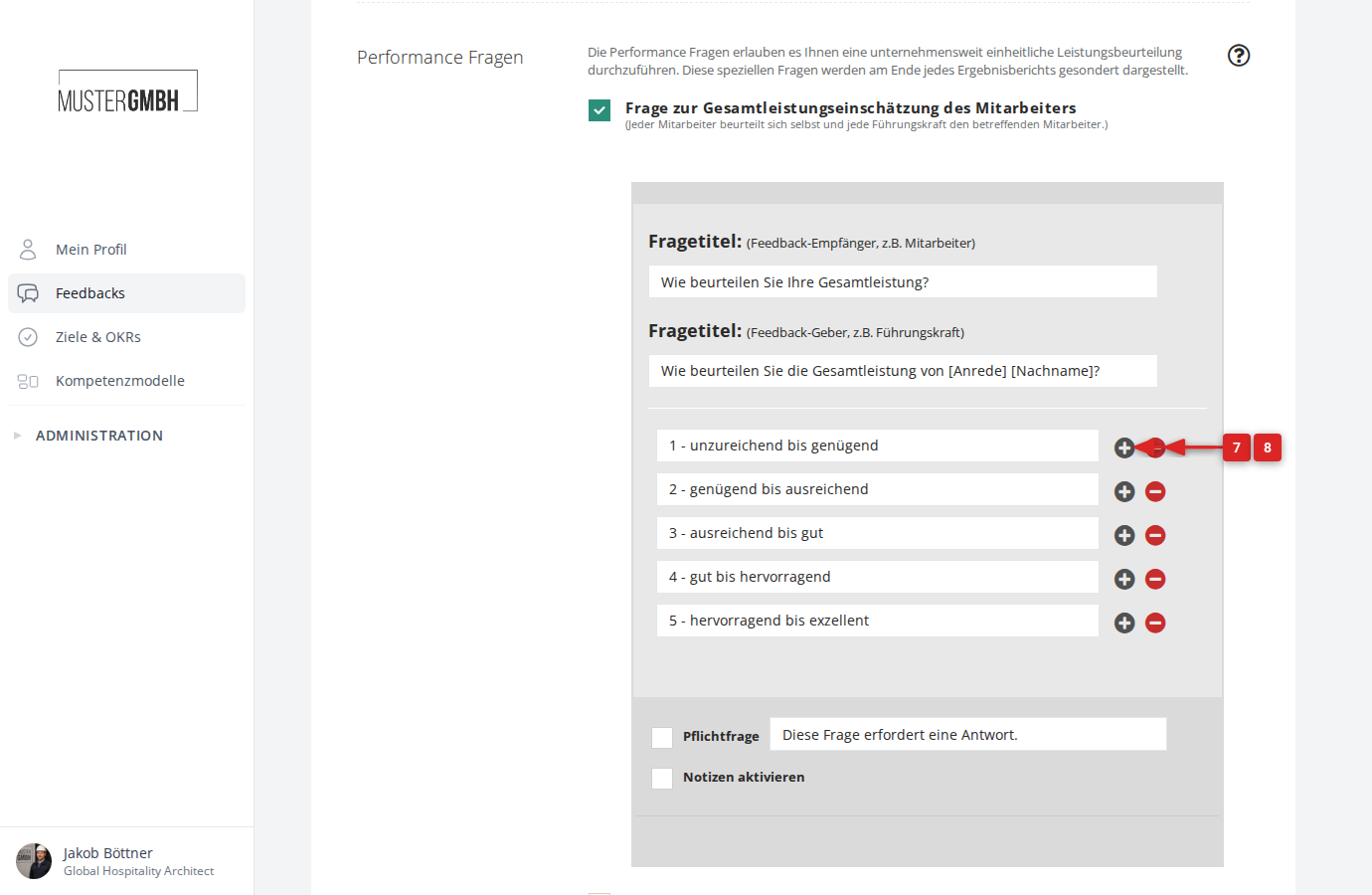
Turn the question on by clicking the checkbox Question on the overall performance of the employee. The configuration form opens below the checkbox.
-
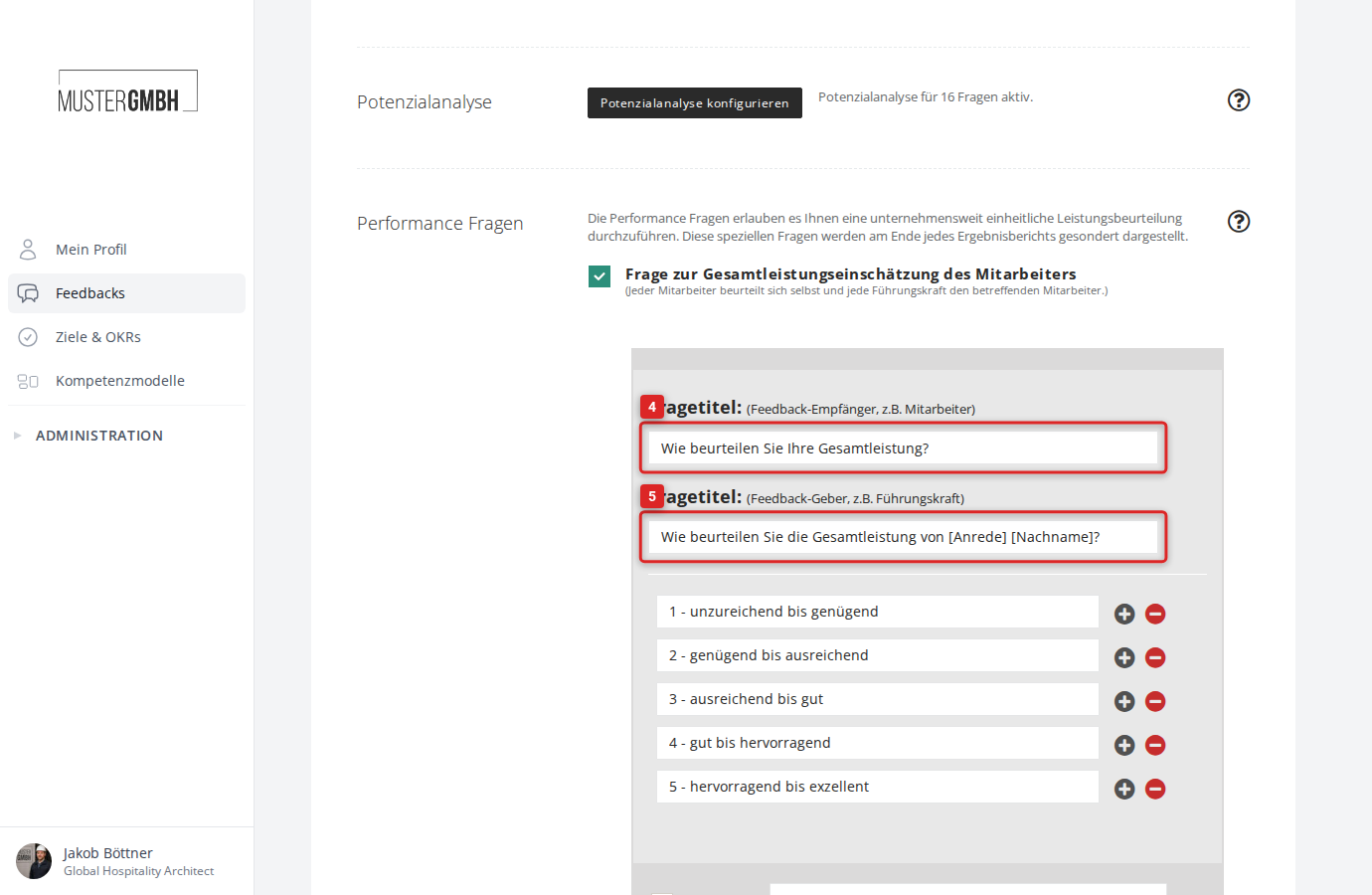
Enter the wording for the self-assessment in the upper Question title: (feedback recipient, e.g. employee) field. This title is shown to the feedback recipient.
-
Enter the wording for the external assessment in the lower Question title: (feedback giver, e.g. supervisor) field. This title is shown to the feedback giver.
-
If needed, adjust the labels of the answer options in the fields below the question titles. Five gradations are preconfigured by default (for example, “1 - inadequate to sufficient” through “5 - outstanding to exceptional”).
-
To add a new answer option, click the plus icon to the right of an existing option. The new option is inserted directly below it.
-
To remove an answer option, click the minus icon to the right of that option.
-
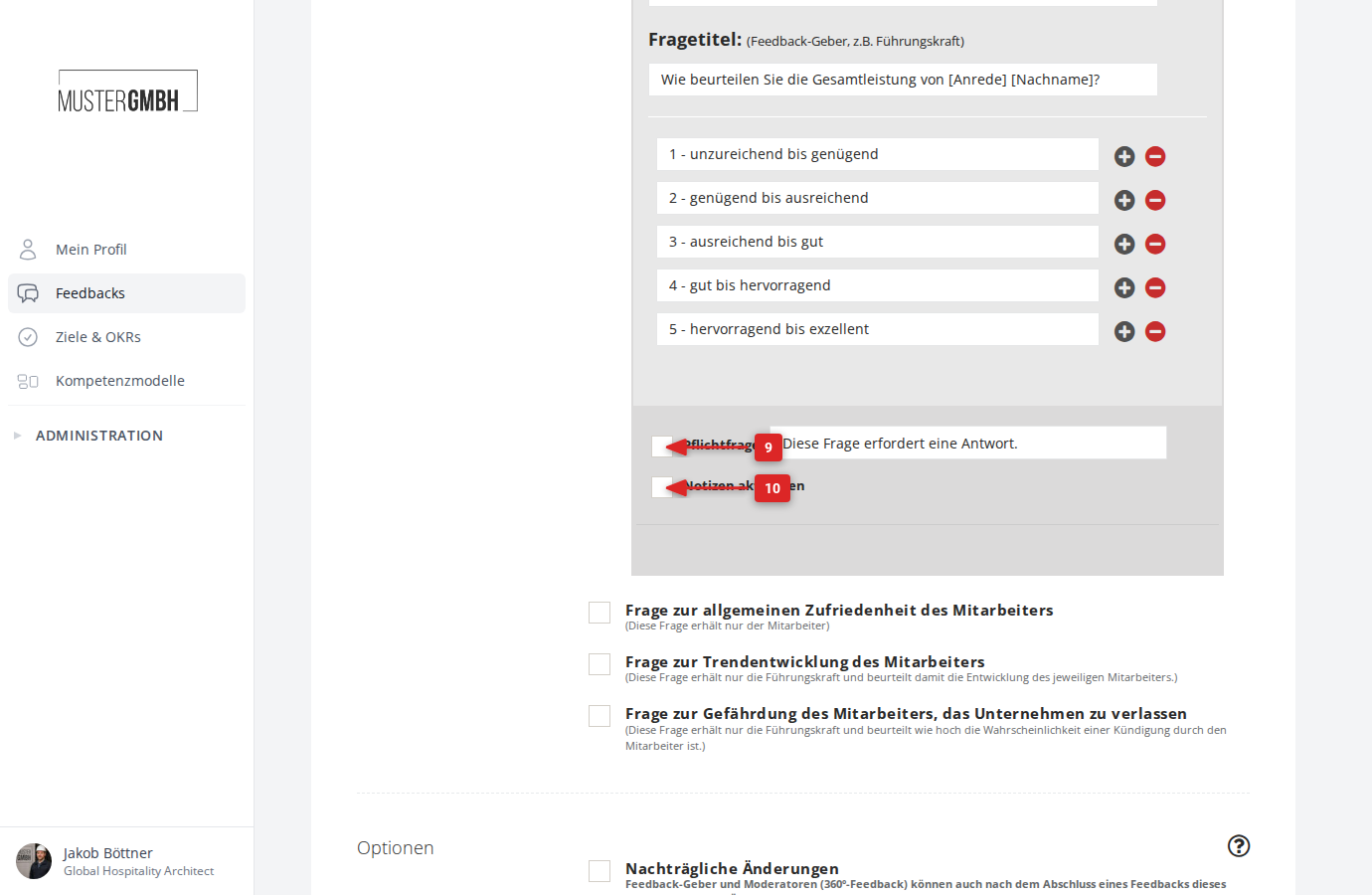
Decide whether this should be a required question. To make it required, tick the Required question checkbox and adjust the hint text if needed.
-
If you’d like participants to also get a free-text field for this question, tick the Enable notes checkbox.
-
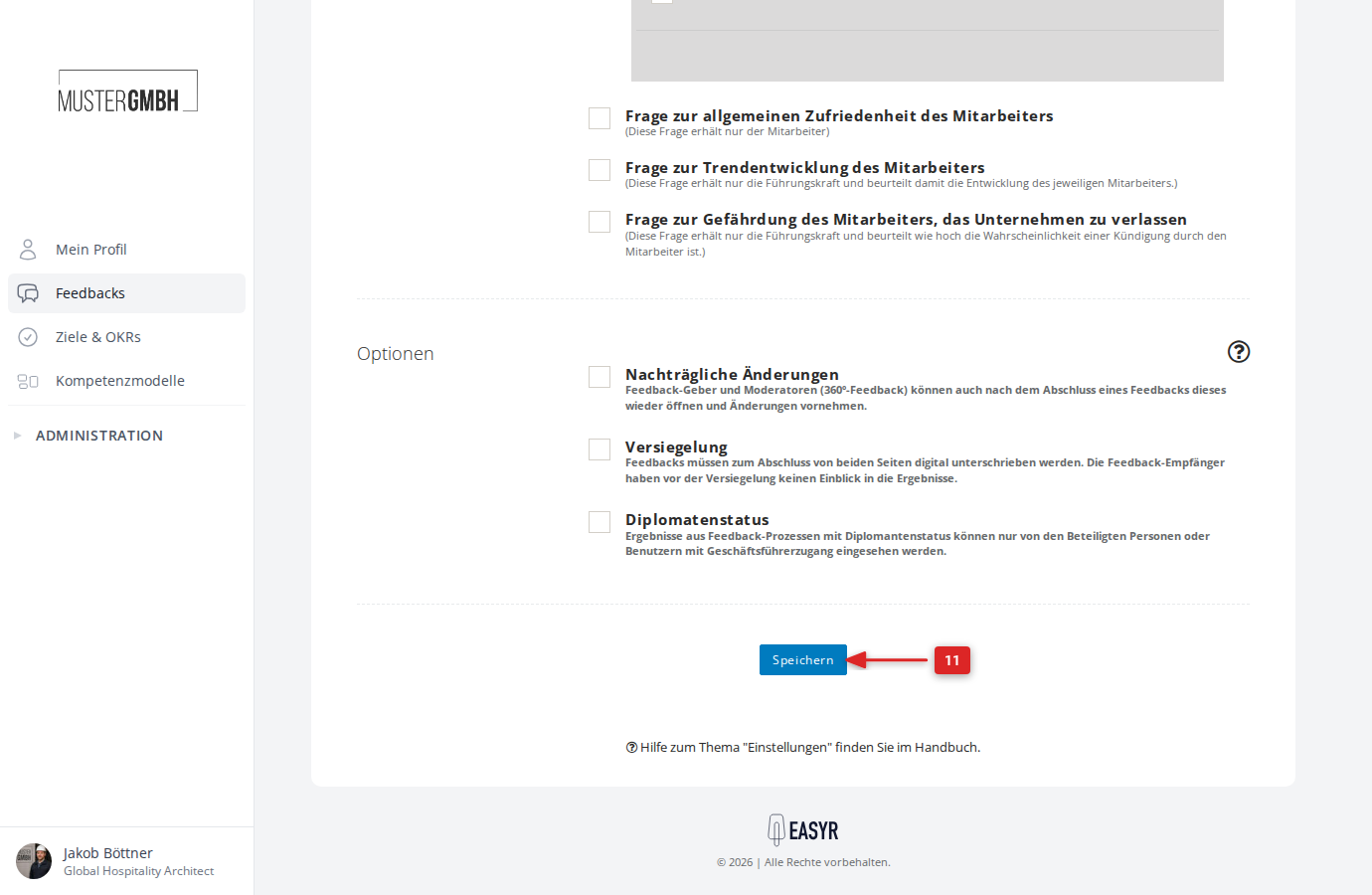
Click Save at the bottom of the page.
-
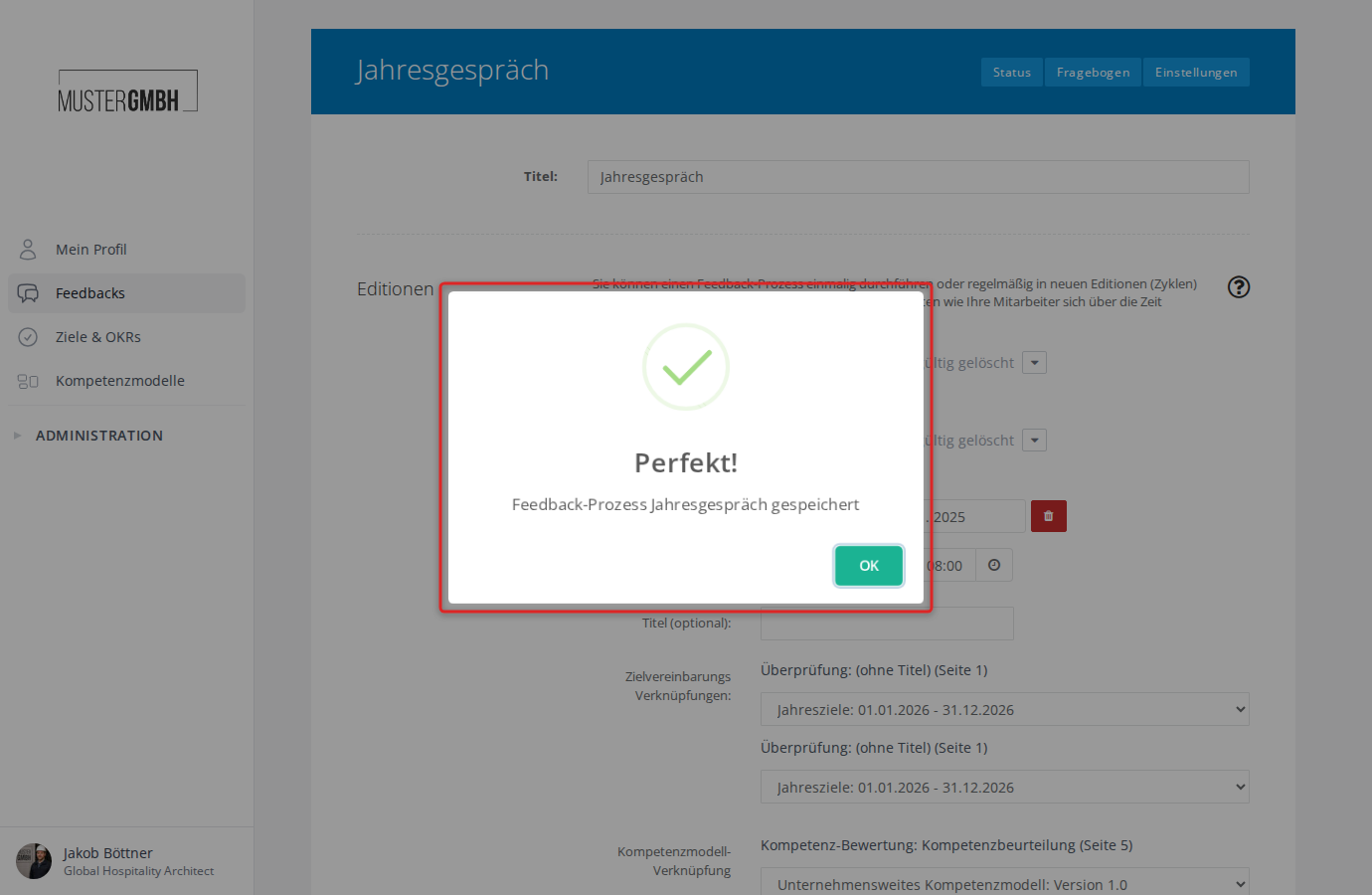
The system confirms that the save was successful.
-
You can move the question to the right place in the questionnaire just like any other element.