Question about the employee's risk of leaving the company
The attrition-risk question is shown only in the external assessment, for example to the supervisor. It does not appear in the employee’s self-assessment.
In the questionnaire, it is shown as a multiple-choice question with three answer options and only one possible answer:
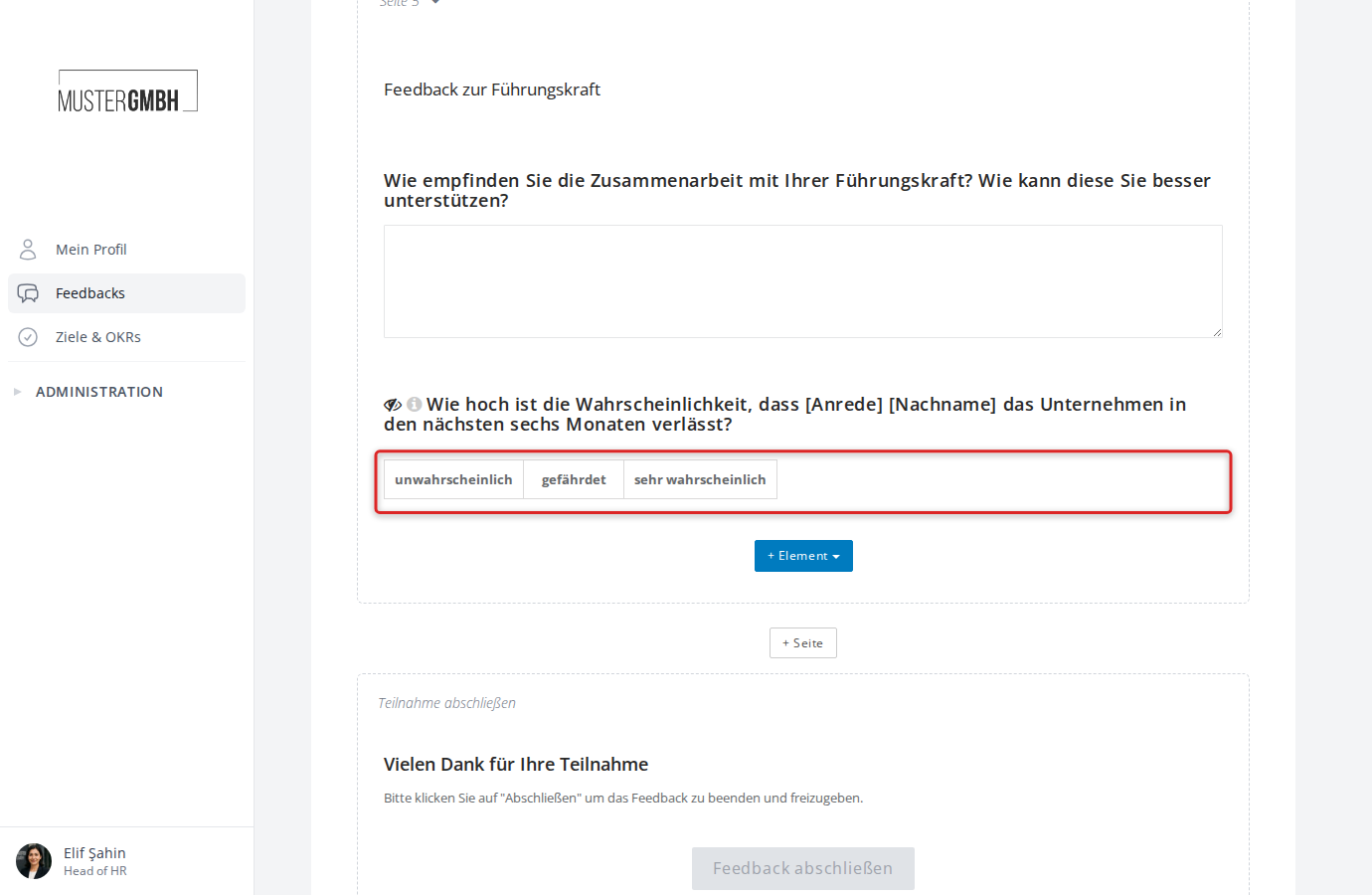
The answer to this question is automatically stored in the employee’s profile and can be used in succession planning.
Turn on and configure the question
This function is only available to users with the HR employee access level.
- Open the settings of the feedback process.
- Scroll to the “Performance Questions” section below the potential analysis.
- Turn the question on by clicking the checkbox next to “Question about the likelihood that an employee leaves to company”.
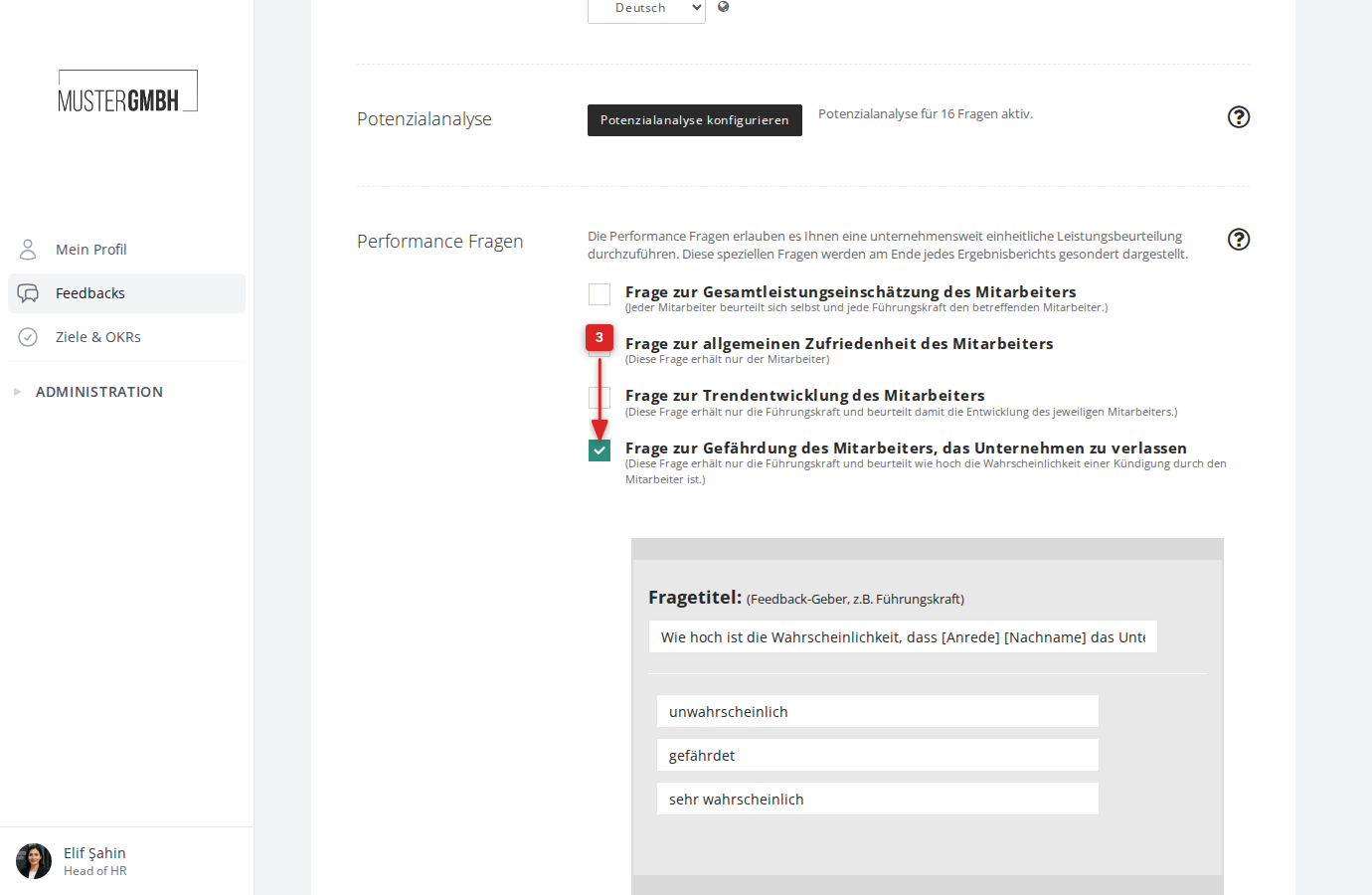
Once you turn it on, the settings form opens:
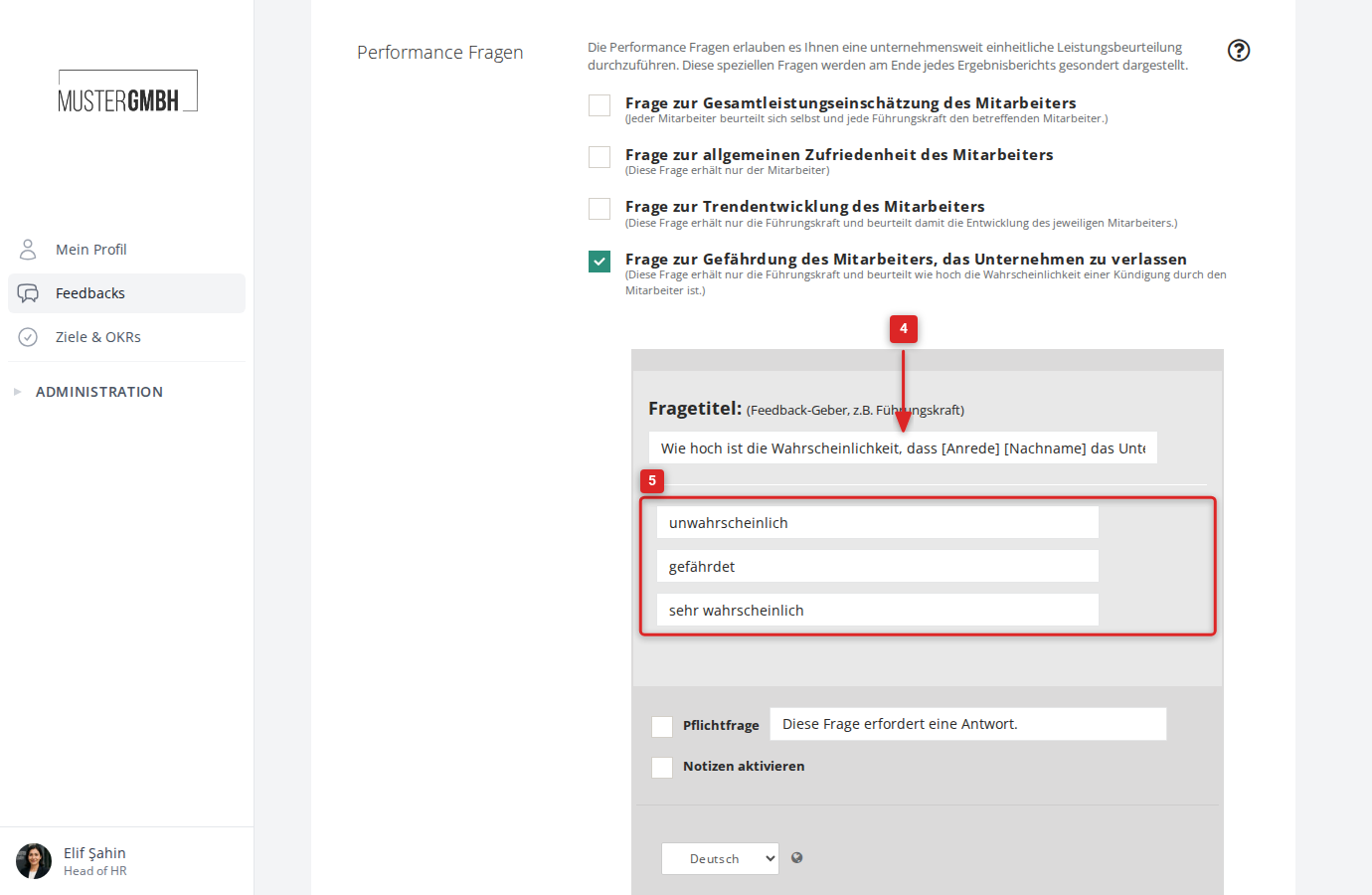
- Enter the question wording in the “Question title:” field. The pre-filled default text is: “How likely is it that [salutation] [last name] will leave the company within the next six months?”
- If needed, adjust the labels of the three gradations.
- If you want, tick the “Required question” checkbox and adjust the hint text.
- If you want, tick the “Enable notes” checkbox to give feedback givers a free-text field for additional comments.
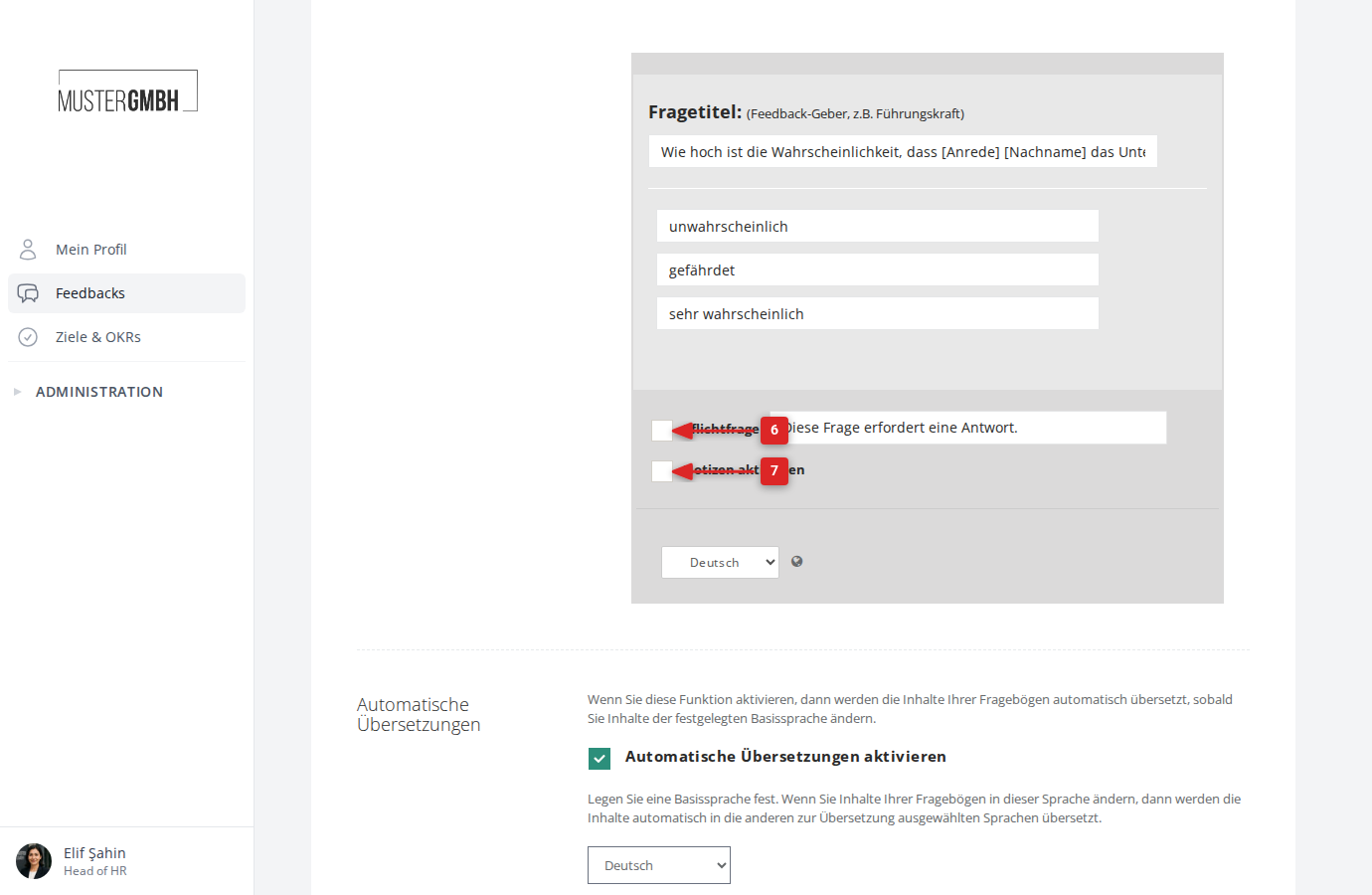
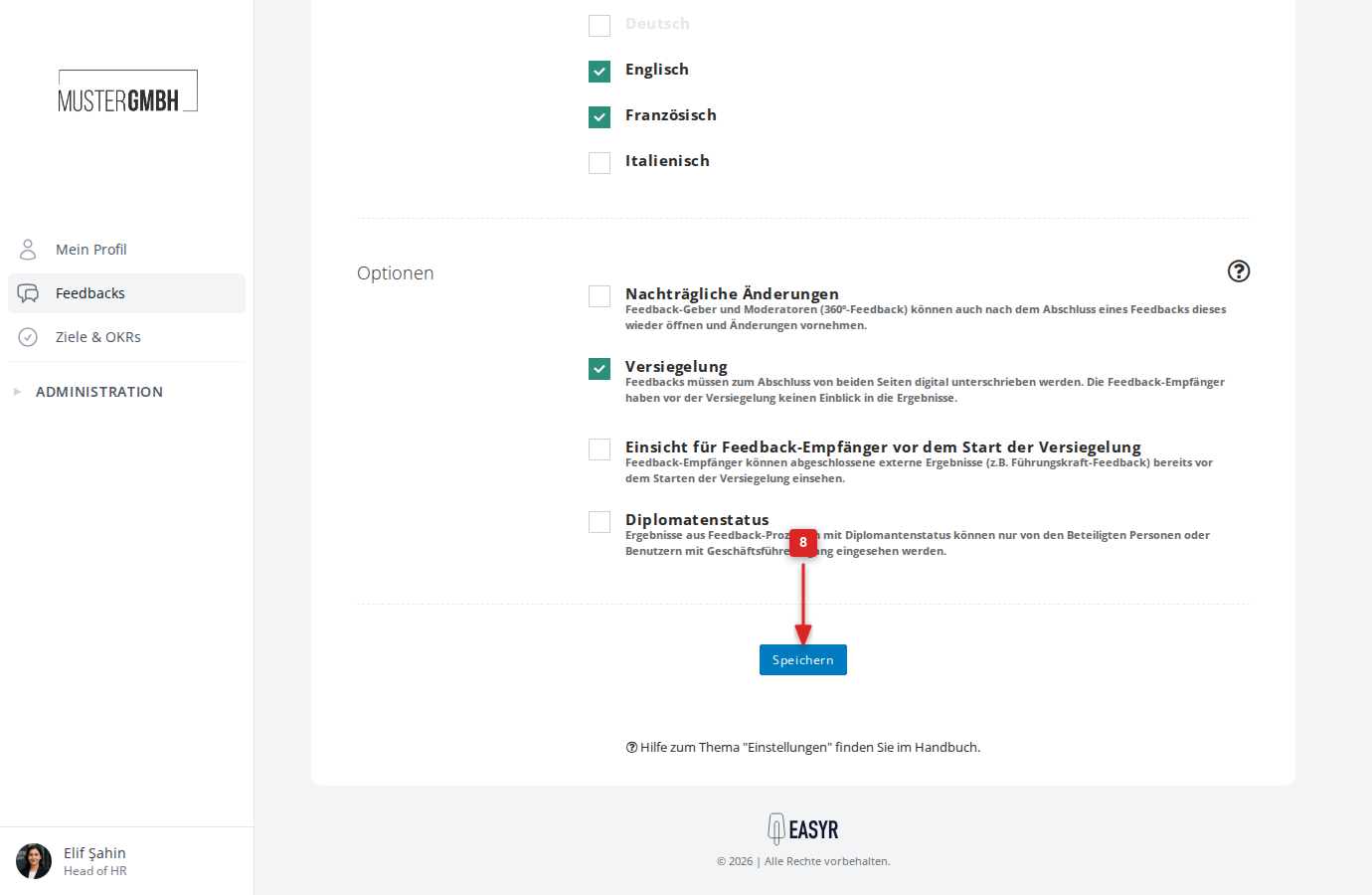
- Click “Save” at the bottom of the page.
- You can move the question to the right place in the questionnaire just like any other element.