Question about the development trend
The trend question is a performance question that is shown only in the external assessment (for example, to the supervisor). It does not appear in the employee’s self-assessment.
In the questionnaire, it is shown as a multiple-choice question with three answer options and only one possible answer. The default labels are “weaker”, “stable”, and “stronger”.
How to turn on and configure the trend question
- Open the settings of the feedback process.
- Scroll down to the “Performance Questions” section. There you’ll find the four available performance questions.
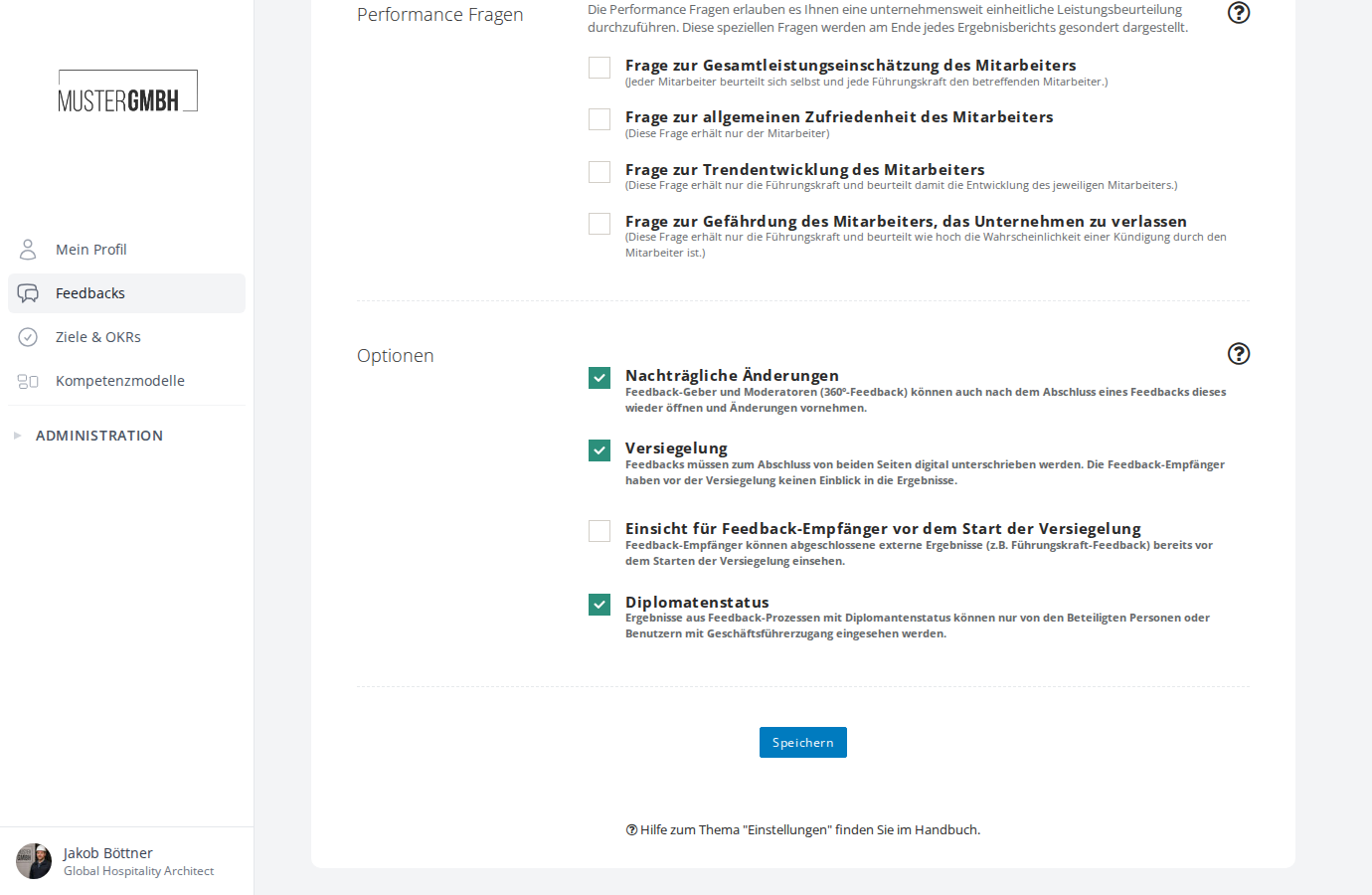
- Turn the question on by clicking the checkbox to the left of “Question about the trend of development of the employee”.
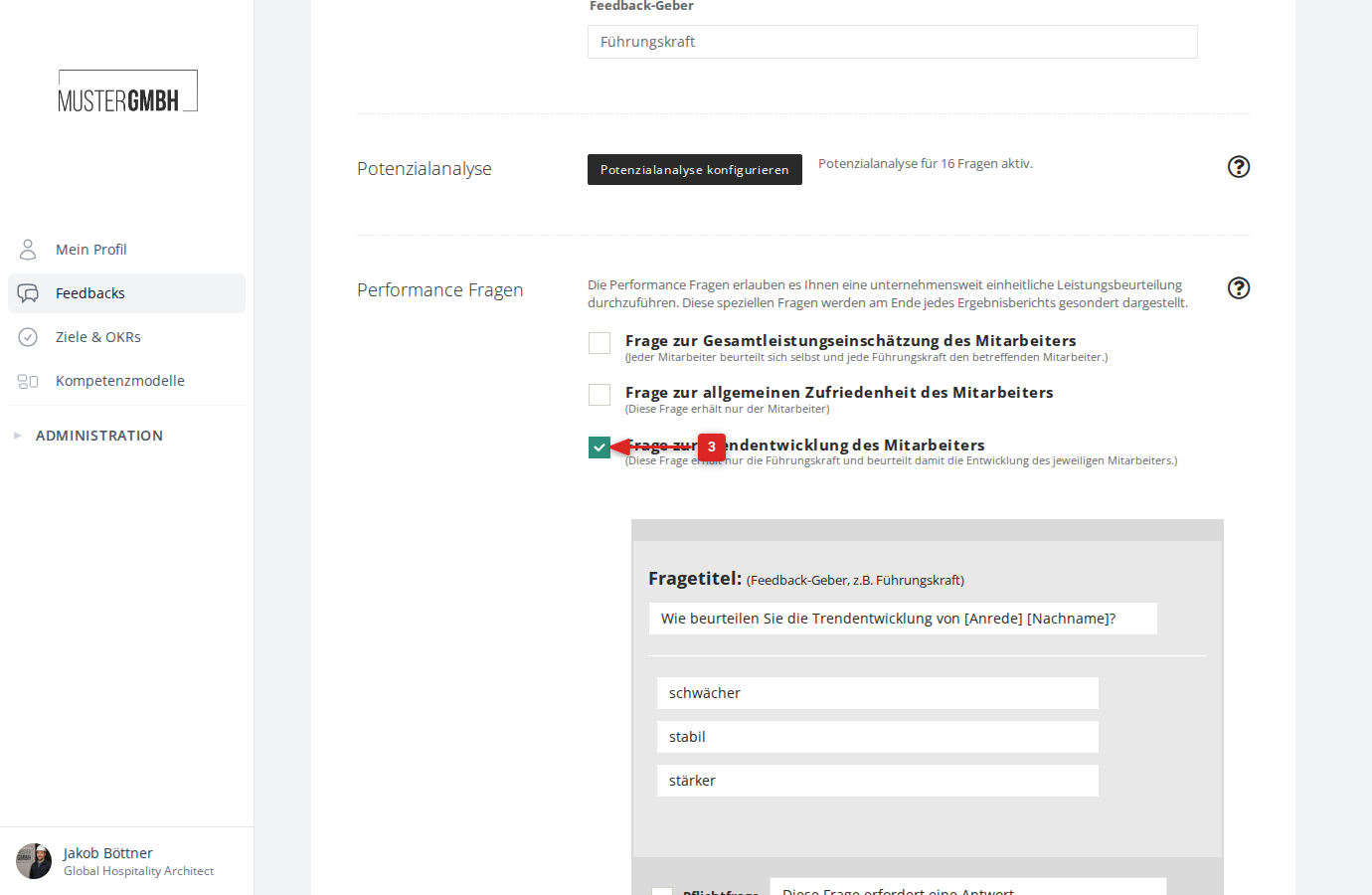
- Enter the question wording in the “Question title:” field. The default text is “How do you assess the development trend of [salutation] [last name]?”. The placeholders [salutation] and [last name] are automatically replaced with the respective employee’s details when the questionnaire is filled in.
- Enter the labels for the three gradations in the fields below the question title.
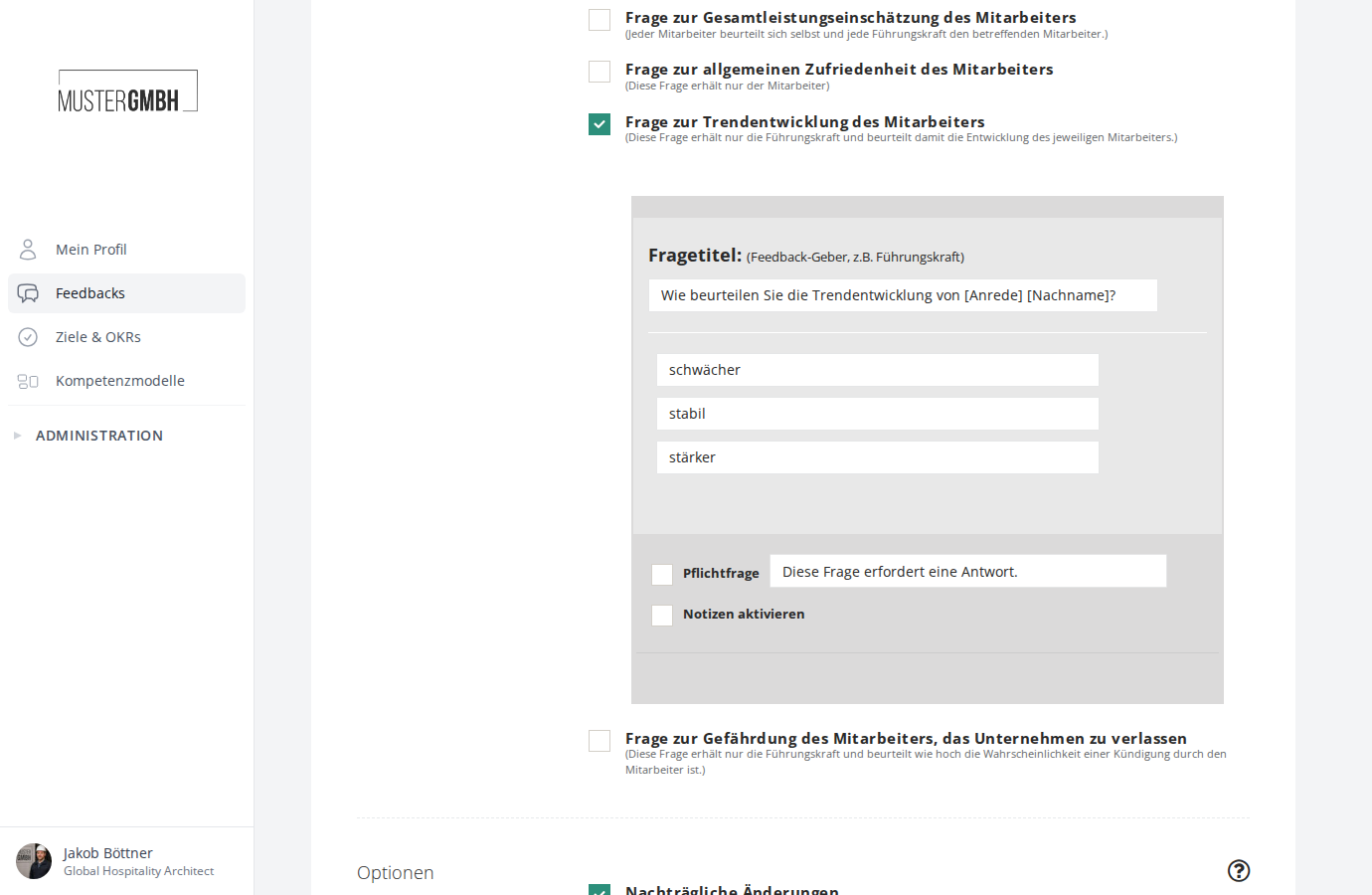
- If needed, decide whether the question should be required. To do so, tick the “Required question” checkbox and adjust the hint text.
- If you’d like to allow notes on this question, tick the “Enable notes” checkbox.
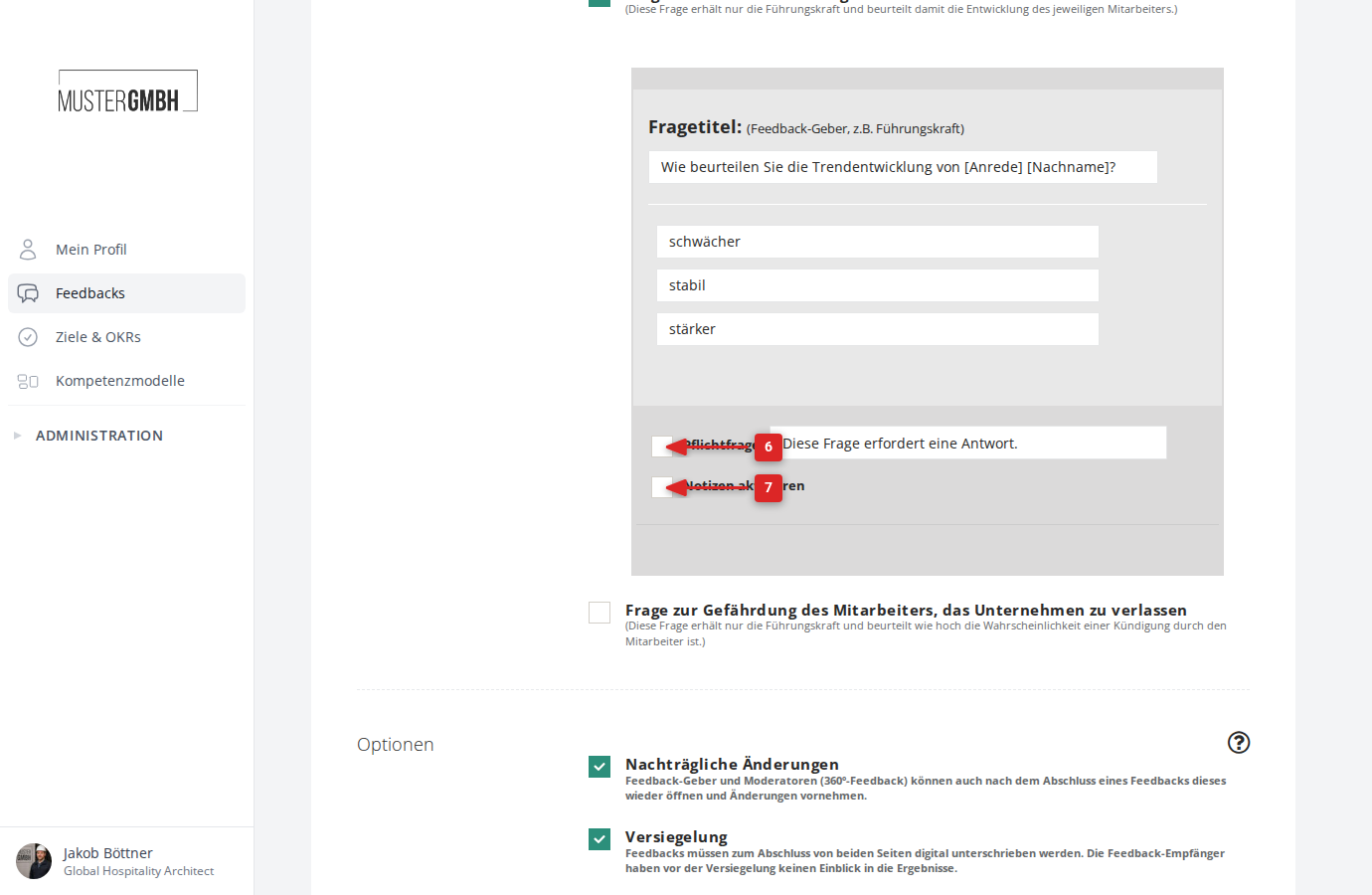
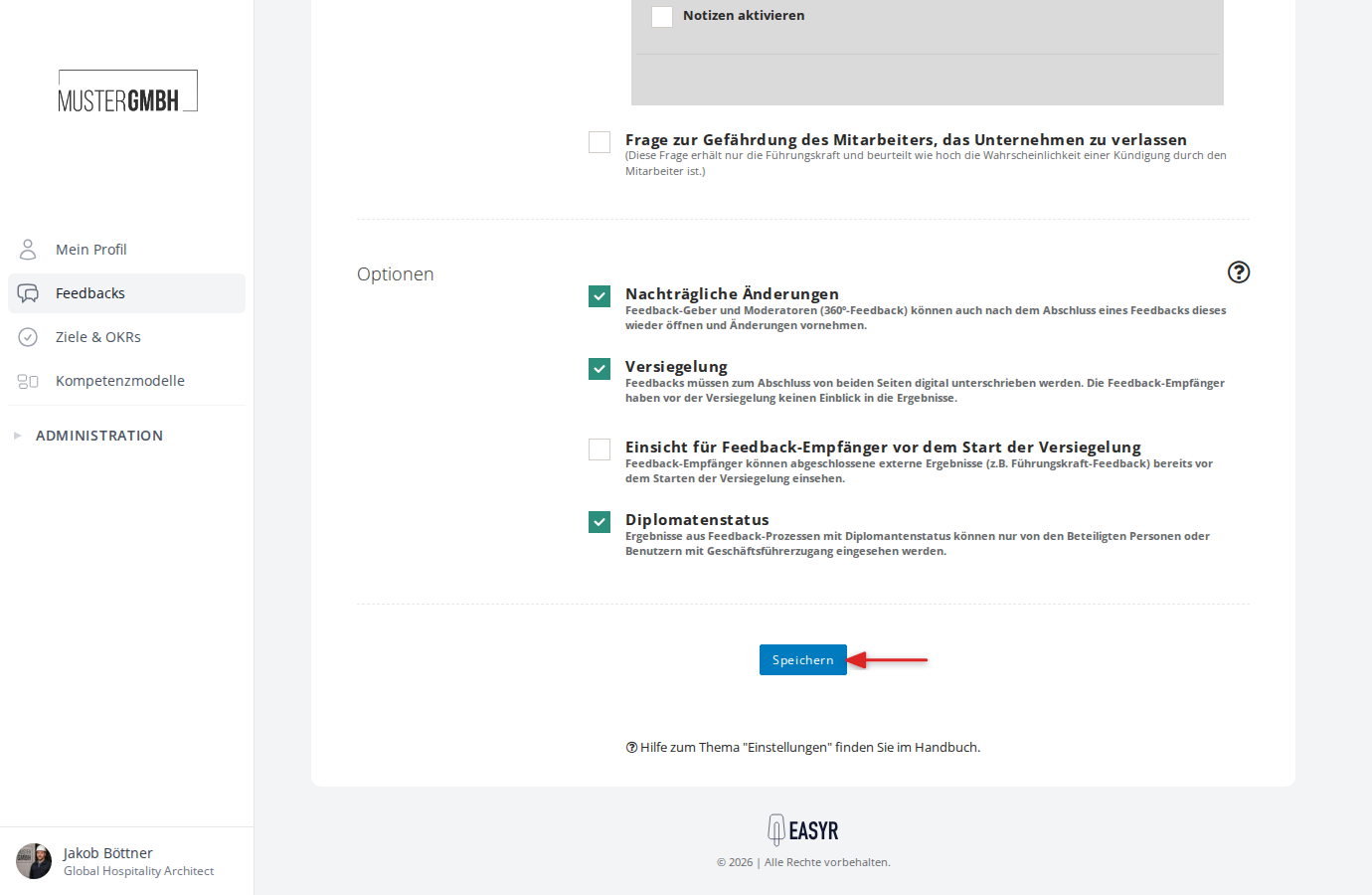
- Click “Save” at the bottom of the page.
- You can move the question to the right place in the questionnaire just like any other element.